Shaders: Realism 0.15.6/0.15.4/0.15.3
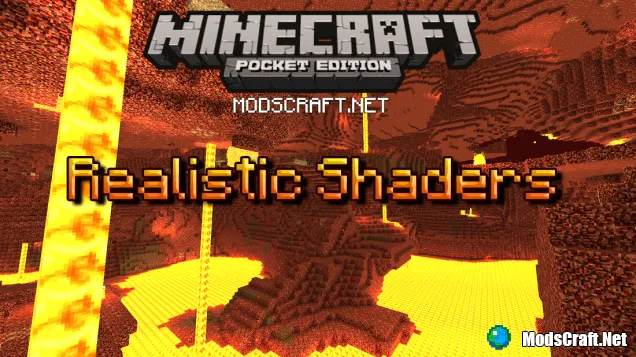
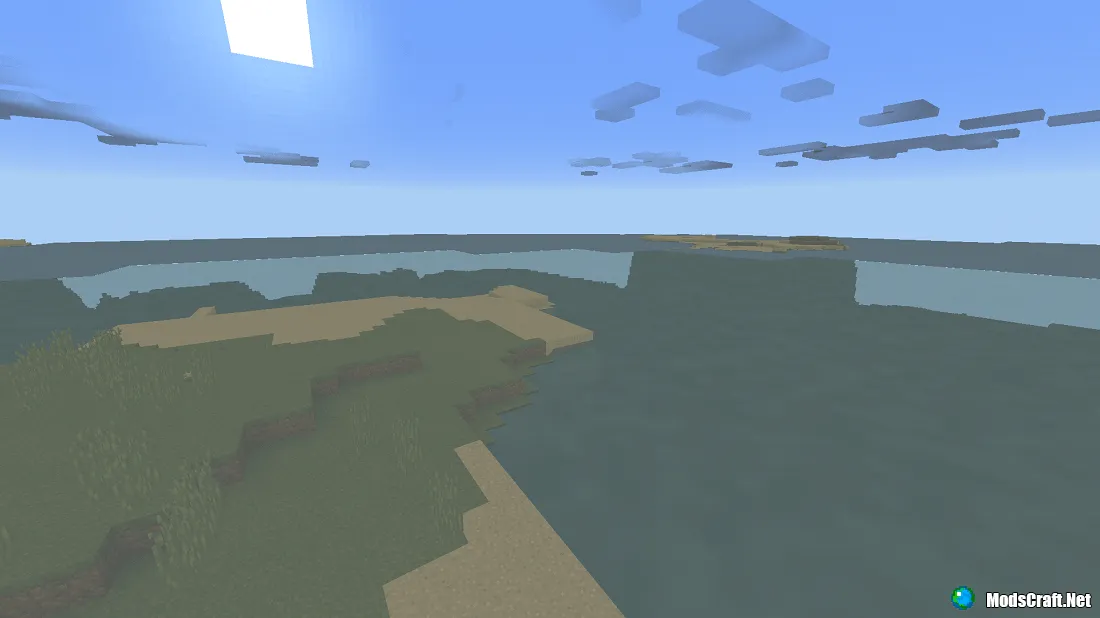
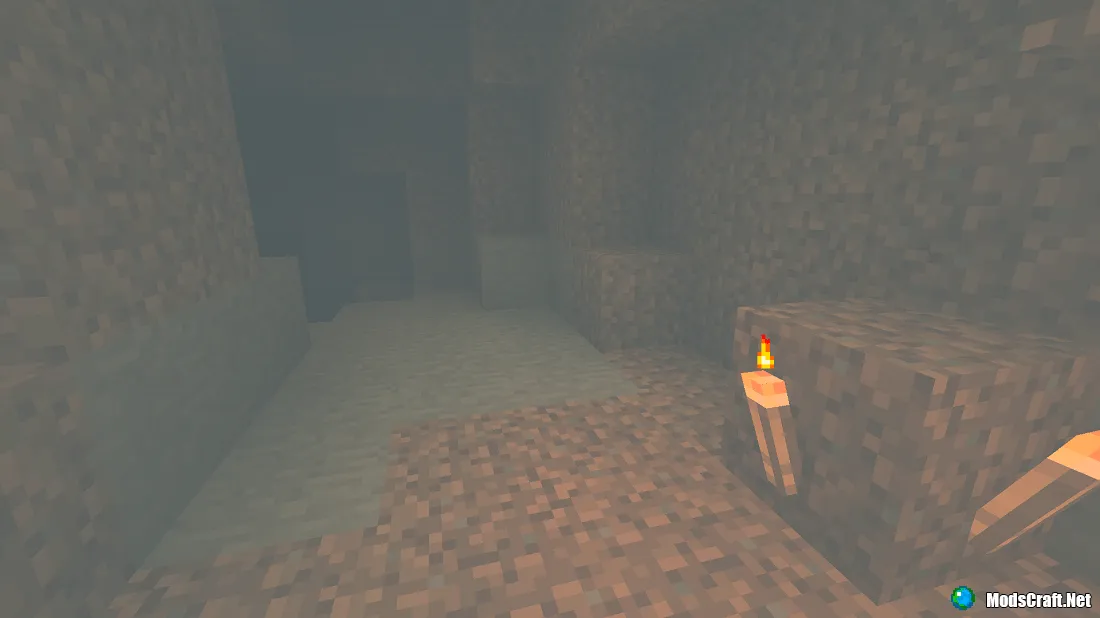
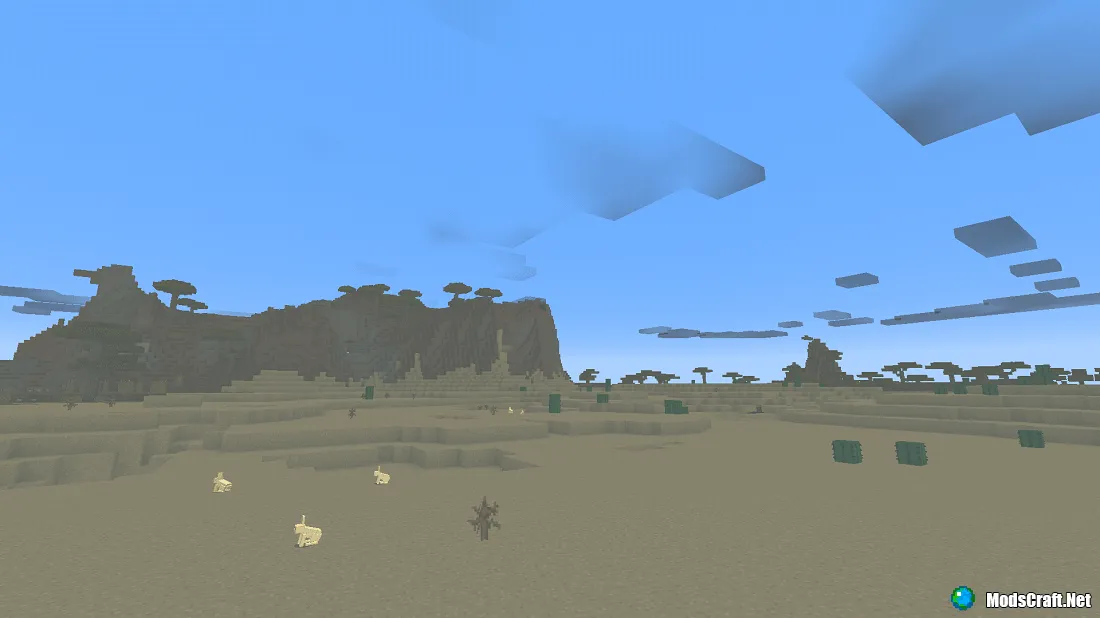
Realistic shaders will add an amazing fog to Minecraft PE, filling the game world with darker colors. The world in the game will become much gloomier, as it will be enveloped in thick fog that will even be present in caves. So stock up on torches before heading into any cave.
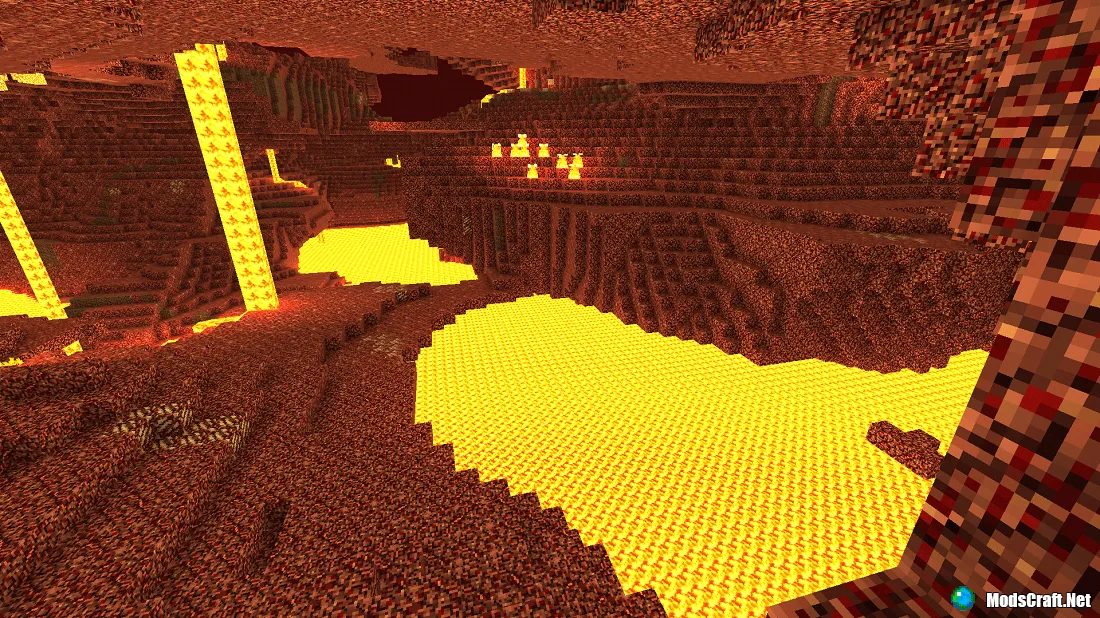
Things are quite different in the Nether. Thanks to the bright colors emitted by lava, the world in Hell will be much brighter and even more beautiful.
Installing Realistic shaders:
- Download the shaders.
- Open BlockLauncher.
- Tap the wrench icon.
- Open BL settings.
- Enable texture support.
- Open the Texture Pack section and tap +.
- Find the downloaded shaders in your file system and tap them to install.
- Shaders installed, enjoy the game!
Files
Files in a new tab
Download Realistic shader
Supported versions
Minimum required game versions to run
0.15.3
0.15.4
0.15.6
There are no comments, be the first!
Leave a comment, share your impression or ask a question.
Loading…
Loading…
Loading…
