Shaders: Night Vision 1.0/0.17.0
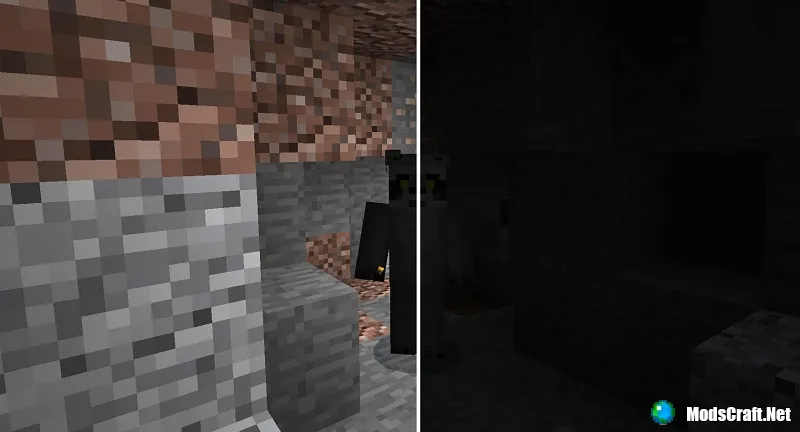
Thanks to the "Night Vision" shaders, you won't need torches in Minecraft PE anymore, because caves will no longer be dark! These are really useful shaders, especially if you often go down into mines.
How does it work?
Below you can see a screenshot with the shaders enabled in MCPE and disabled.
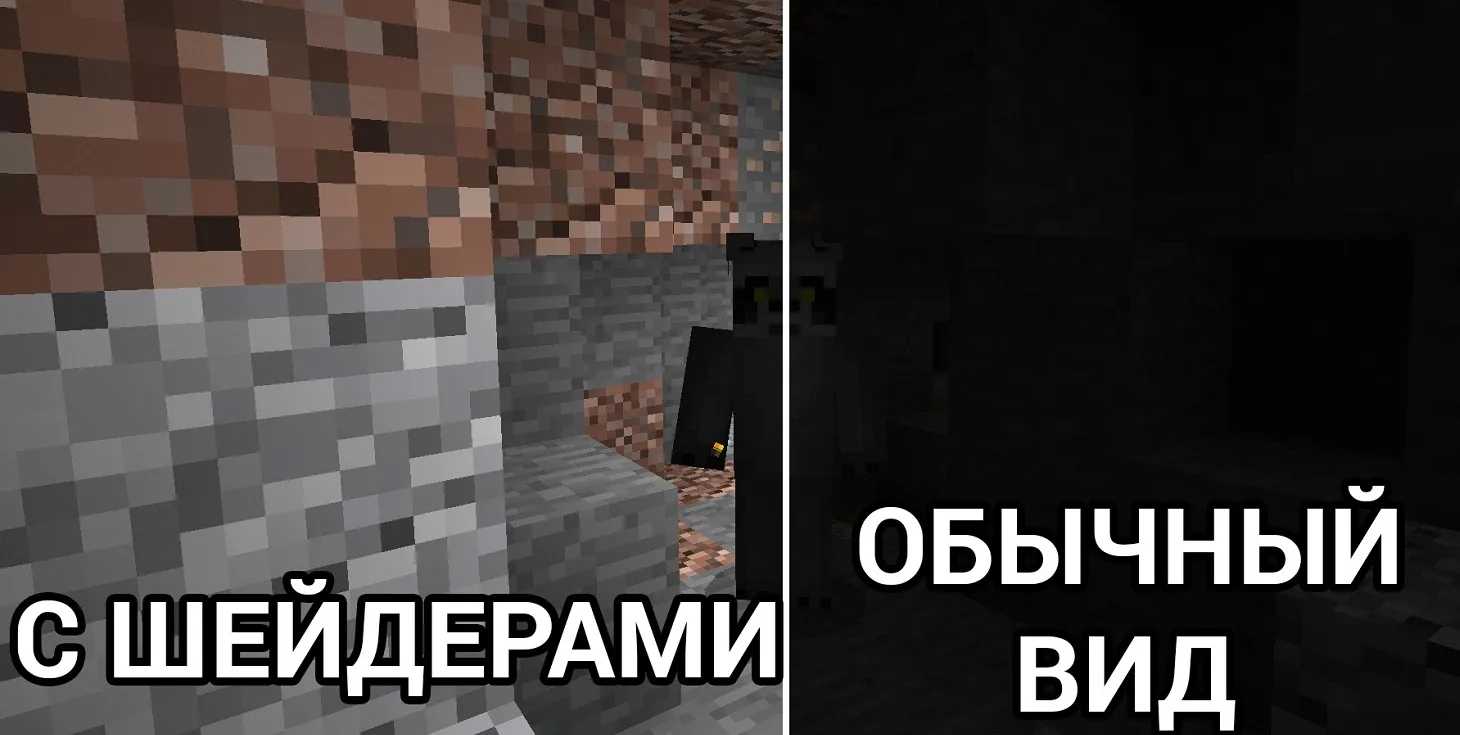
Night in the game will now look completely different. Everything will look exactly like daytime. However, the sky will still be dark.
I should note that mobs and players will still be dark during the night.

The shaders only work on Android and iOS! After installation, be sure to restart the game!
Installing Night Vision shaders (.mcpack):
- Download the .mcpack shader from the link below.
- Run the downloaded file so the game installs all components automatically.
- Open Minecraft PE and go to game settings.
- Select Global Resources.
- Find the shader and tap on it to activate.
- Restart MCPE.
- Shaders installed, enjoy the game!
Files
Files in a new tab
Download Night Vision shader (.mcpack)
19
comments
Comments in a new tab
Loading…
Loading…
Loading…
