Dripstone Caves and Sculk Sensors in Minecraft
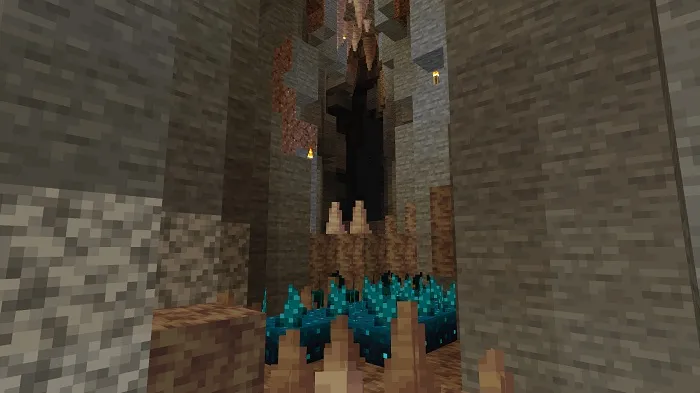
Yesterday, December 2nd, the developers of Minecraft: Java Edition published a new snapshot under the number 20w49a, which introduced the dripstone cave biome and sculk sensors!
It's worth noting right away that the new biome and sculk sensors do not generate naturally due to the limitations of the old cave generator.
What's new in Minecraft 1.17 snapshot 20w49a?
Dripstone Cave Biome
- Currently, this biome does not generate naturally; you can only access it by creating a world with the single biome set to dripstone caves.
- Contains many dripstone blocks with small water sources.
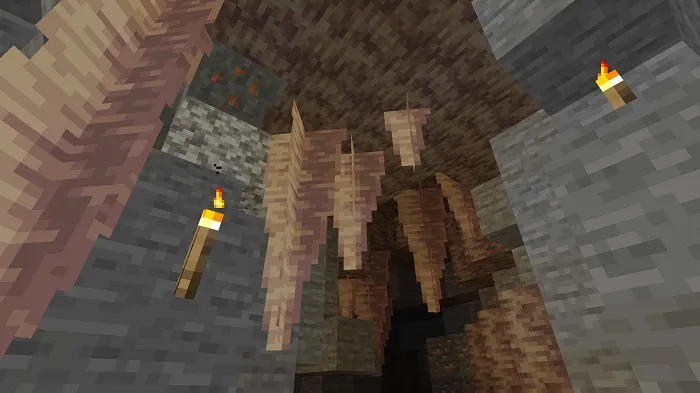
- In some places, you can find large stalactites, stalagmites, and columns made from dripstone blocks.
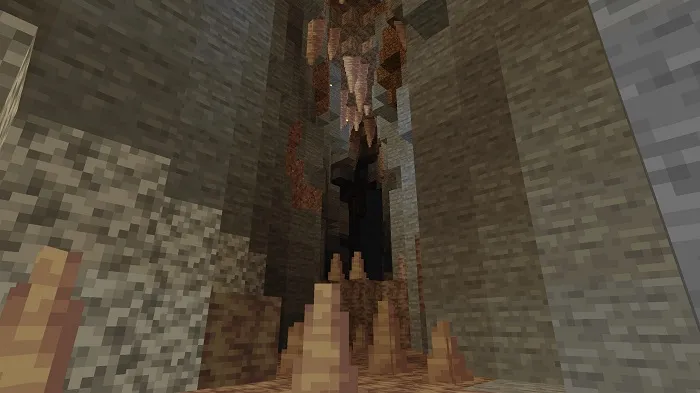
Stalagmites:

Stalactites:
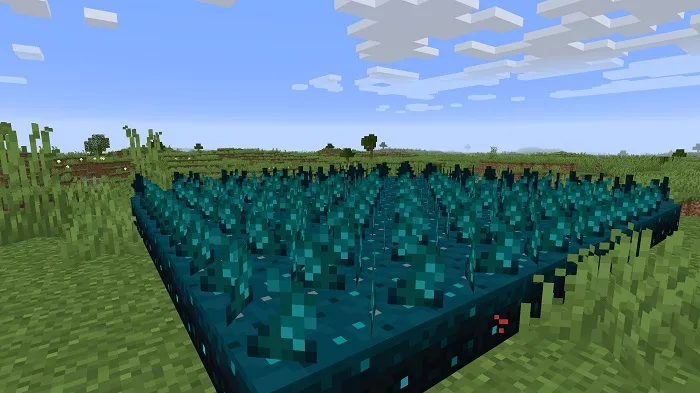
Sculk Sensors
- This new block might surprise you with its unique ability to detect vibrations.
- Vibration is anything that causes physical movement. If you are very careful, some movements will go unnoticed by the sensors.
- These movements include walking, falling, throwing items, and shooting projectiles.
- Sculk sensors will not react to vibrations created by other sculk sensors.
- When a vibration is detected, the signal travels from the source to the sensor at a speed of 1 game tick per block.
- Sculk sensors can detect vibrations within an 8-block radius around them.
- The effective tool for mining sculk sensors is a hoe.
- Sculk sensors can be placed underwater.
Redstone
- Sculk sensors emit a redstone signal when they detect a vibration.
- The strength of the redstone signal is inversely proportional to the distance the vibration traveled:
- This means the closer the vibration source, the stronger the redstone signal.
Vibration Frequencies
- Sculk sensors have a special interaction with comparators.
- Each vibration in the game falls under a specific frequency value, which can be measured using a comparator.
- This allows you to determine when a certain action occurs nearby.
Vibration type / frequency value:
- Step (1)
- Swing (2)
- Swimming (3)
- Elytra free fall (4)
- Hit the ground (5)
- Splash (6)
- Wolf shake (6)
- Projectile throw (7)
- Projectile land (8)
- Eating (7)
- Finish eating (8)
- Entity hit (9)
- Add item to armor stand (9)
- Block open (11)
- Block close (10)
- Block switch (11)
- Block unswitch (10)
- Block press (11)
- Block unpress (10)
- Block attach (11)
- Block detach (10)
- Container open (11)
- Container close (10)
- Dispenser fail (10)
- Flint and steel use (12)
- Block place (12)
- Block destroy (13)
- Fluid place (12)
- Fluid collect (13)
- Fishing rod use (15)
- Fishing rod reel in (14)
- Piston extend (15)
- Piston retract (14)
- Explosion (15)
- Lightning strike (15)
Wool and Sculk Sensors
- Wool has a special interaction with sculk sensors.
- If a wool block is in the path of a vibration source, the sensor will not detect it.
4
comments
Comments in a new tab
