Minecraft Achievements Screen Updated
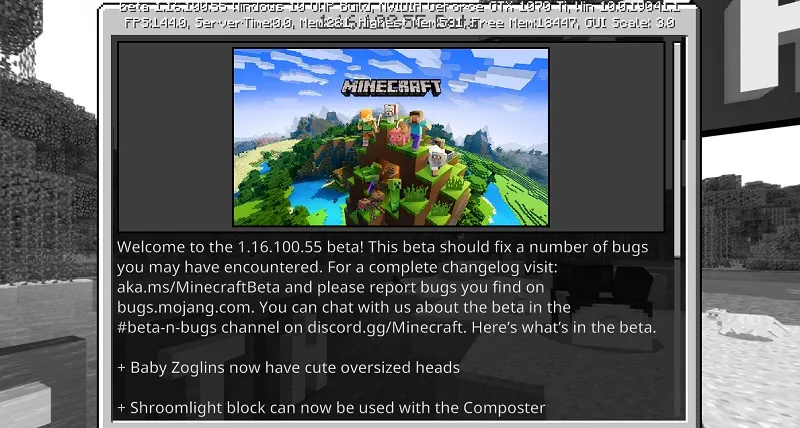
The new test version of Minecraft Bedrock (PE) Beta 1.16.100.55 brings not only more parity with Java Edition but also updates the achievements screen, making it more convenient!
In the updated achievement interface design, on the left side there is now a block with achievement progress status: percentage and number of unlocked achievements, achievements in progress, amount of unlocked content for the skin editor, player score, and time spent in game.
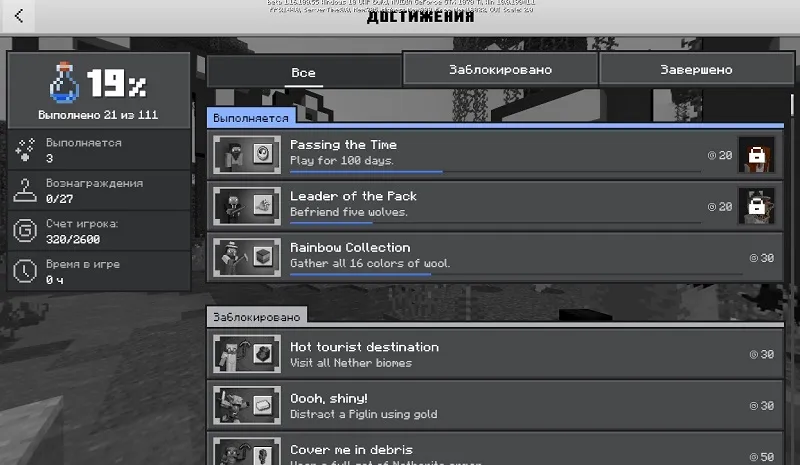
Many people were annoyed that it was impossible to find a list of locked and unlocked achievements? Rejoice, because the new interface fixes this problem by dividing the screen into three sections: all, locked, and completed achievements!
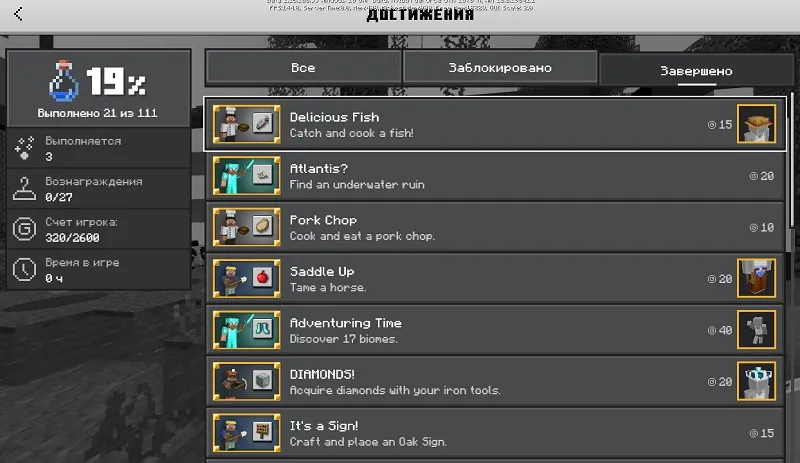
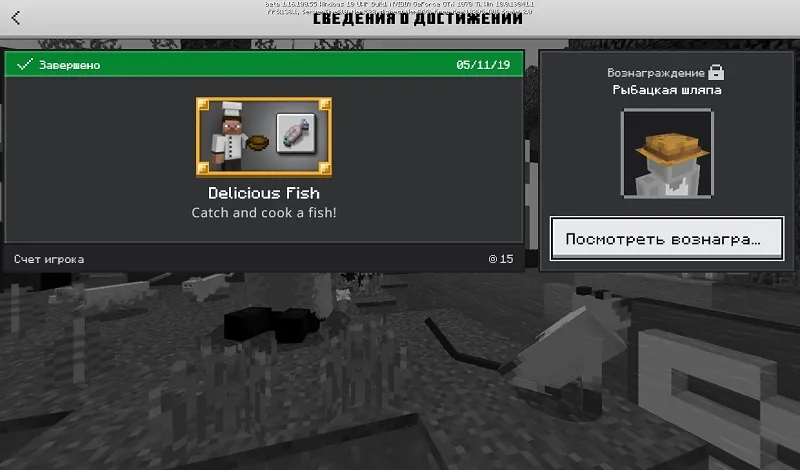
Each achievement can now be clicked to view more detailed information. In the window, you can see the status, unlock date, requirements to unlock, and the item that can be obtained upon completion.
Other changes in Beta 1.16.100.55:
- Parity with Java Edition
- Baby zoglins now have big cute heads.
- Shroomlights can now be used in a composter
- Crimson and warped fungi can now be placed on mycelium blocks
- Fixed a bug where observers after
- Banner patterns can now be crafted from an Enchanted Golden Apple
- All expected items and blocks from the "Nether Update" can now be used in a composter (fungi, vines, etc.)
- Main
- Portal blocks placed using '/setblock' or '/fill' commands that are not part of a valid portal structure will exist for only 1 second before being removed.
- Foxes no longer take fall damage when falling onto berry bushes.
- The text and background for the '/title' command (title, subtitle, and actionbar) have been adjusted and separated.
- The wardrobe now shows cached Character Creator items if there is no internet connection.
- 24-bit PNG images without an alpha channel are no longer accepted as valid custom skins.
- Gameplay
- Boots with Soul Speed enchantment no longer get stuck on mobs or players after breaking.
- Hoglins now keep their equipment after zombification.
- User Interface
- The smithing table screen now includes a hammer icon, and UI elements display correctly when using the "Pocket" interface.
Did you like the new update? Share your thoughts in the comments!

