Map: LuckyBlocksRace [Minigame]
![Map: LuckyBlocksRace [Minigame]](https://img.modscraft.net/uploads/posts/2018-03/1520927597_lucky-block-race-2.webp)
The «LuckyBlocksRace» map is designed for competitive multiplayer games with friends in Minecraft: Bedrock Edition. On the map, there is an exciting minigame called Lucky Blocks. The essence of the game is that each player moves along their own path and breaks blocks. If you're lucky, valuable items may drop from the lucky blocks, but in most cases, something terrible will happen.
How to play?
This minigame is suitable for 2-4 players. Each player stands on a small platform (3 × 3 blocks), then a countdown from 10 begins (the map is not automated for this, so you'll have to do it yourself).
Each player must break all blocks in their path before moving further along the track.
![Map: LuckyBlocksRace [Minigame]](https://img.modscraft.net/uploads/posts/2018-03/1520927648_lucky-block-race-3.webp)
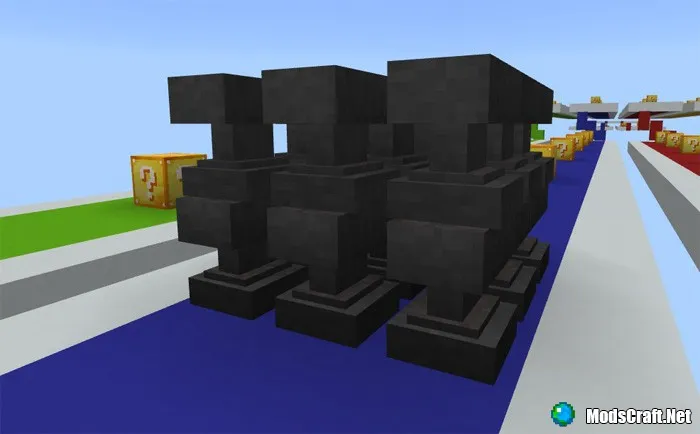
Remember that you cannot enter another player's path, and you must use blocks from your inventory to repair your own path.
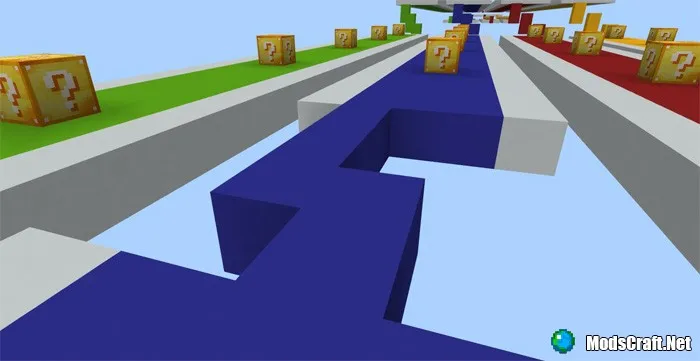
Using the button in the lobby, you can reset the map and start over!
Installing the LuckyBlocksRace map (.mcworld):
- Download the .mcworld map file from the link below.
- Simply open the file and the game will install everything automatically.
- Launch Minecraft and find the map in the world list.
- Start the map and enjoy!
Installing the LuckyBlocksRace map (.zip):
- Download the .mcworld map file from the link below.
- Extract the map archive into /games/com.mojang/minecraftpe/Worlds/.
- The map is installed, have fun!
