Map: Find The Button [Puzzle]
![Map: Find The Button [Puzzle]](https://img.modscraft.net/uploads/posts/2016-11/1479925435_find-the-button.webp)
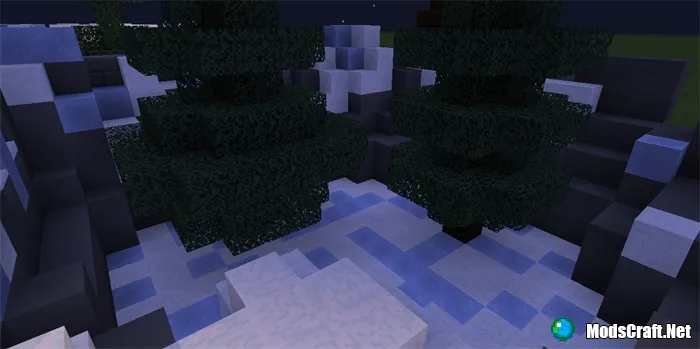
The goal of the "Find The Button" map is to search for buttons on each level and press them to advance to the next level. The map consists of only six levels, but their difficulty will gradually increase.
How to Play?
On each level, you'll have to find buttons. Sometimes they will be in a chest, and sometimes they will already be placed in the world and you just need to press them.
![Map: Find The Button [Puzzle]](https://img.modscraft.net/uploads/posts/2016-11/1479924931_find-the-button-2.webp)
Installing the Find The Button Map (.mcworld):
- Download the .mcworld map file from the link below.
- Simply open the file (via ES File Explorer on Android) and the game will install all necessary files automatically.
- Launch Minecraft Pocket Edition and find the map in the world list.
- Start the map and enjoy playing through it!
Installing the Find The Button Map (.zip)
- Download the map archive from the link below.
- Extract the map from the archive to /games/com.mojang/MinecraftWorlds/.
- Launch Minecraft Pocket Edition and find the map in the world list.
- Start the map and enjoy playing through it!
Files
Files in a new tab
Download Find The Button map (.mcpack)
Download Find The Button map (.zip)
1
comment
Comments in a new tab
Loading…
Loading…
Loading…
