Map: Find The Items: Generated Structures [Mini-game]
![Map: Find The Items: Generated Structures [Mini-game]](https://img.modscraft.net/uploads/posts/2017-07/1498998064_find-the-items-3.webp)
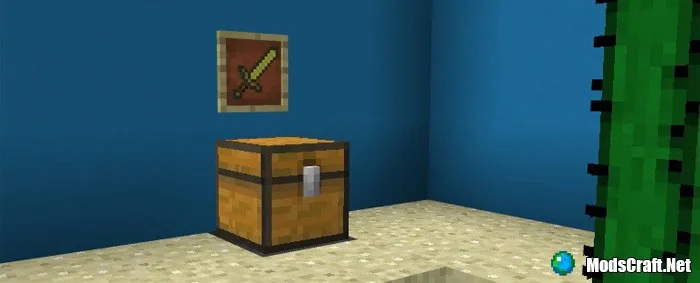
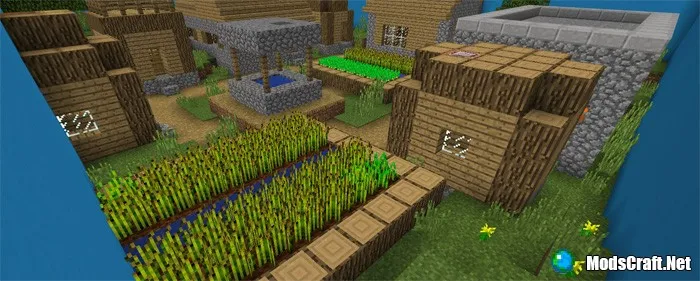
«Find The Items: Generated Structures» is a new fun mini-game in the style of «Find the Button» for Minecraft PE. Each level has a structure that belongs to a specific biome in Minecraft. In this mini-game you need to find items that are hidden in chests and shulker boxes. And after finding all the items, you will get access to the next level!
How to play?
You can play the map either alone or with your friends in multiplayer.
On each level you need to find a certain number of items.
Place the found items in the chest. After finding all items, you will get access to the next level!
Rules
- Game mode: Adventure
- Difficulty: Peaceful
- Do not break blocks
How to install the Find The Items map (.mcworld):
- Download the .mcworld map file from the link below.
- Simply open the file (via ES File Explorer on Android) and the game will install all necessary files automatically.
- Launch Minecraft PE and find the map in the world list.
- Start the map and enjoy playing it!
Files
Files in a new tab
Download Find The Items map (.mcworld)
4
comments
Comments in a new tab
Loading…
Loading…
Loading…
