Map: De_Dust (CS:GO) 1.0.5+ [PvP]
![Map: De_Dust (CS:GO) 1.0.5+ [PvP]](https://img.modscraft.net/uploads/posts/2017-05/1494446933_de-dust-competitive.webp)
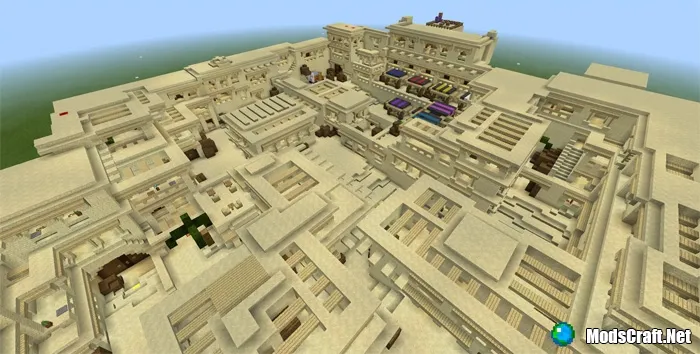
If you are familiar with Counter Strike: Global Offensive or have played it, you will definitely enjoy the De_Dust map for Minecraft PE. Since this is primarily a PvP map, we recommend playing it with friends, splitting into teams.
How to start playing?
Choose a team, then go through the (waterfall) portal to teleport to spawn. There you can start a fight or enter the shop.
![Map: De_Dust (CS:GO) 1.0.5+ [PvP]](https://img.modscraft.net/uploads/posts/2017-03/1489778338_de-dust-competitive-6.webp)
Currently, only a bow and golden apple are available in the shop, but I hope this will be improved in the future.
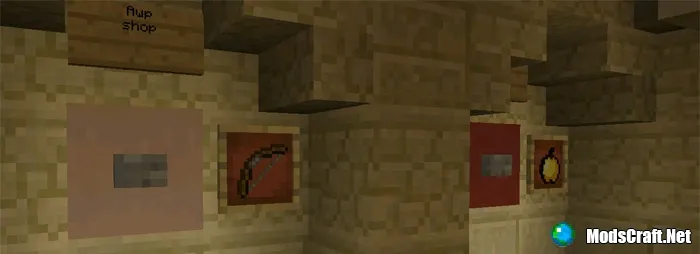
Before starting a fight, you can practice at the shooting range!
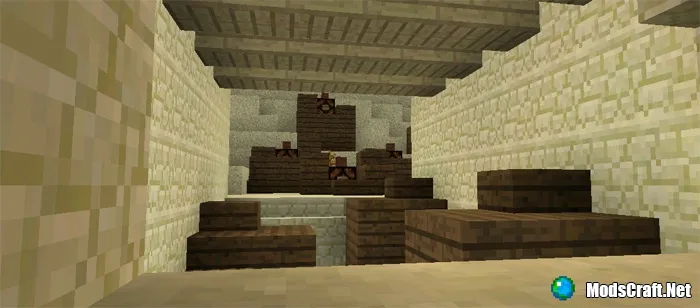
Once all players are ready, press the Play button to teleport to the arena. Start the countdown before the battle!
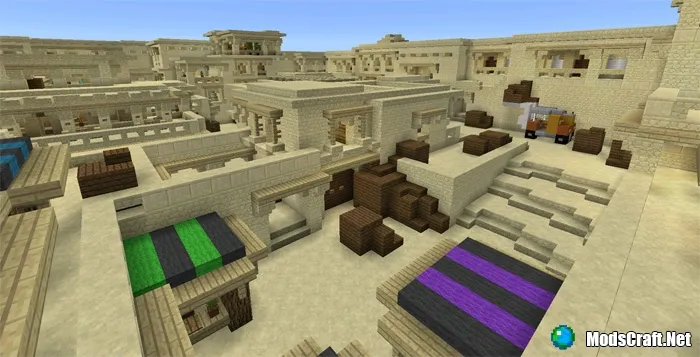
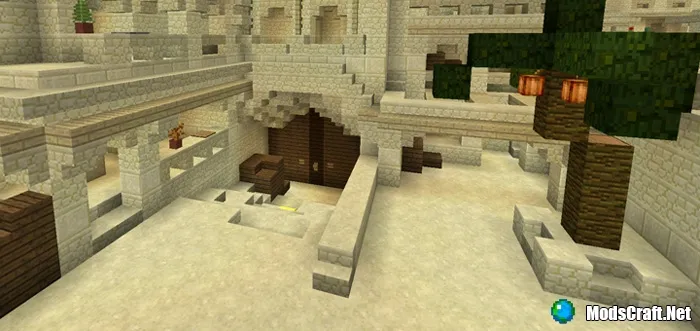
The map is really beautiful, and if you have ever played CS:GO, you will likely recognize all the locations.
Installing De_Dust map (.mcworld):
- Download the .mcworld map file from the link below.
- Simply open the file (via ES File Explorer on Android) and the game will install all necessary files automatically.
- Launch Minecraft PE and find the map in the worlds list.
- Start the map and enjoy playing!
Installing De_Dust map (.zip)
- Download the map archive from the link below.
- Extract the map from the archive to /games/com.mojang/MinecraftWorlds/.
- Launch Minecraft PE and find the map in the worlds list.
- Start the map and enjoy playing!
