Can't Connect to Minecraft Server
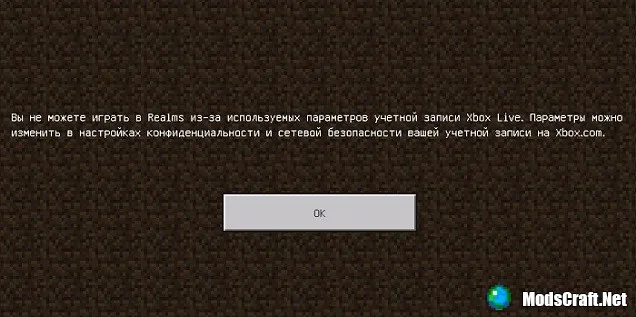
Very often on the site there are questions like - I can't play or join a server, I get the error "You can't play in Realms due to the used Xbox Live account settings...", what should I do?. That's why I created this guide.
This error occurs in the following cases:
- If you are a minor and/or this application has an age restriction.
- If the Microsoft account of an adult lacks some data, such as date of birth/country/region, or you entered a date of birth (under 21 years old).
To fix this error, you need to log into your personal account on the website https://account.live.com. In your personal account, you need to select Edit personal info and edit your date of birth there (set an age of at least 21 years!).
Don't forget to specify the region and administrative district.
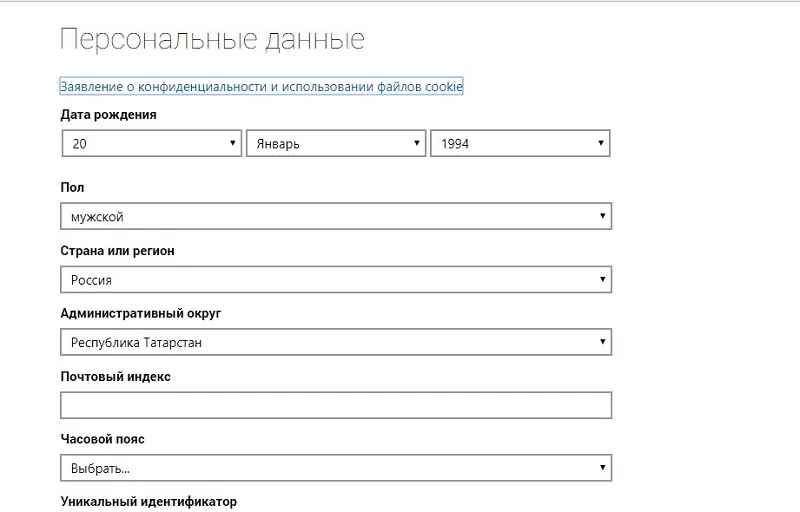
After that, click save. Keep in mind that the data may not update immediately, but within a few hours and up to 72 hours.
135
comments
Comments in a new tab
