How to install mods on Minecraft PE?
The latest versions of Minecraft keep adding lots of new and exciting content, but what if you want to expand the game even further? For example, adding new bosses, decorating your house with furniture, or taming new pets? That’s where mods and addons come in!
Video: How to Install Mods on Minecraft PE
Step-by-Step Guide: Installing Mods on Minecraft PE
- Download the mod file.
- Find it in your downloads and tap/click on it.
- On Windows, you might need to right-click → Open with → Minecraft.
- On Android, you might need to tap Share → select Minecraft.
- The game will launch automatically and begin importing the mod.

- Go to edit your world, or create a new one.
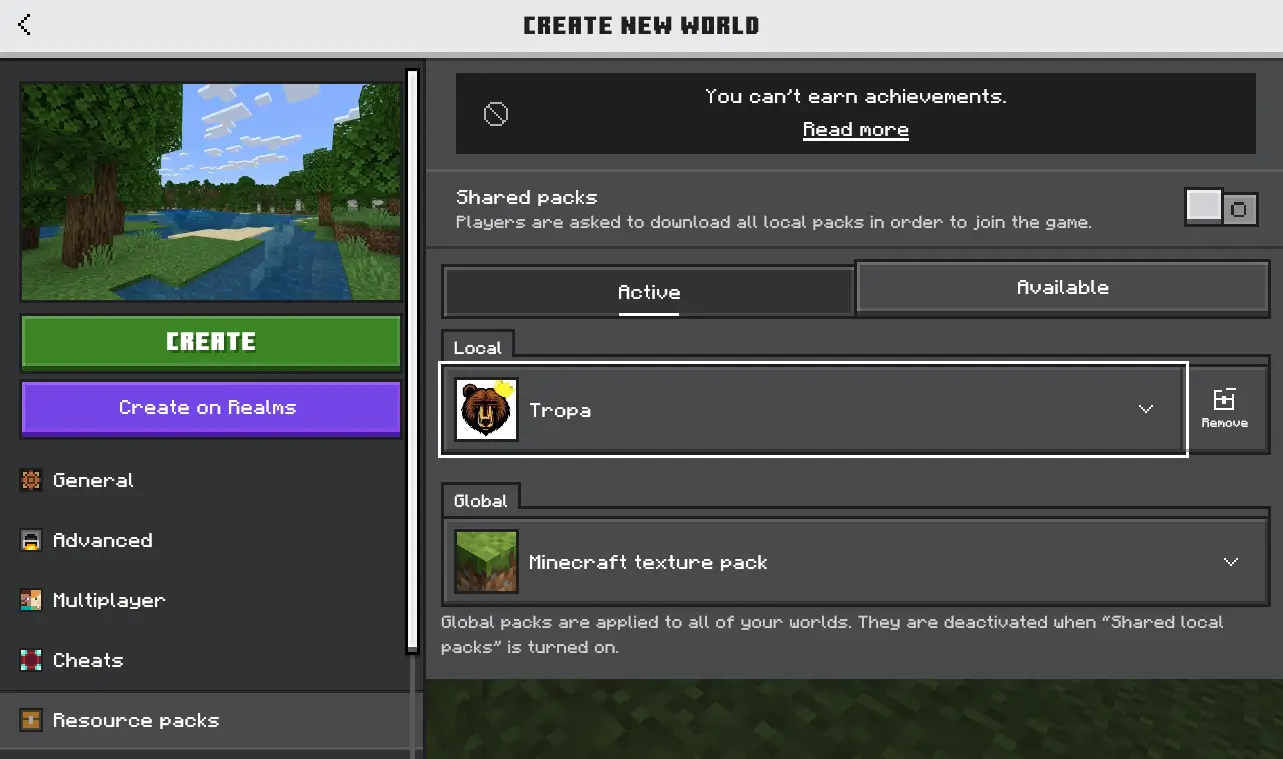
- In the Resource Packs tab → Available, find the installed addon and activate it.
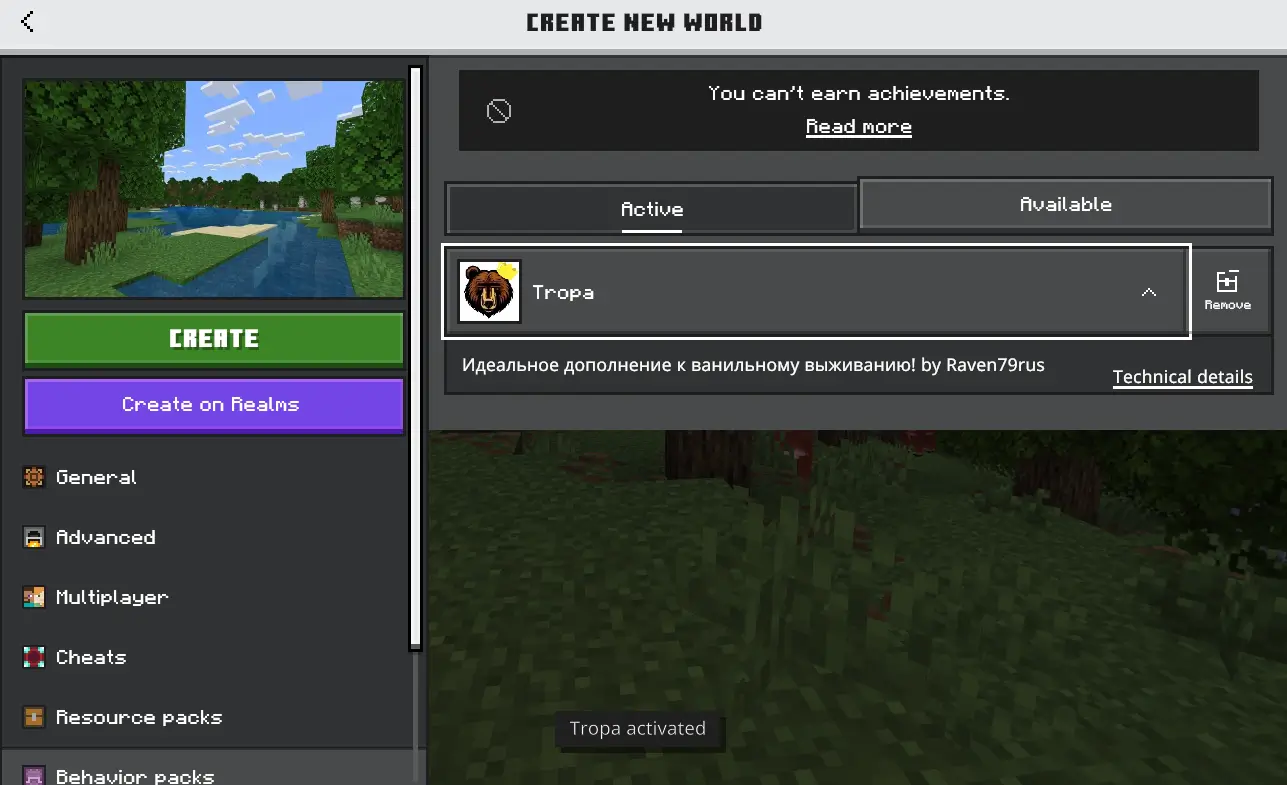
- If the addon uses resource packs, make sure it’s also installed and activated.
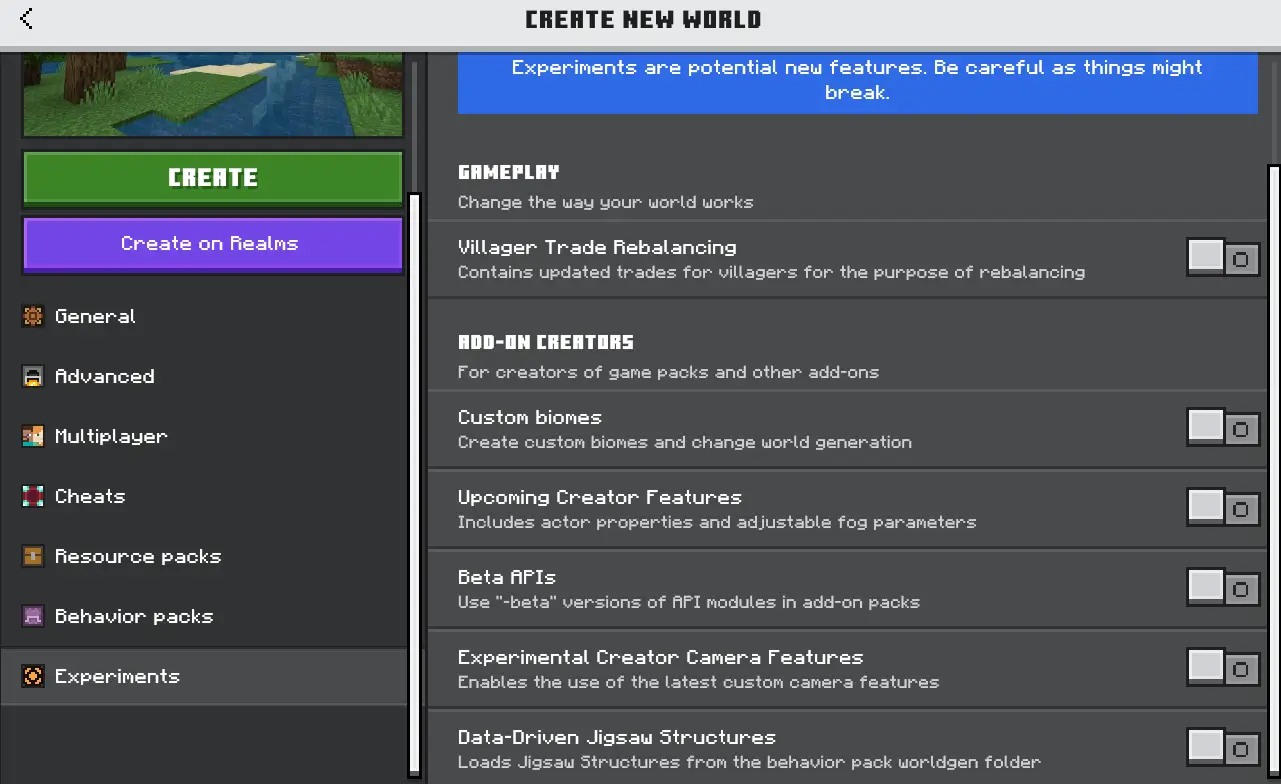
- If needed, enable experimental features.
- Done!
How to Install Mods with the .mcpack extension
- Download a mod with the .mcpack extension to your device.
- If Minecraft is already installed, find the mod file and run it.
- The game will start automatically and begin importing the addon.
- After all parts of the mod are imported, go to your world editor and activate the mod in the Resource Packs or Behavior Packs section. Note: There may be several files.
- If the mod requires experimental features, be sure to enable them.
- Once everything is activated, you can launch your world and enjoy your new mod!
How to Install Mods with the .mcaddon extension
- Download a mod with the .mcaddon extension to your device.
- If you already have Minecraft installed, find the mod and run it.
- The game will launch and start importing.
- After all parts of the mod are imported, go to your world editor and activate every part of the mod in both Resource Packs and Behavior Packs. If necessary, enable the required experimental features.
- Now you can launch your world and enjoy your new addon!
How to Download Mods for Minecraft?
On our website, ModsCraft.Net, in the Mods section, you’ll find a huge collection of awesome mods for the game, updated regularly. Downloading mods is super easy: just scroll down the mod page and look for the download button.
There are also other popular and trusted sources you can use:
- https://mcpedl.com/
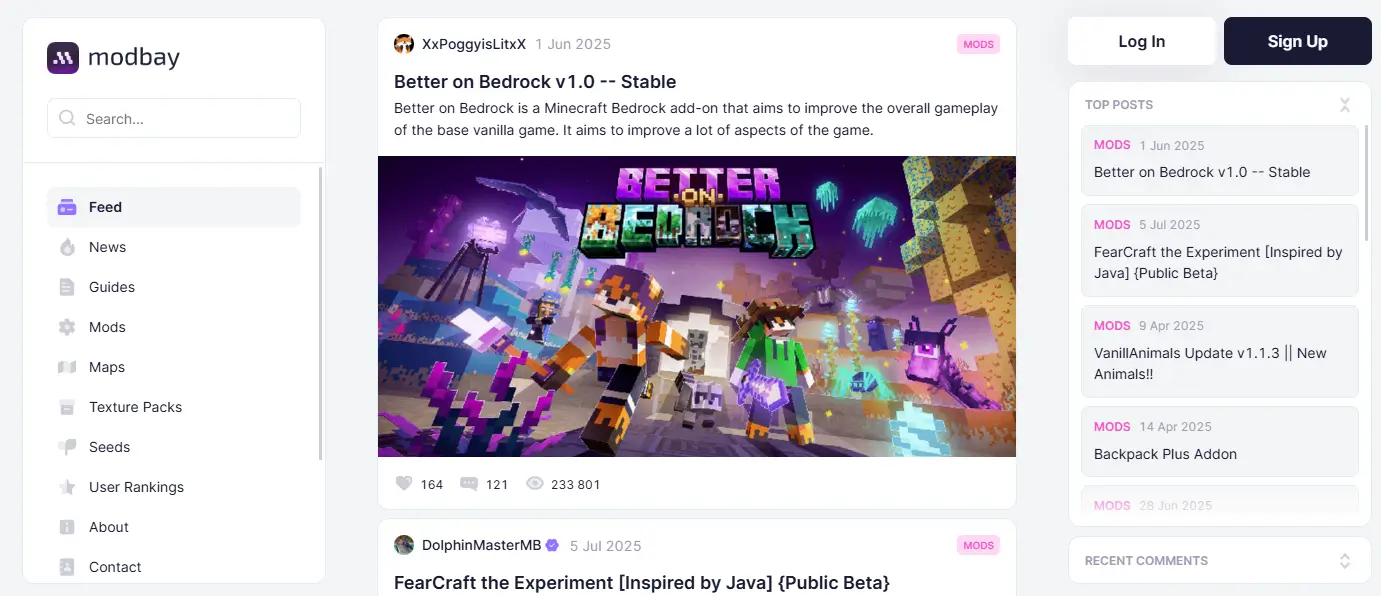
- https://modbay.org/
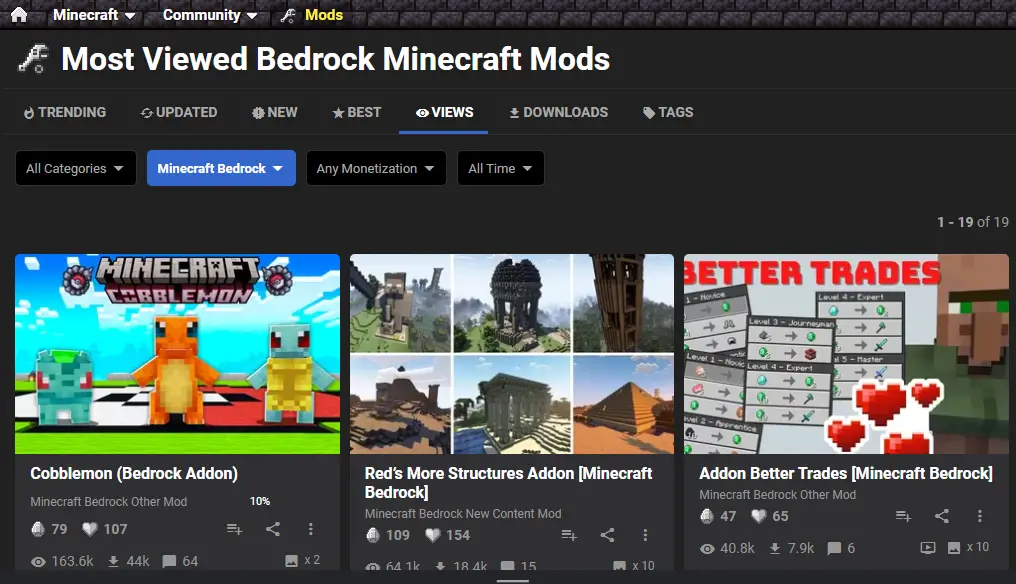
- https://www.planetminecraft.com/
- https://www.curseforge.com/minecraft-bedrock
Enjoy all the new features after launching Minecraft with your mods activated!
345
comments
Comments in a new tab
