Convenient Controls in Minecraft PE

This guide is intended for players who have just downloaded and installed the game Minecraft PE on their mobile device Android or iOS and found that the controls are uncomfortable. Here we describe how to make the controls in the game more convenient!
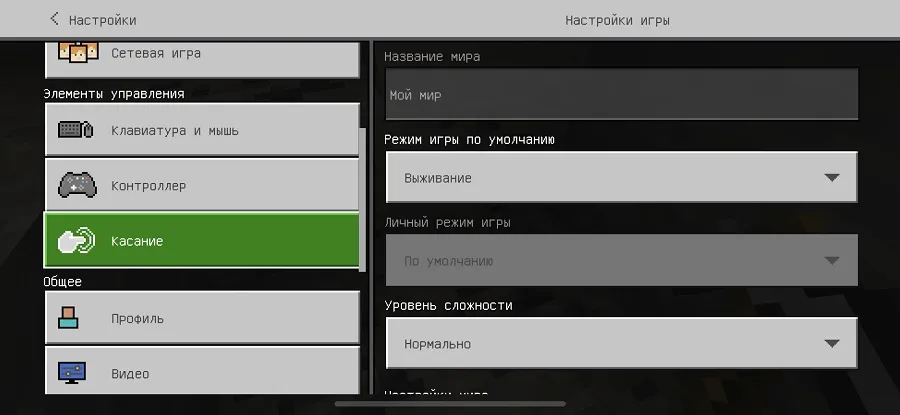
So, go to the game's Settings from the main menu or pause screen.
Find the Touch section and open it.
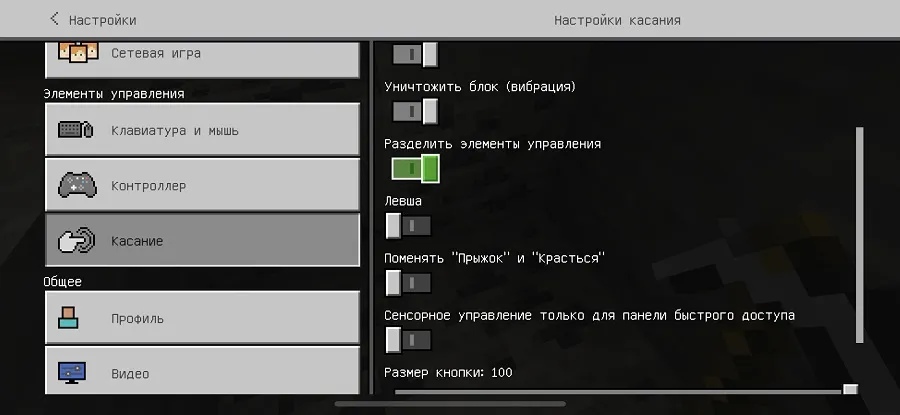
In this section, you need to find the option Split Controls and enable it.
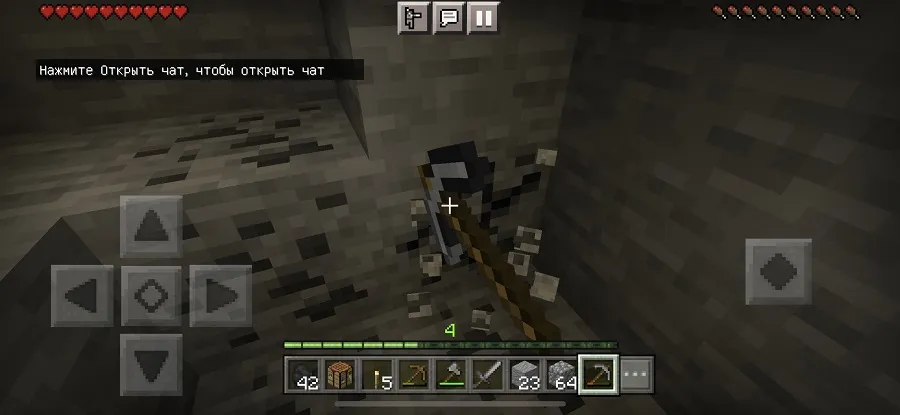
Now a small crosshair will appear in the center of the game, and you can break blocks, attack entities, open chests, etc. by tapping anywhere, which is much more convenient than trying to tap on the object.
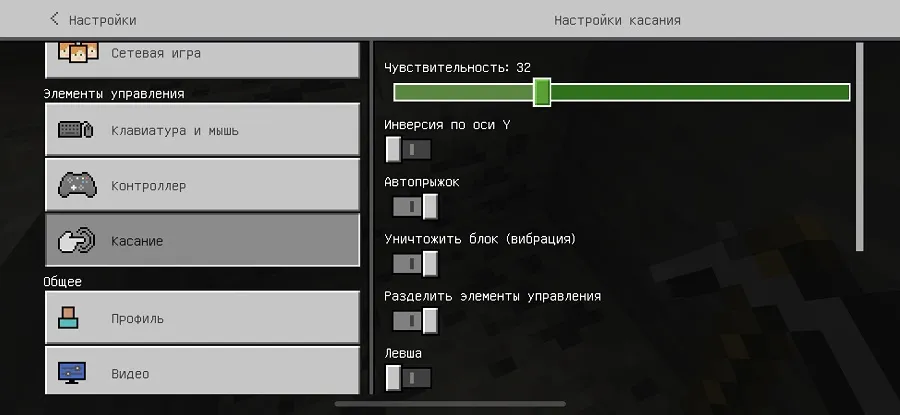
We also recommend adjusting the Sensitivity option to make the controls less jerky on the mobile device screen.
37
comments
Comments in a new tab
