How to Enable Experimental Mode in Minecraft?
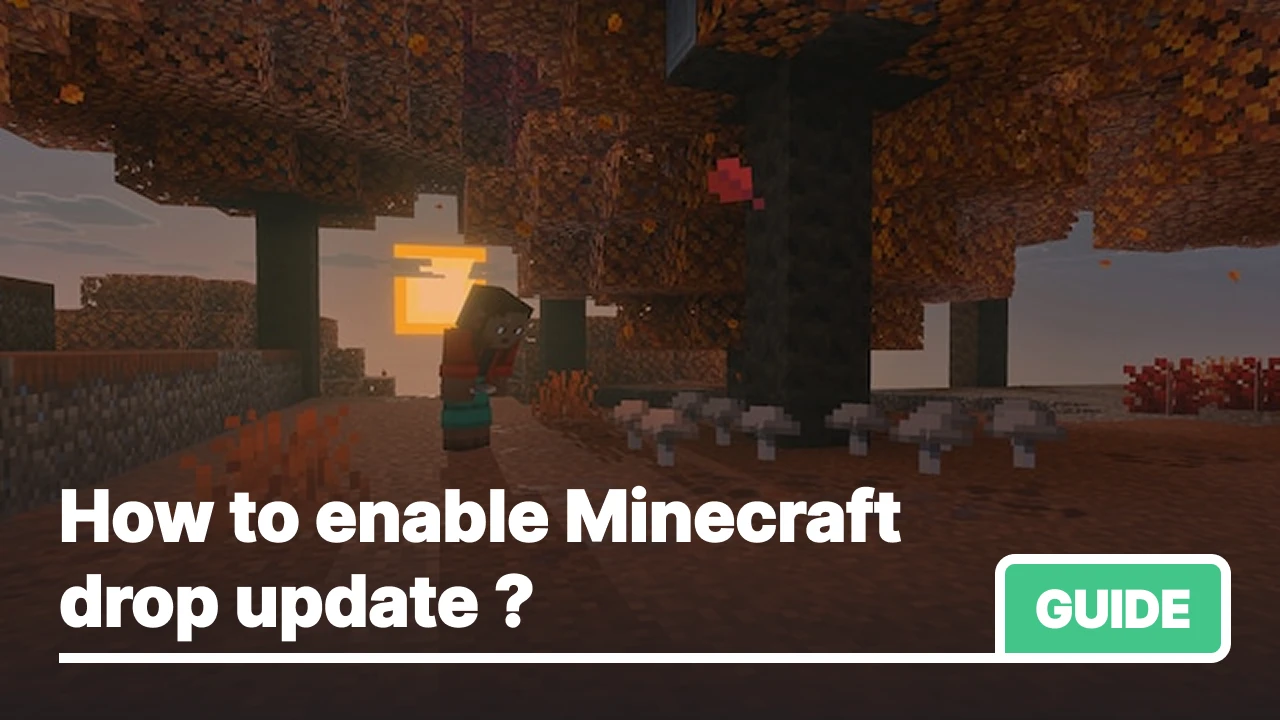
Mojang adds new features to the game gradually, first you can try them in a special Experimental Mode, and only then they roll out to everyone. In this article, we'll show you how to enable experiments for the Chaos Cubed drop.
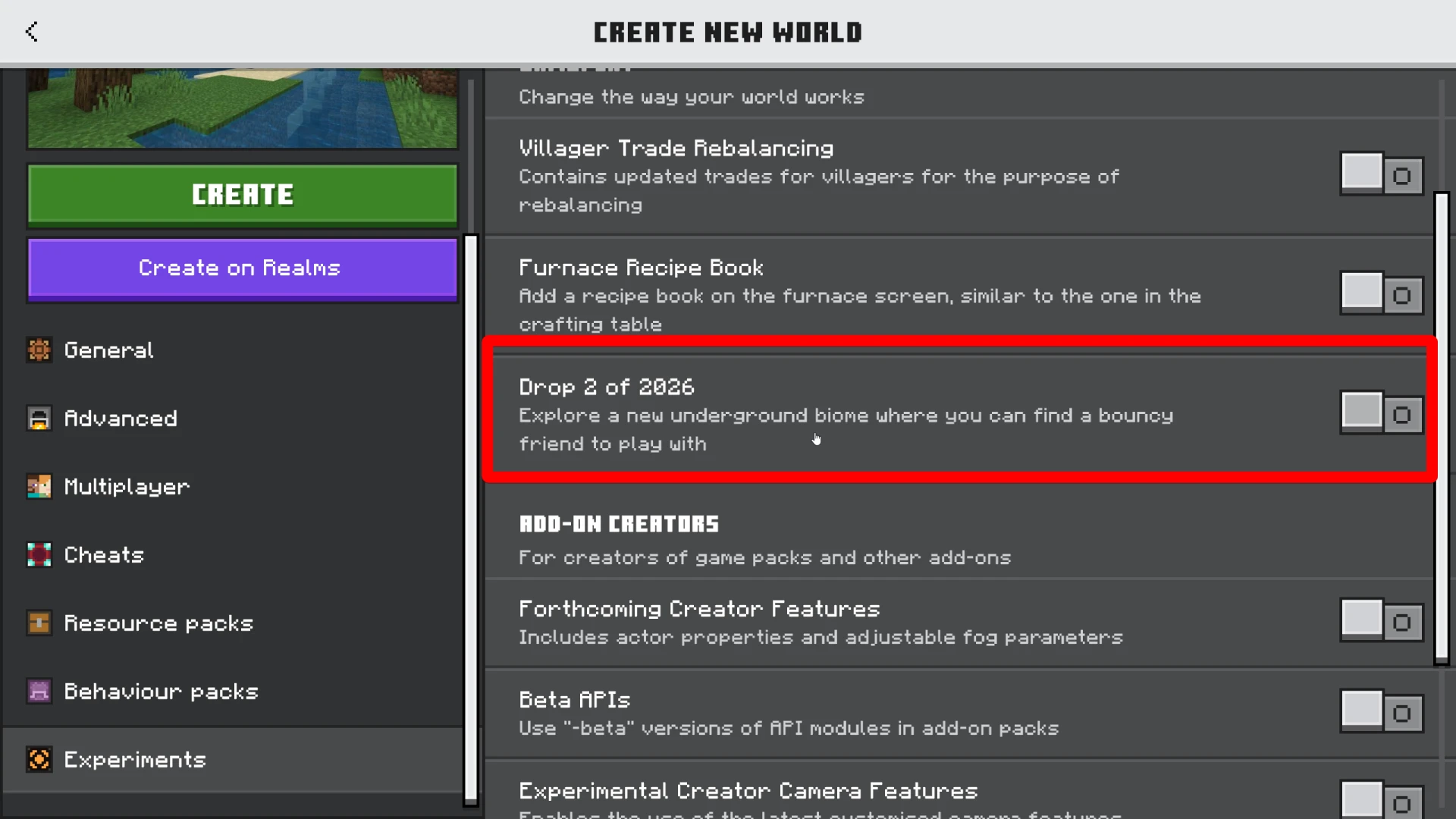
For the Chaos Cubed drop, the toggle is called "Drop 2 of 2026."
How to Enable on the New Interface
If you have the latest version of the game with the updated menu:
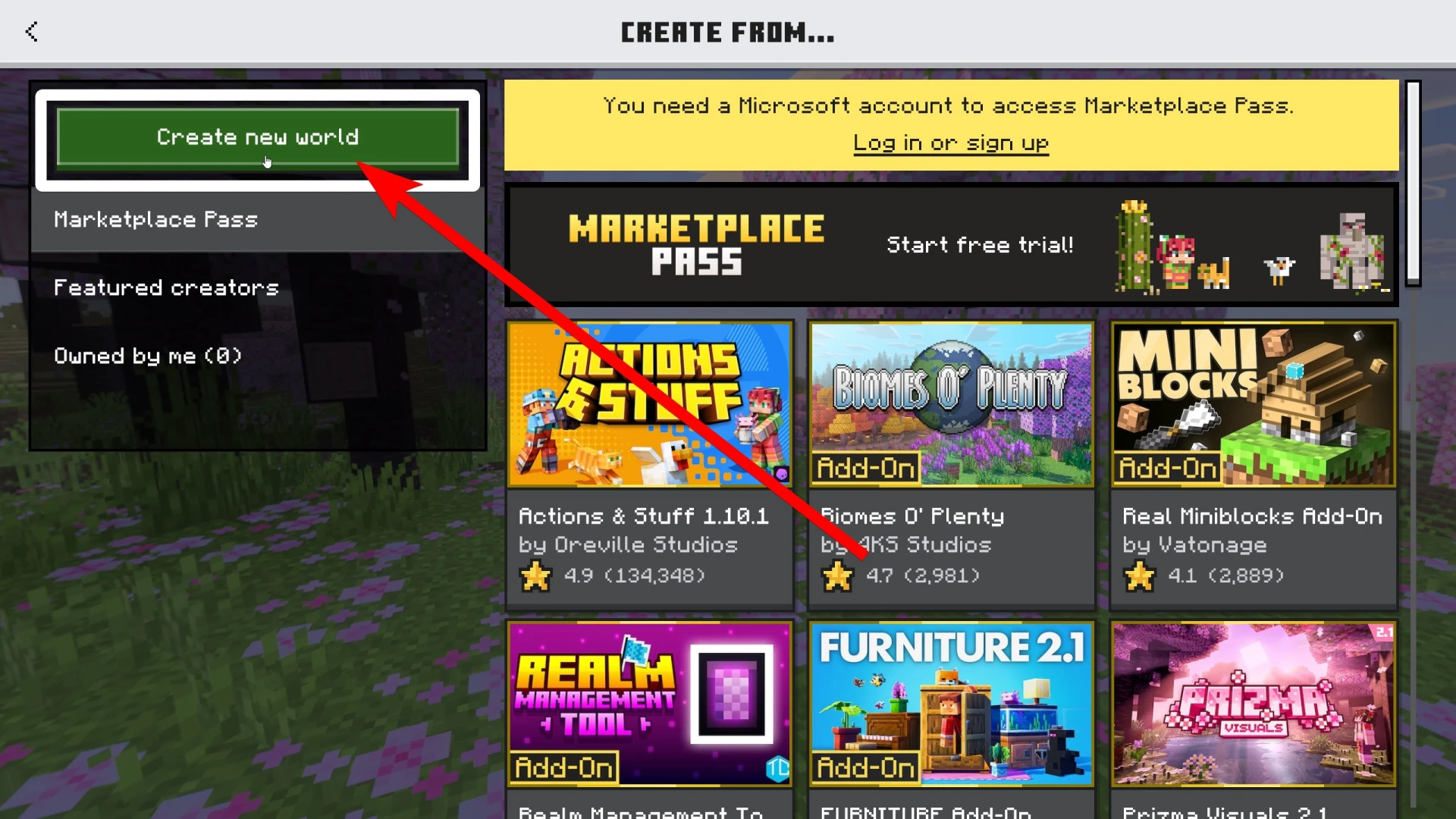
- Open Minecraft and tap "Create New World."
- If you want to add experiments to an existing world, tap the pencil icon next to it in the world list.
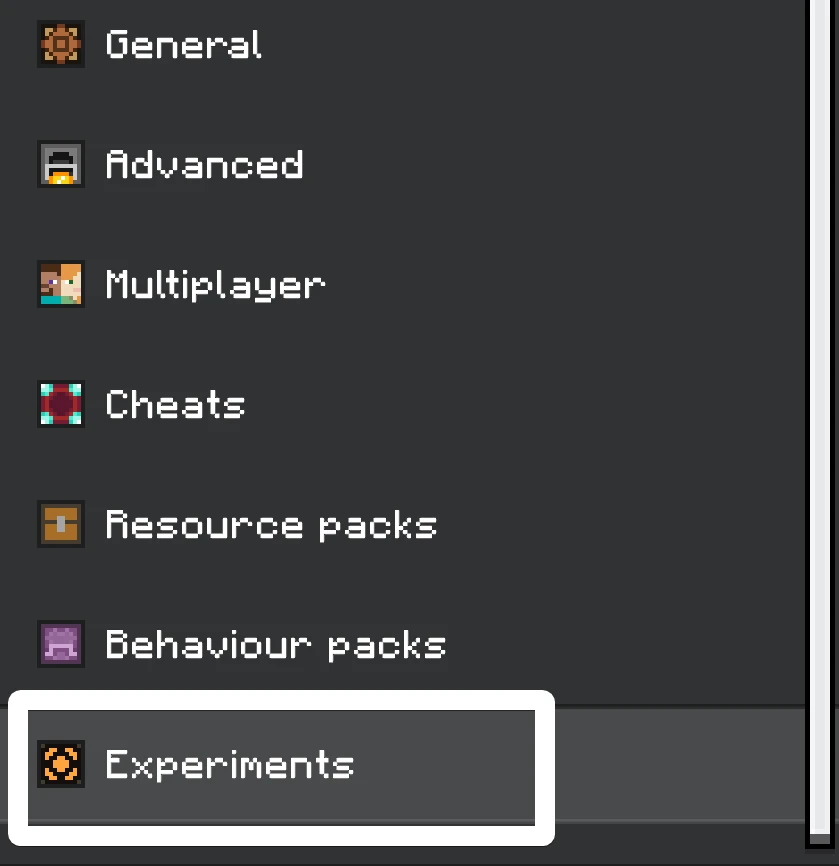
- In the left settings panel, select the "Experiments" tab.
- Find the "Drop 2 of 2026" toggle and turn it on.
- The game will warn you that the world will be marked as experimental. Accept the warning.
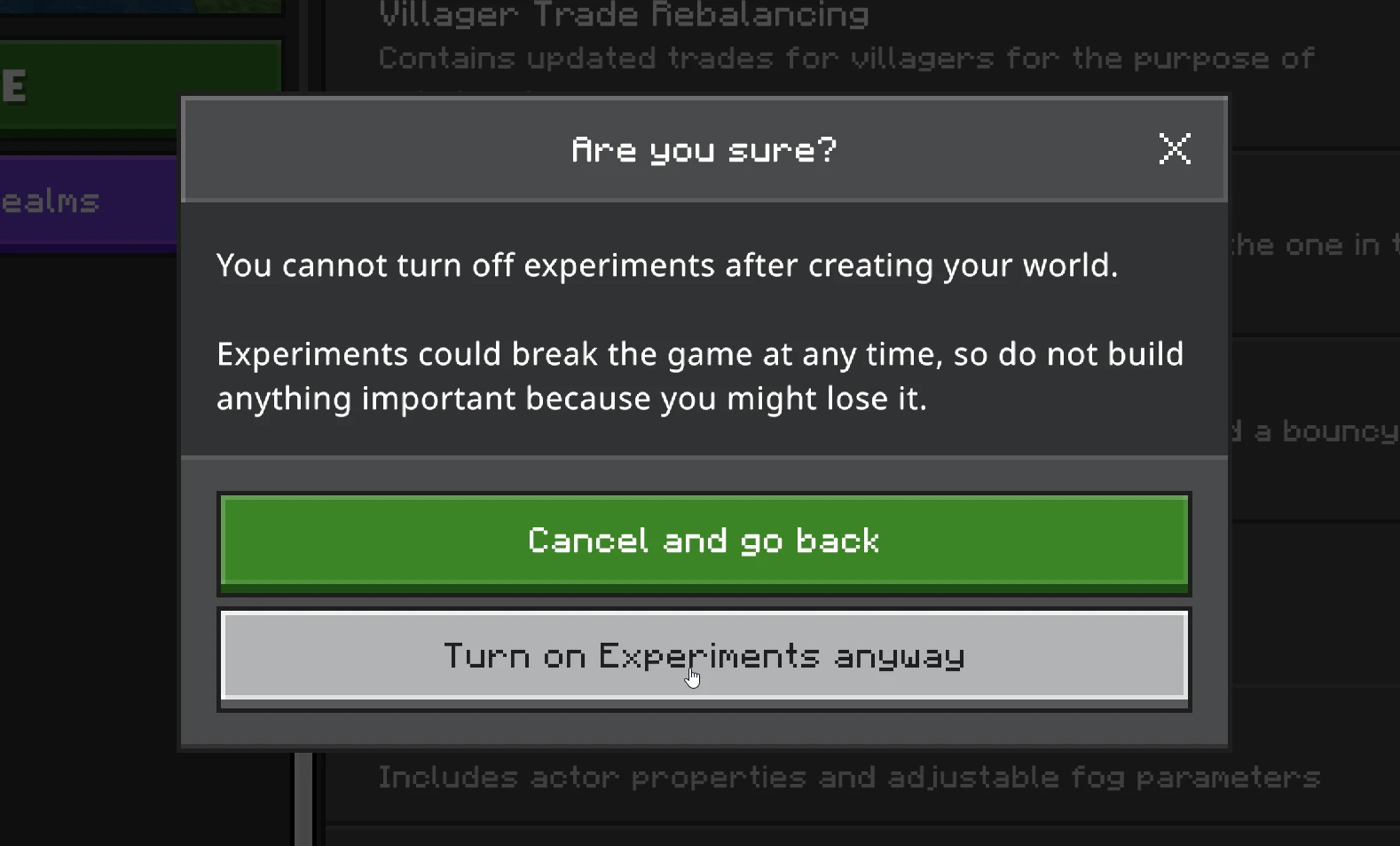
- Tap "Create" or "Save" and load into your world.
How to Enable on the Old Interface
If you're on the older interface:
- Open the world creation menu or tap the edit button on an existing world.
- Scroll down to the Experiments section.
- Find and enable the "Drop 2 of 2026" toggle.
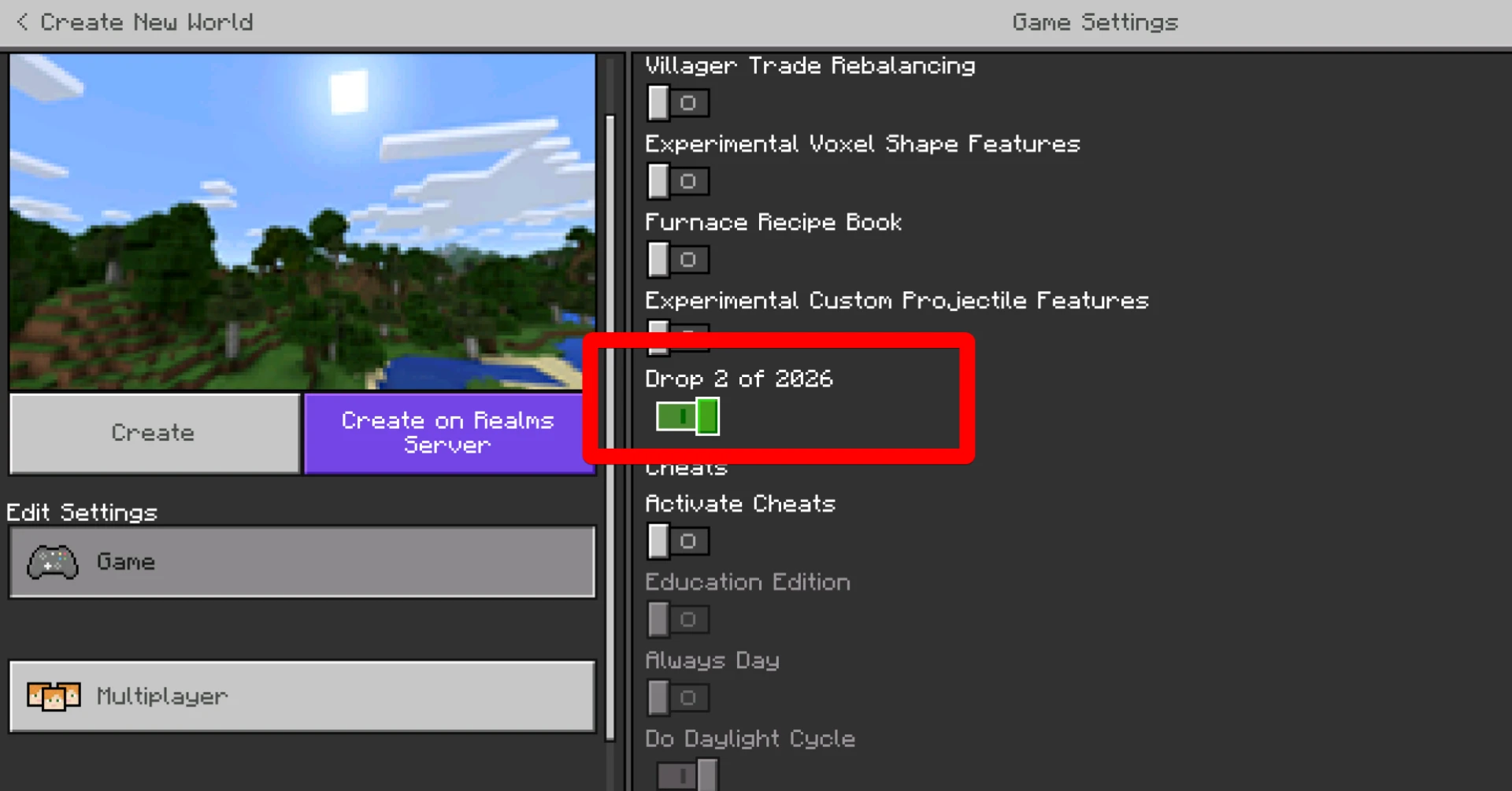
- Agree to the terms and save your changes.
What You Get After Enabling It
Once the toggle is on, all experimental Chaos Cubed content becomes available: the Sulfur Caves biome with pools of noxious gas and geysers, new sulfur and cinnabar blocks, and the Sulfur Cube mob, a creature that absorbs blocks and changes its behavior depending on what you feed it.
What Does "Experimental World" Mean
Enabling any toggle marks your world as experimental. This won't break it or erase your progress, but it does mean Mojang can't guarantee full compatibility when the game updates. Keep a backup of any world you care about.
Why Does Mojang Use Experiments?
The team ships major drops every three months, and new mechanics need real player testing before they go live. Experimental Mode lets Mojang collect feedback without breaking the vanilla game for everyone. Players who want early access turn on the toggle and help catch bugs.
The "Drop 2 of 2026" Toggle Isn't Showing Up
That means you're on an outdated version of Bedrock. Update the game, the toggle appears starting with version 26.20. If you're on a much older version (like 1.21.x), the experimental toggles will have different names. For example, in version 1.17 they were called Caves & Cliffs.
Can You Play Without Experiments?
Yes, everything works fine without any toggles enabled. All Chaos Cubed features will come to the standard game after the full release. Enabling experiments only makes sense if you want to explore the Sulfur Caves right now instead of waiting for the official drop.
