How to install skins in Minecraft PE?
Want to use your skin in Minecraft PE, but don't know how to install it? In this guide, we briefly and in detail described the process of installing skins for Minecraft!
On older versions of the game, the process of installing skins may differ.
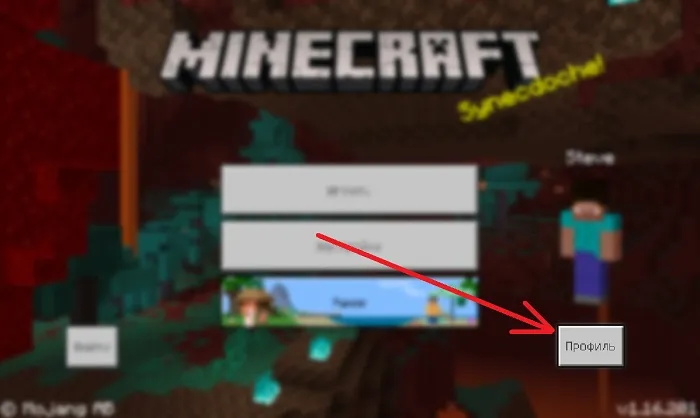
In menu Minecraft click on the Profile button.
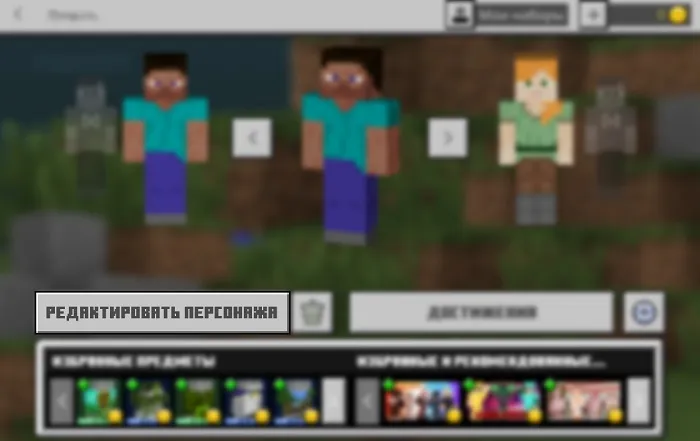
Click Edit character.
Select the second tab in the character editing.
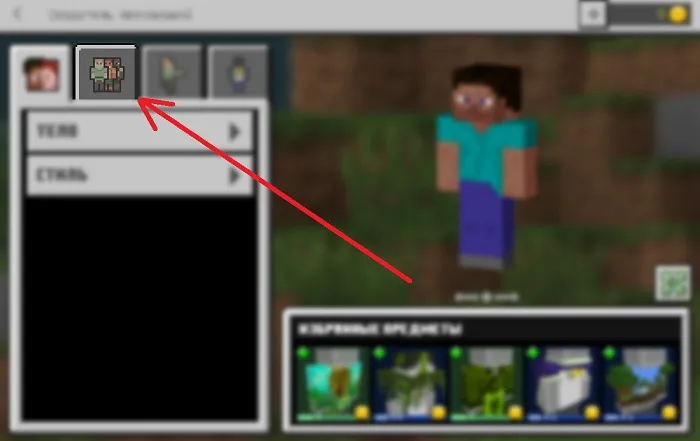
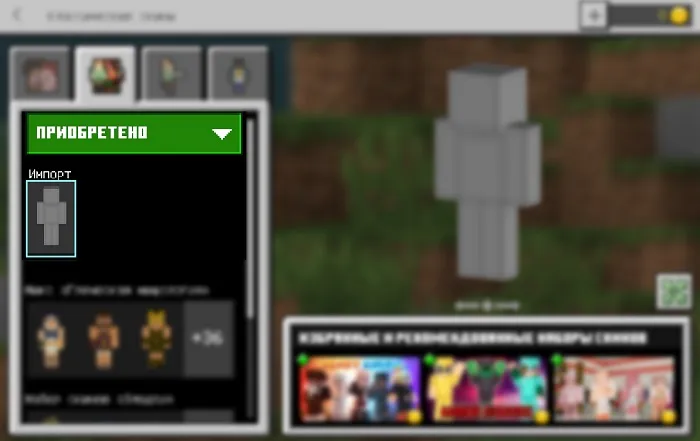
Expand Purchased and click on Import.
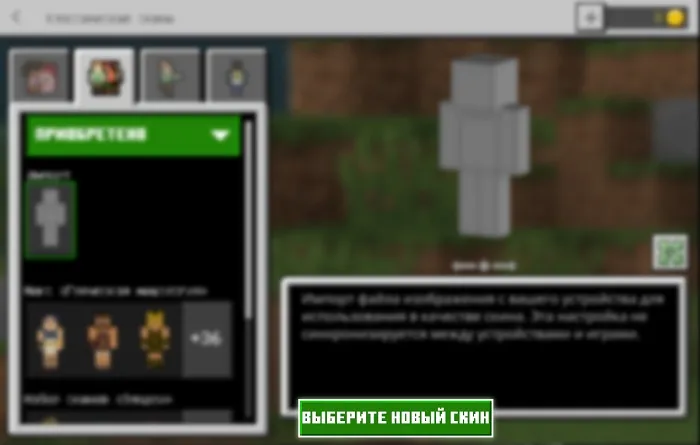
Now you will have the buttonselect a new skin, by clicking on which you can use the file manager to find the downloaded skin file and install it.
After importing, you will only have to choose the type of skin — thin (Alex) or regular (Steve).
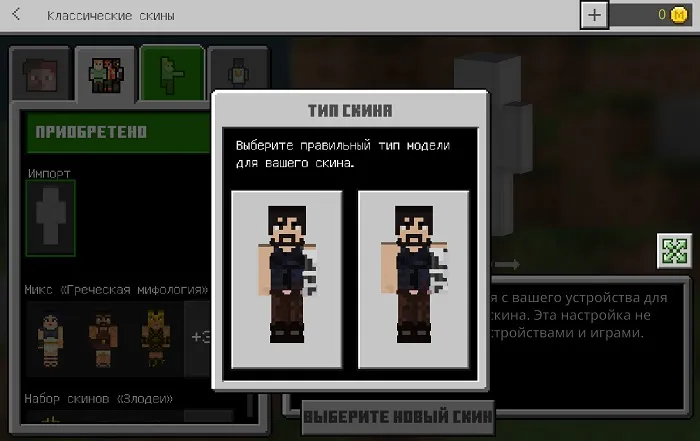
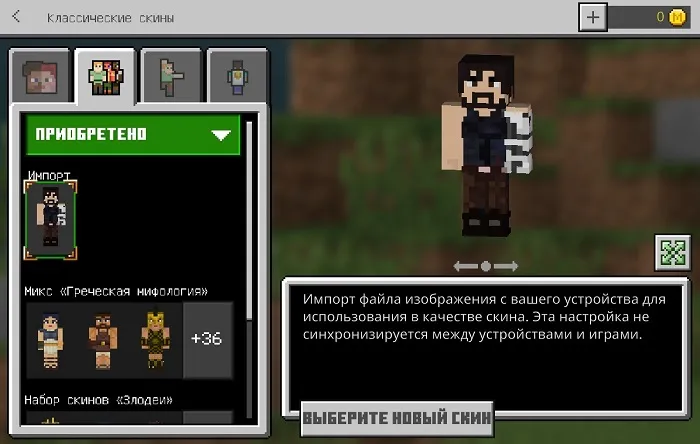
Choose the type of skin and your skin will be ready to use!
219
comments
Comments in a new tab
