How to Install .mcpack Mods? [Minecraft PE Guides]
![How to Install .mcpack Mods? [Minecraft PE Guides]](https://img.modscraft.net/uploads/posts/2016-12/1480866085_kak-ustanovit-mod-mkpe.webp)
In this guide, we will tell you in detail about installing mods (add-ons) in .mcpack format, support for which appeared in the release of Minecraft Pocket Edition 0.16.0.
What is an Add-on? Add-on or mod, add-on - is a type of modification for Minecraft PE that installs like a texture pack but can change mob parameters and behavior, and much more. You can install such mods on Android, iOS, and Windows 10.
Installing .mcpack on Android
First, you need to download the .mcpack mod file to your device. Our site has many different add-ons for MCPE in this format. You can find them in the Minecraft PE mods section.
For example, I want to install the Jurassic Craft mod. First, download all files in .mcpack. The first file is the mod itself, and the second is the mod's textures. Before the download link, we always add installation instructions for the mod; if texture installation is not mentioned, then you only need to install the mod itself.
![How to Install .mcpack Mods? [Minecraft PE Guides]](https://img.modscraft.net/uploads/posts/2017-01/1484339483_how-install-mcpack-mod-1.webp)
Now open ES File Explorer (or another file manager) and go to the Download folder.
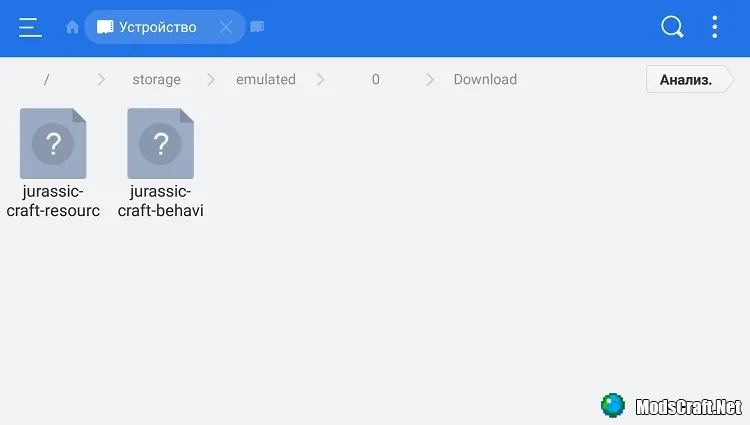
Simply run the .mcpack files one by one, and MCPE will automatically install all necessary components.
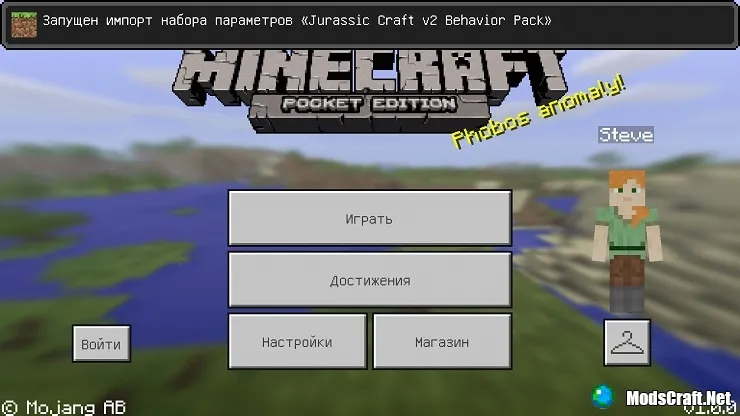
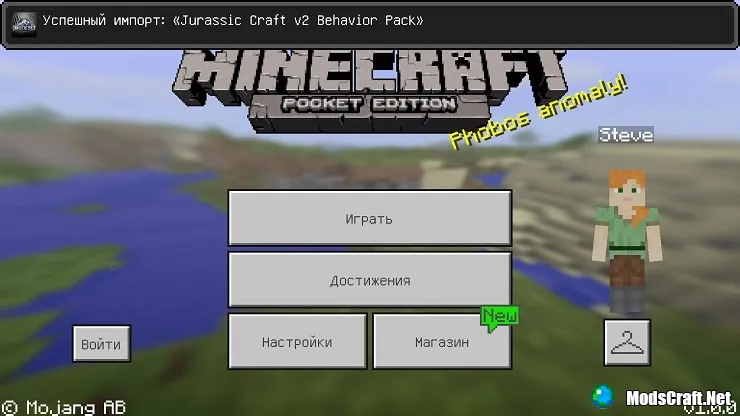
Now, in the world creation or editing screen, go to the Resource Packs tab. Find the texture pack and tap on it, then tap + to activate it.
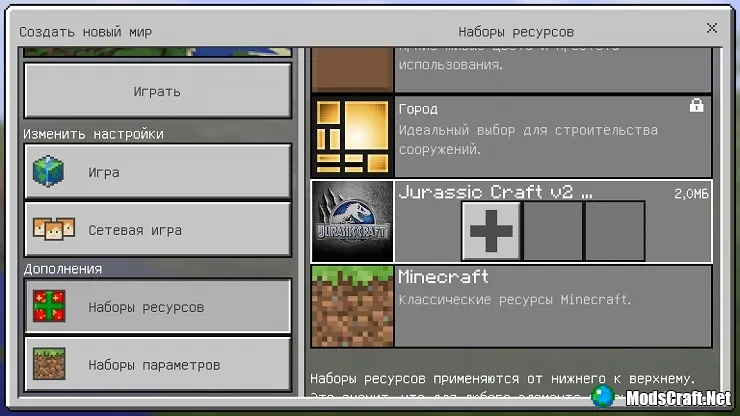
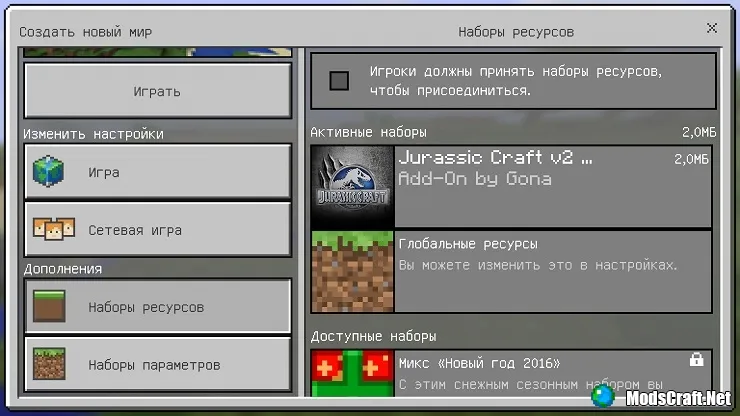
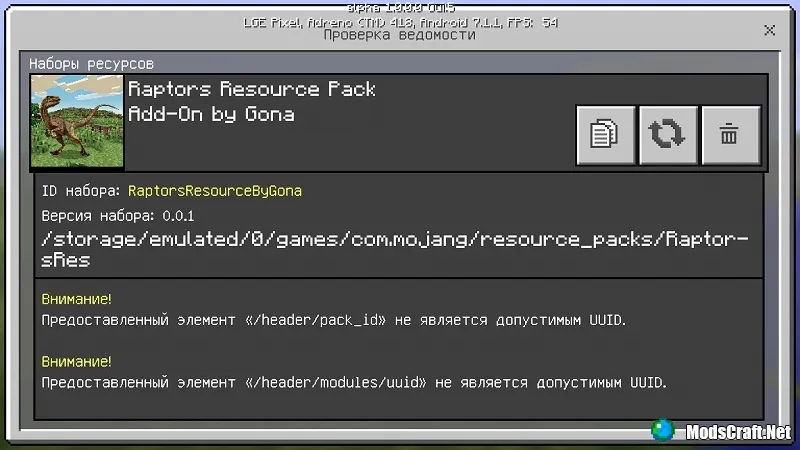
It is worth noting that some mods have an info window that opens when you tap the info icon. In this window, you can also delete the add-on or see the author/description.
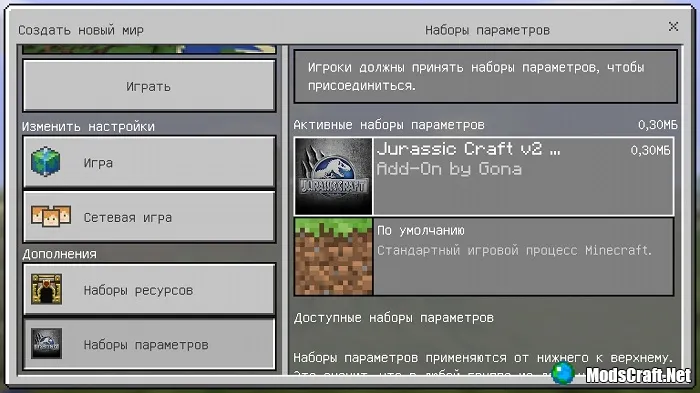
Now go to the Behavior Packs tab and find the mod itself, then do the same as above to enable it.
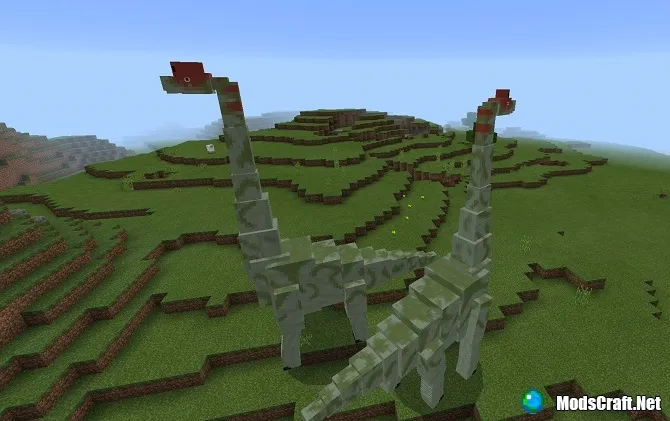
Then tap Play to activate the add-on and start the world in Minecraft PE. Congratulations, the mod is installed!
Installing .mcpack on Windows 10
.mcpack mods on Windows 10 are installed the same way as on Android.
Installing .mcpack on iOS
Download the mod files and in the downloads, tap Open in Minecraft PE.
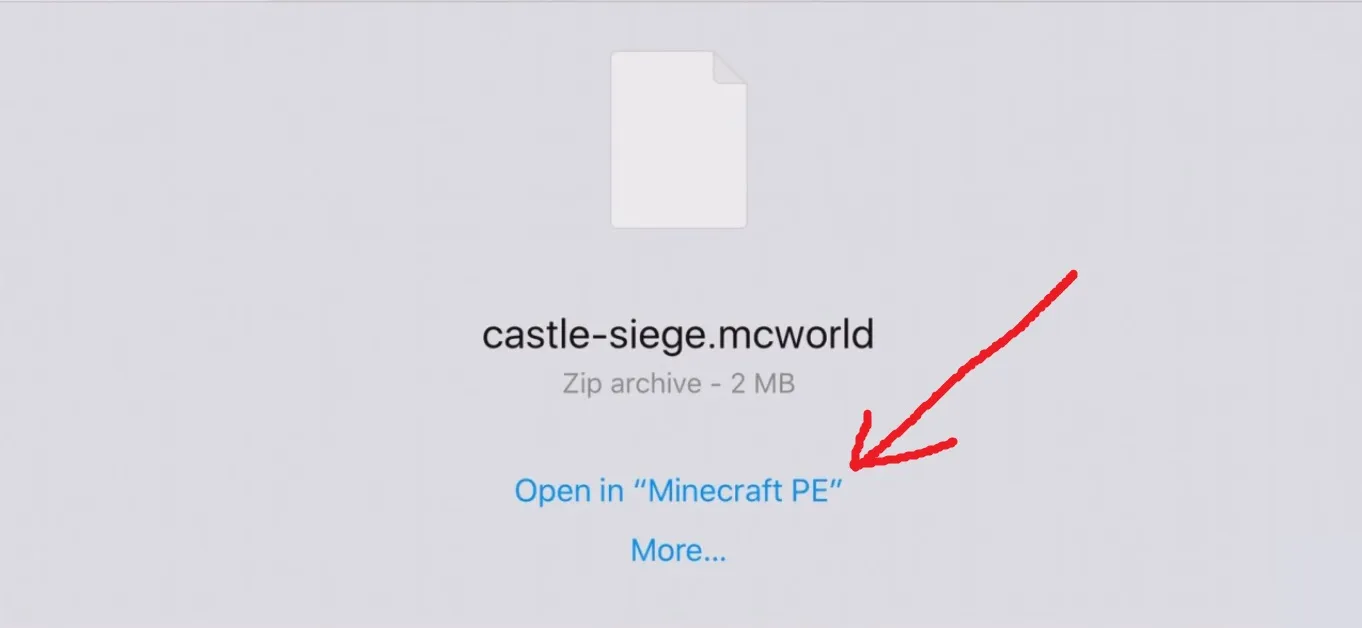
I just want to note that maps in .mcworld format are installed the same way.
You can also download such mods in a .zip archive. Simply extract the resource and behavior folders to /games/com.mojang/resource_packs/ and /games/com.mojang/behavior_packs/. We always add installation instructions before the download link, so read carefully!
For more detailed information, visit the page How to Install Mods on Minecraft PE.
