How to Flip a Mob in Minecraft PE
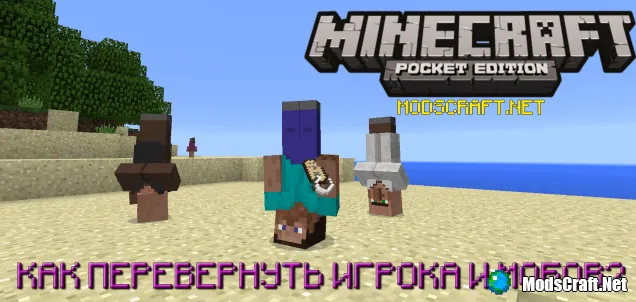
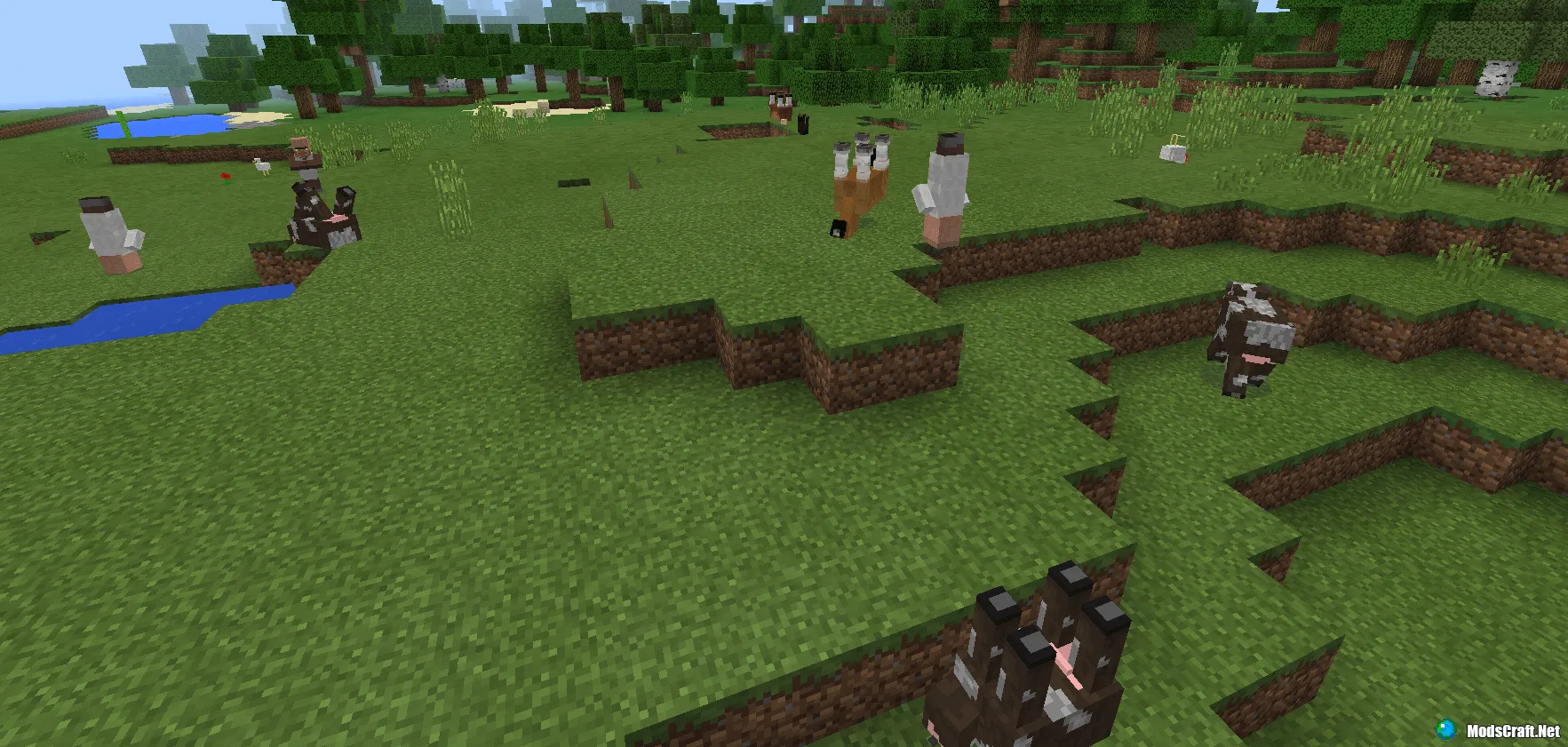
In the new version of Minecraft Pocket Edition 0.15.0, you can flip a player or mob upside down. It's very simple, but since many don't know how, we decided to show you! =)
How to flip a character?
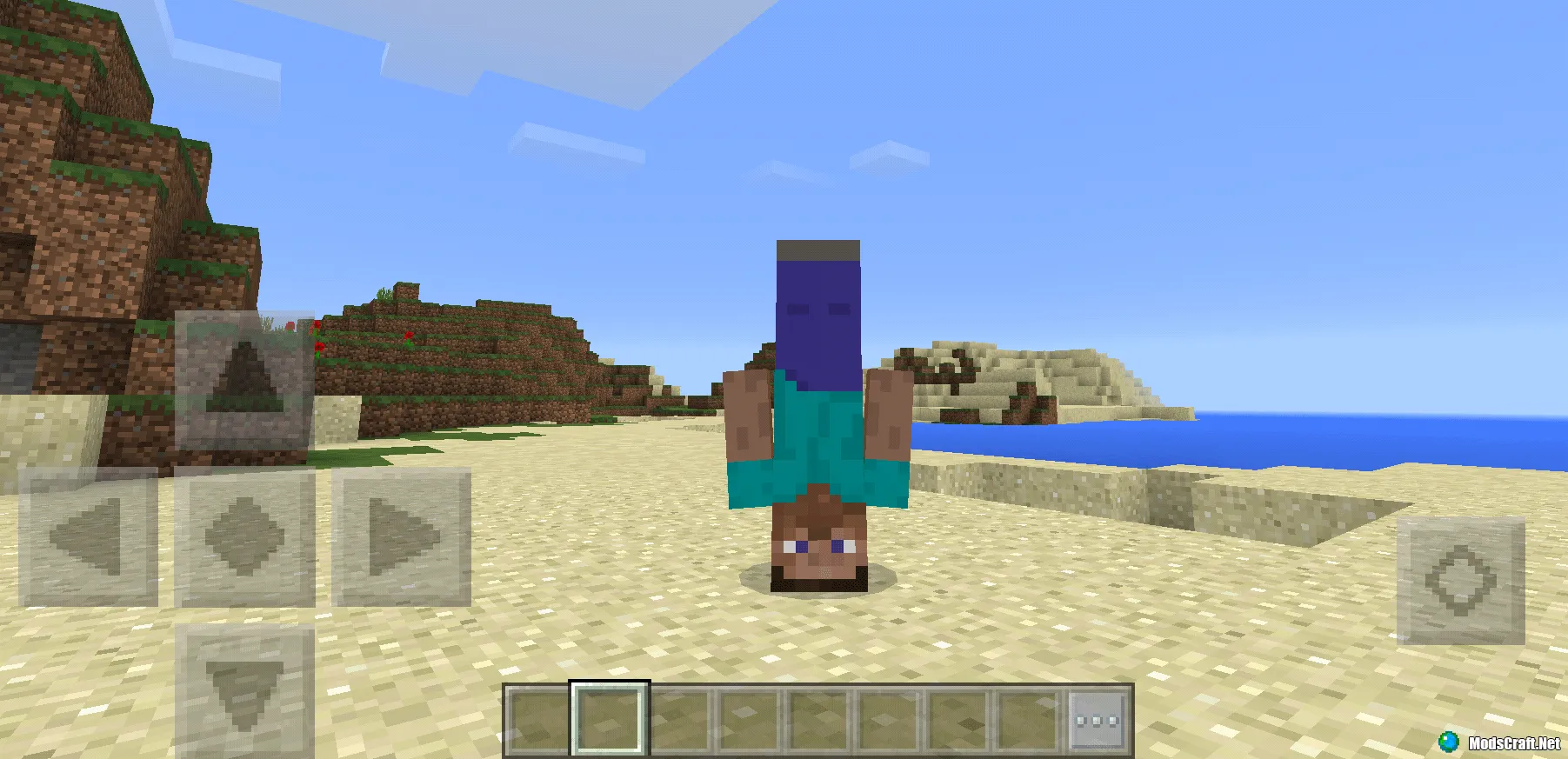
In the game settings, enter the nickname: Dinnerbone. That's it! Enter a world and you'll see your character upside down. We recommend switching to third-person view.
How to flip a mob?
This is also quite simple! You'll need an anvil, a name tag, and any mob (or creature). Get a name tag in the game (you can find it in treasure chests, village chests, or in Creative mode), then place an anvil anywhere.
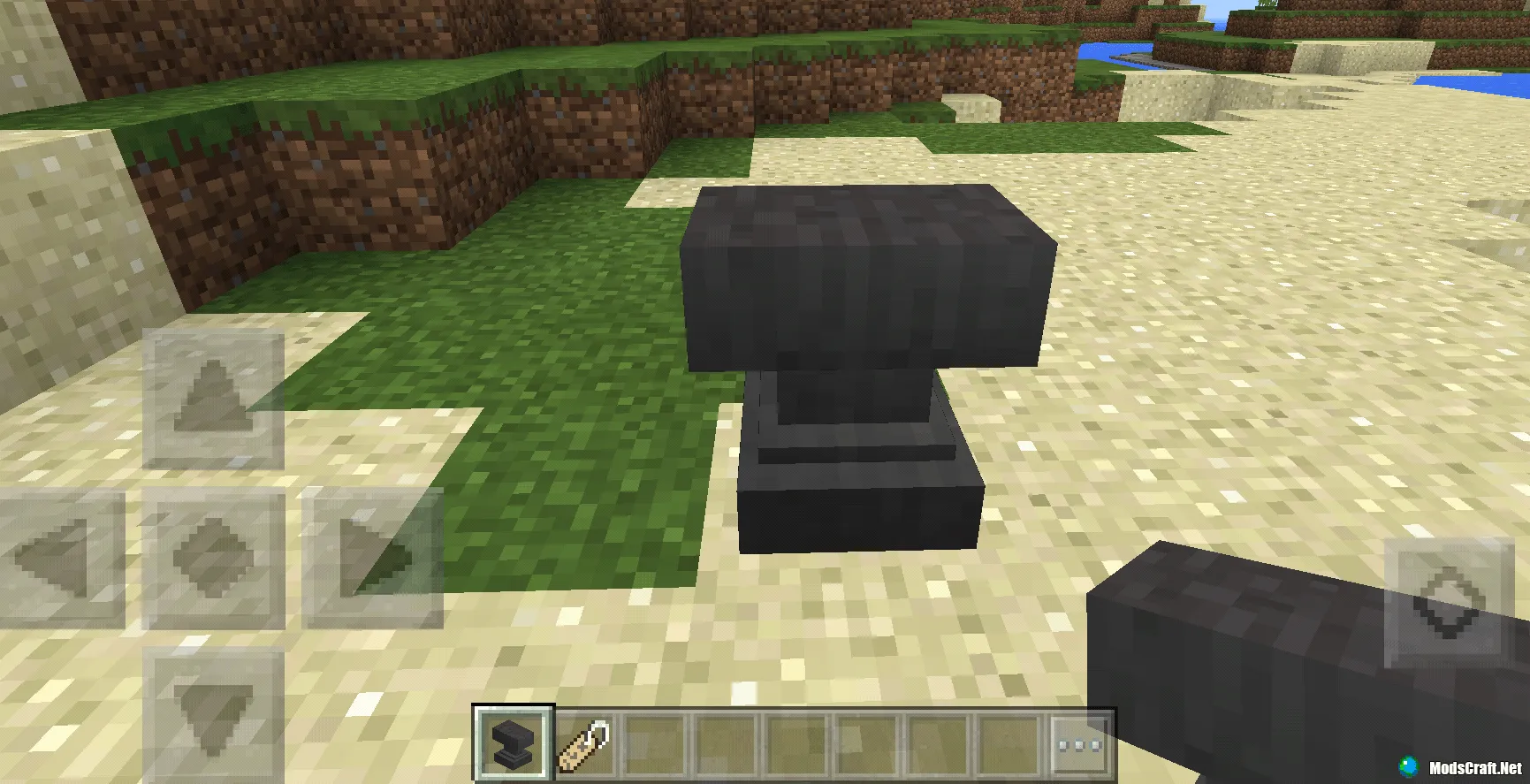
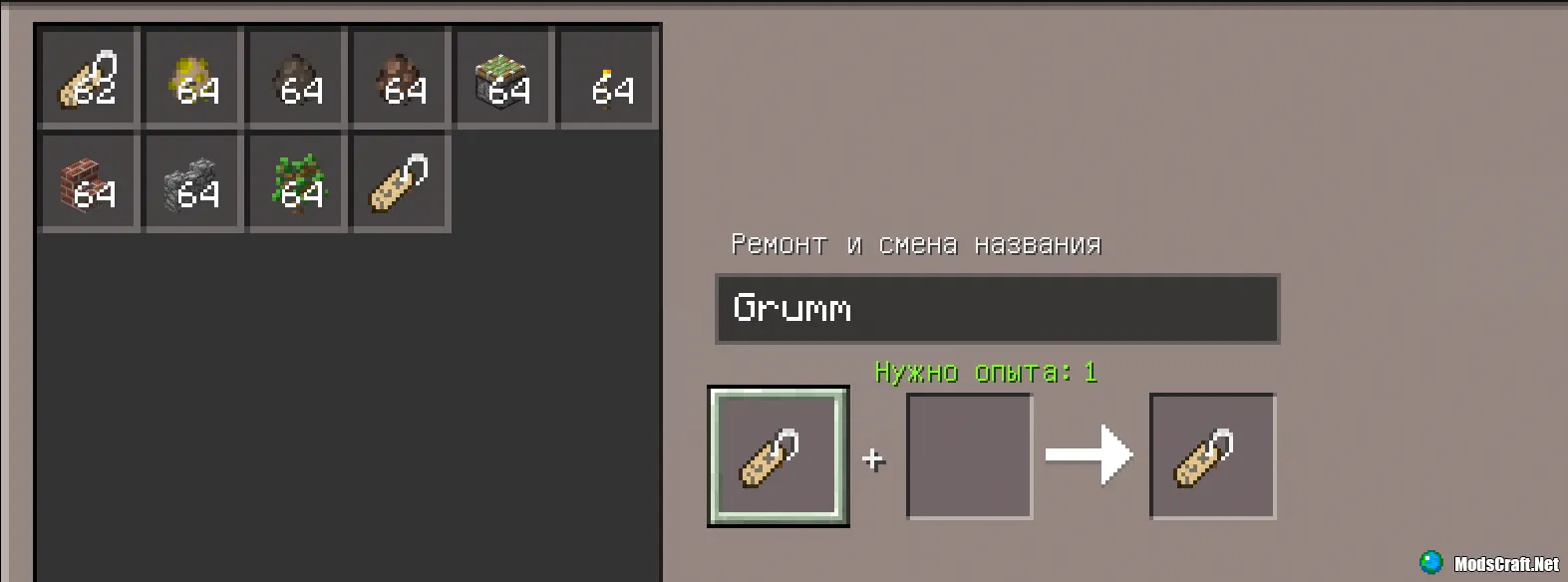
Tap the anvil to open its interface. Put the name tag in the first slot and rename it to Dinnerbone or Grumm. I decided to rename it to Grumm.
Now take the name tag in your hand, find a mob, and long-press the mob with the name tag to give it the special name Grumm. In a moment, it will flip upside down. It looks very funny.
Also check out these guides:
