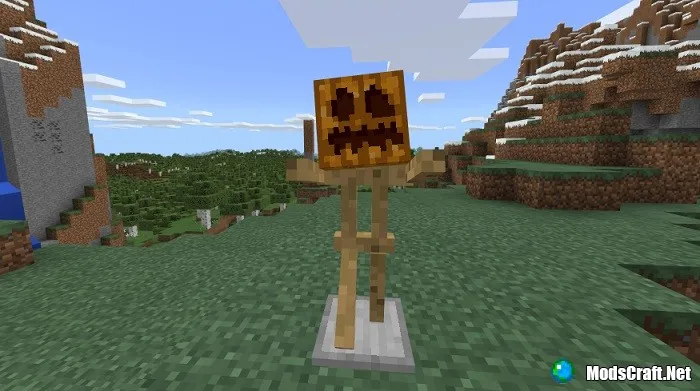
Armor Stand [Minecraft Guides]
![Armor Stand [Minecraft Guides]](https://img.modscraft.net/uploads/posts/2017-08/1501539735_armor-stand-guide.webp)
How to put an item in the hand of an armor stand in Minecraft Pocket Edition? How to change the pose of an armor stand? In this guide, you will get answers to these questions!
First, you need to get an armor stand itself. It's quite simple to make, as the recipe uses sticks and a stone slab.
![Armor Stand [Minecraft Guides]](https://img.modscraft.net/uploads/posts/2017-08/1501536294_snimok-ekrana-745.webp)
How to get an armor stand?
You can also get an armor stand using the command /give @p armor_stand or spawn it right next to you with /summon armor_stand ~ ~ ~.
Now place the stand in a convenient spot.
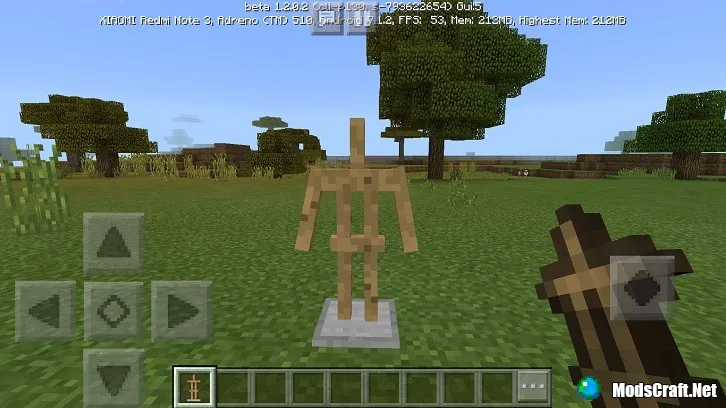
How to put an item on the stand?
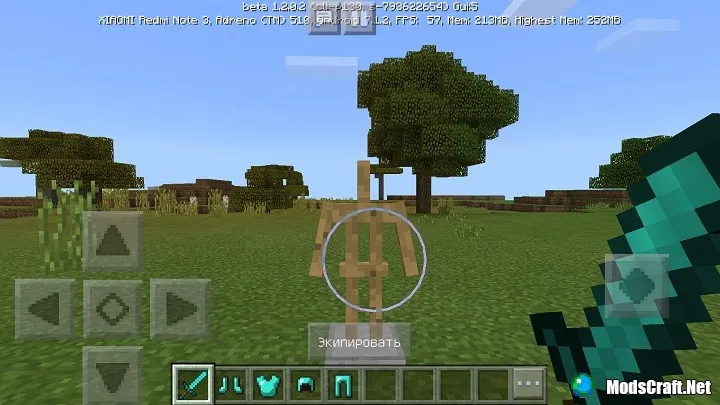
You can place any item or block, as well as armor, on the hand, head, legs, and body. To do this, simply take an item or armor, aim at the stand, and press the Equip button. You can also long-press on the stand to give it an item.
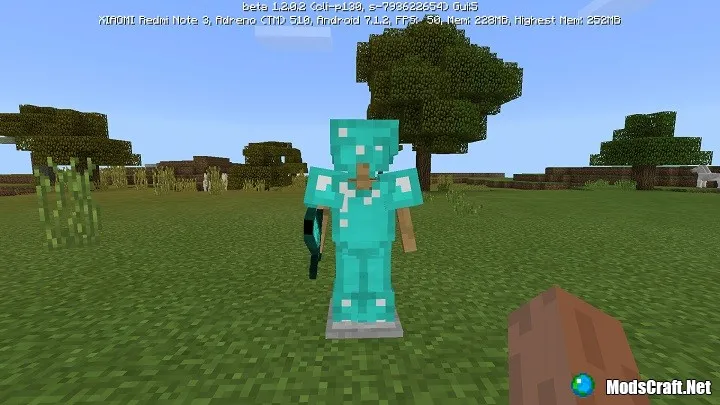
How to change the pose of the stand?
To do this, you need to crouch and press the Pose button. You can also long-press on the stand, and it will quickly change its pose.
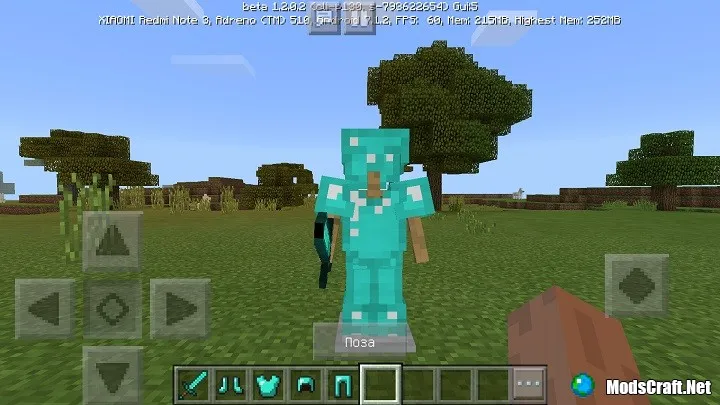

Instead of a helmet, you can also put any mob head or pumpkin!