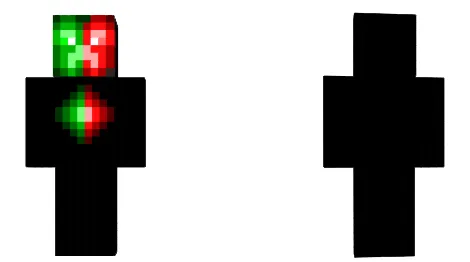
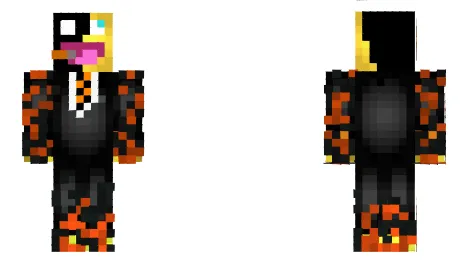
ModsCraft » Skins » Mobs » King Creeper Skin King Creeper 16-11-2020, 12:13 7 078 Installing the skin: Download the skin by the link below. Extract the skin from the archive using ES Explorer or another file manager. Launch Minecraft Pocket Edition. Press Dressing room button. Press Edit character or create new. Go to the skins section. Press Owned and select Owned skins doll. Press Choose new skin and import. Skin installed, enjoy! Download skin King Creeper [4.09 Kb] downloads: 2 122 🔥 Similar articles In uniform Harambe Edit Donald Duck Luqato Frost LaGGeR Leave a comment Ваш сайт Submit comment