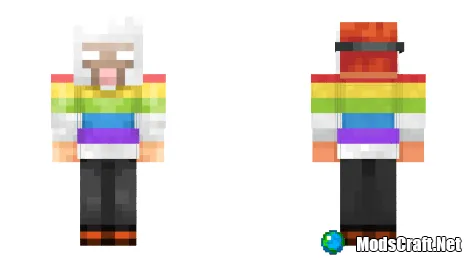
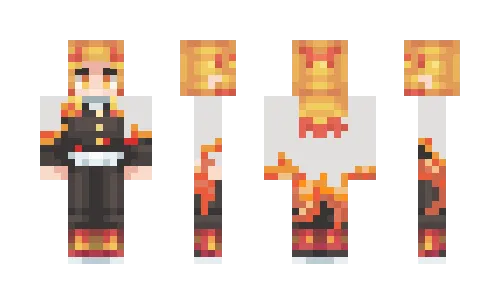
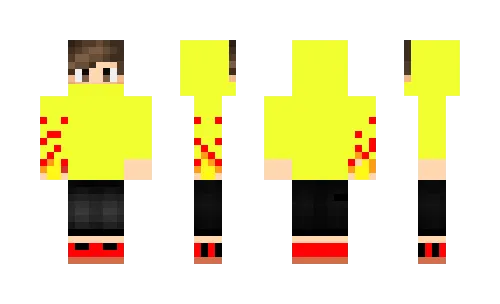
ModsCraft » Skins » Halloween » Rainbow Sheep costume Skin Rainbow Sheep costume 4-05-2016, 21:37 7 391 Installing the skin: Download the skin by the link below. Extract the skin from the archive using ES Explorer or another file manager. Launch Minecraft Pocket Edition. Press Dressing room button. Press Edit character or create new. Go to the skins section. Press Owned and select Owned skins doll. Press Choose new skin and import. Skin installed, enjoy! Download skin Rainbow Sheep costume [6.79 Kb] downloads: 1 250 🔥 Similar articles Adidas Costume Ugly Spongebob Tary Boy Captain America Worker Ironman 2 Leave a comment Ваш сайт Submit comment