Skin Mega Batman
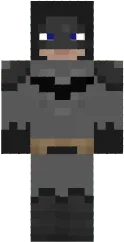
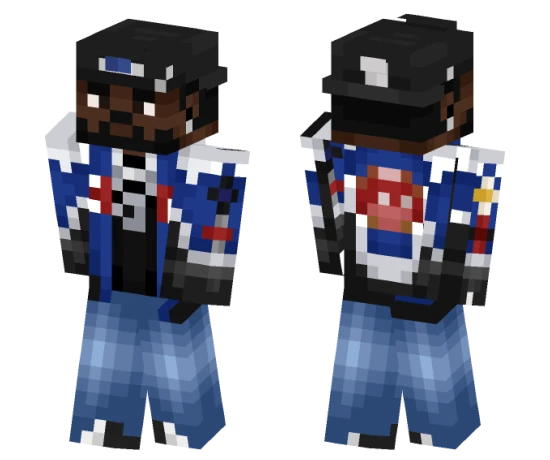
The Mega Batman skin represents an enhanced version of the Dark Knight in an armored suit with additional protection elements. The look is inspired by comics and movies. Suitable for superhero and action fans.
This skin makes the character look like a real city protector. The armor is detailed with a helmet and shoulder pads. Perfect for adventures and battles.
You can also find the skin installation guide on our website if you need help.
Download skin Mega Batman
There are no comments, be the first!
Leave a comment, share your impression or ask a question.