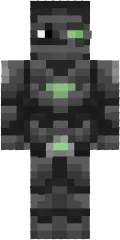
Skin Colour Robot
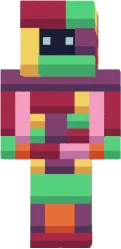
The Colour Robot skin offers an explosive mix of colors on a robot body. Red, blue, green, and yellow segments create a kaleidoscope effect.
It is perfect for fun and creative players who like to attract attention. Neon lines add a futuristic and dynamic feel.
You can also find the skin installation guide on our website if you need help.
Download skin Colour Robot
There are no comments, be the first!
Leave a comment, share your impression or ask a question.