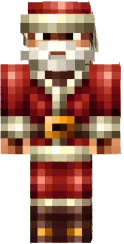
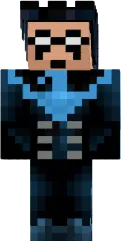
Skin Stevina
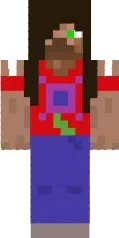
Skin Stevina is a female interpretation of the famous Steve. The character has delicate facial features, long hair tied in a ponytail, and clothing in blue tones. This look is perfect for players who want to add a bit of femininity to the Minecraft world while remaining recognizable.
The skin looks great both in single player and on multiplayer servers. It suits those who appreciate the classics but want to stand out from standard skins. Thanks to the detailed design, Stevina looks natural and harmonious in any biome.
You can also find the skin installation guide on our website if you need help.
Download skin Stevina
There are no comments, be the first!
Leave a comment, share your impression or ask a question.