Skin Epic Budder

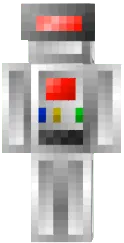
Epic Budder skin for Minecraft PE offers a bright and memorable look. The main colors are orange and yellow, creating a flame or energy effect. The design is detailed, including features on arms and legs.
This skin suits players who want to look dynamic and energetic. It will be noticeable on any server and add personality to your character.
You can also find the skin installation guide on our website if you need help.
Download skin Epic Budder
There are no comments, be the first!
Leave a comment, share your impression or ask a question.