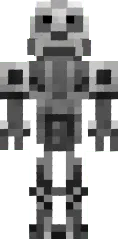
Skin GONE.Fludd

Skin GONE.Fludd for Minecraft PE is made in the style of the famous rapper. The design includes bright colors: green, pink, and blue, as well as characteristic clothing elements such as a hoodie with a print and baggy pants. The look is complemented by accessories like chains and a cap.
This skin is suitable for fans of the musician and anyone who wants to express their individuality through a game character. It looks great on servers with a modern theme or in urban builds. The GONE.Fludd skin will add audacity and style to your character.
You can also find the skin installation guide on our website if you need help.
Download skin GONE.Fludd
1 comment
Comments in a new tab