Skin Ratte

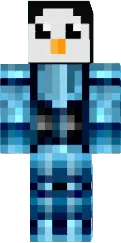
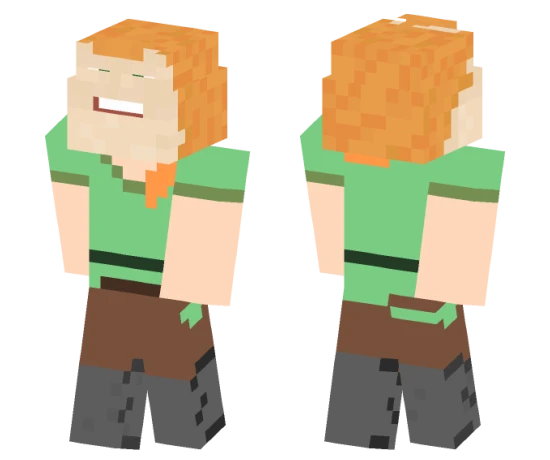
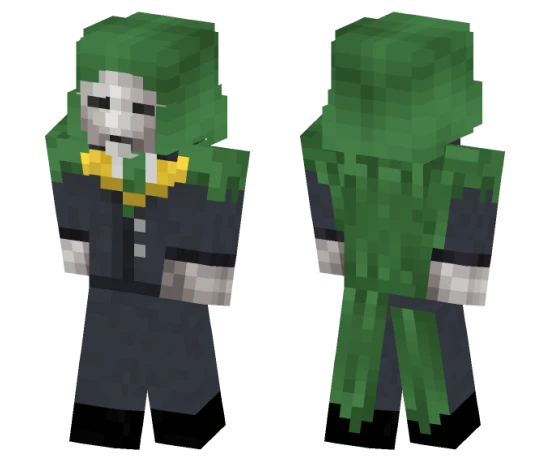
The Rattata skin for Minecraft PE turns your character into a small purple rodent with big teeth. It is one of the most recognizable Pokémon, often encountered at the start of adventures.
This look suits those who appreciate nostalgia and want to add a piece of classic Pokémon to the game. Rattata looks funny and unpretentious, making it a great choice for everyday play.
You can also find the skin installation guide on our website if you need help.
Download skin Ratte
There are no comments, be the first!
Leave a comment, share your impression or ask a question.