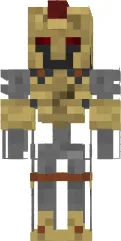
Skin Pink Sheep costume

The Pink Sheep costume skin turns your character into a pink sheep in a funny outfit. This look suits players who like to stand out and add humor to the game. The pink color and costume details make the skin noticeable and memorable.
This skin is perfect for those who want to bring a fun and carefree atmosphere to Minecraft PE. It will look great on servers with friends or in single player mode. Thanks to its bright design, your character will always be the center of attention.
You can also find the skin installation guide on our website if you need help.
Download skin Pink Sheep costume
There are no comments, be the first!
Leave a comment, share your impression or ask a question.