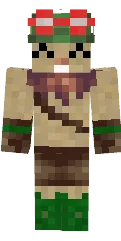
Skin Creeper Steve

The Creeper Steve skin combines classic Steve with the famous creeper. You get a green texture with the mobs characteristic face, but in a character form.
This skin is great for jokes on servers, Halloween parties, or just for fans of mob themed looks. It adds an element of surprise to the game.
You can also find the skin installation guide on our website if you need help.
Download skin Creeper Steve
There are no comments, be the first!
Leave a comment, share your impression or ask a question.