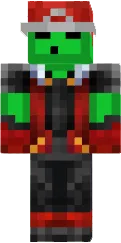
Skin Sticky Men 3D Face
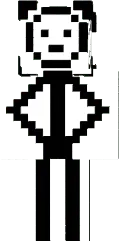
The Sticky Men 3D Face skin features an unusual design with a 3D style face and bulging features. This gives the skin a cartoonish and funny look. It suits players who like to experiment with appearance and stand out.
This skin looks great in game and brings a smile to other players. It is perfect for friendly servers and mini games. Sticky Men 3D Face adds humor to your adventure.
You can also find the skin installation guide on our website if you need help.
Download skin Sticky Men 3D Face
There are no comments, be the first!
Leave a comment, share your impression or ask a question.