Shaders: Source Reload Shader (Windows 10) 1.1
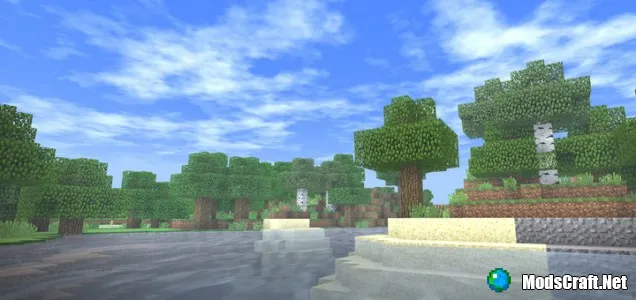
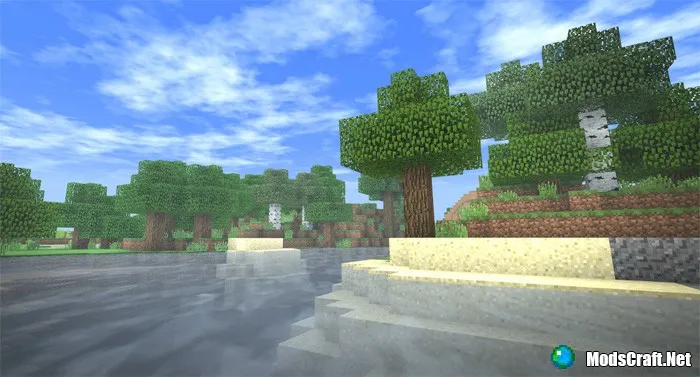
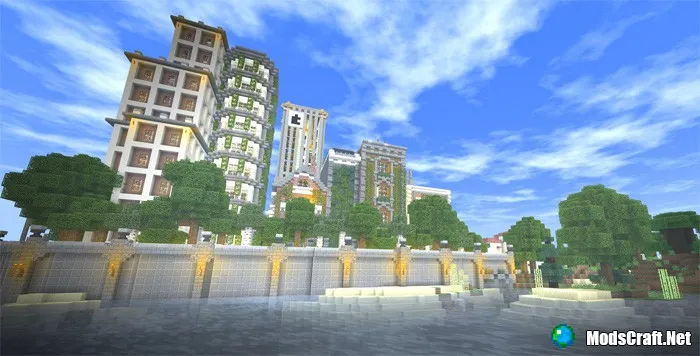
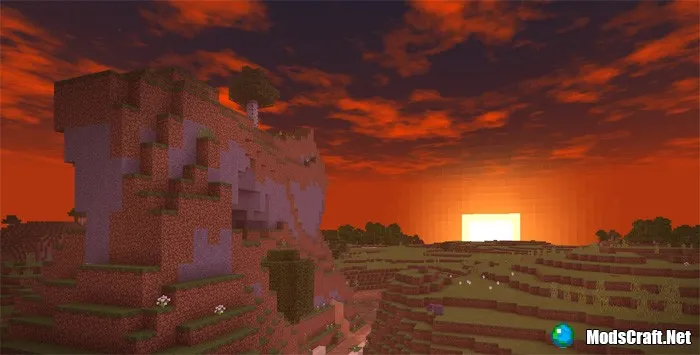
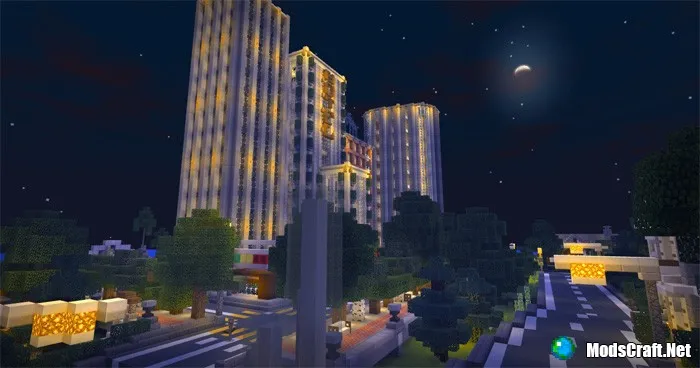
Shaders "Source Reload Shader" are specially designed for Minecraft Windows 10 Edition and have incredibly high detail. The main features of the shaders are improved sky, new, improved, detailed, and transparent water. All this is just a small part of the shaders' features, but unfortunately, they only work on Windows 10.
Installing Source Reload Shader (.mcpack):
- Download the shader .mcpack from the link below.
- Run the downloaded file so the game installs all components automatically.
- Open Minecraft PE and go to game settings.
- Select Global Resources.
- Find the shaders and click on them to activate.
- Shaders installed, enjoy the game!
Files
Files in a new tab
Download Source Reload Shader Ultra (.mcpack)
Download Source Reload Shader High (.mcpack)
Download Source Reload Shader PvP (.mcpack)
Download Source Reload Shader Lite (.mcpack)
28
comments
Comments in a new tab
Loading…
Loading…
Loading…
