Mod: Editor Wands
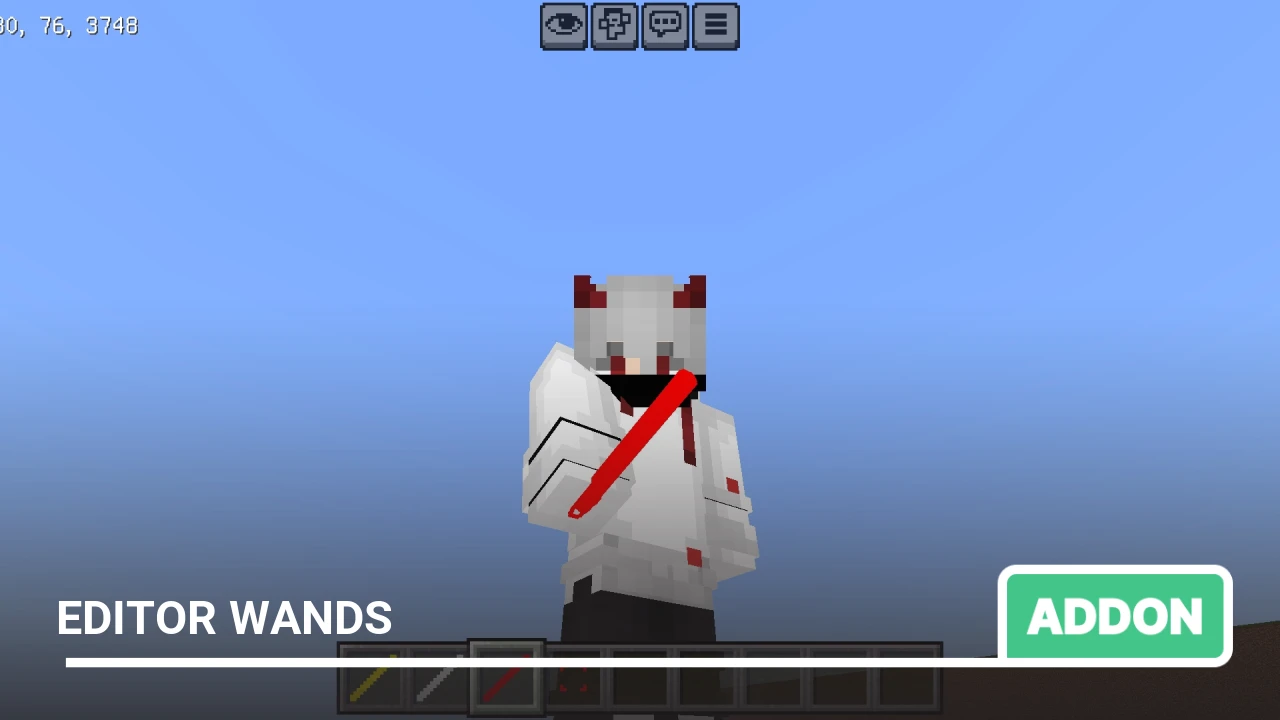
Still using /fill and /clone commands when playing Bedrock Edition? Pfft, come on. This mod will ease your suffering. It's the same as the axe from Java.
This mod adds 3 unique wands that will significantly speed up your building in Minecraft. All wands can be found in the "Construction" inventory section.
Authors: Mining Adventure Studio
Fill Wand
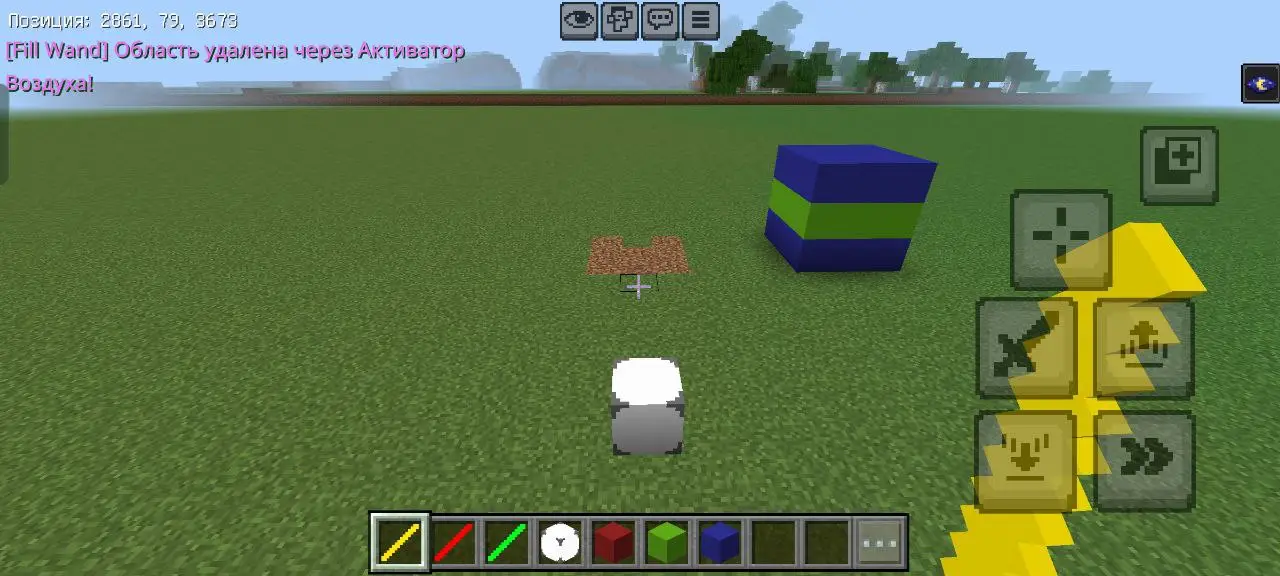
This wand helps quickly fill or clear large areas.
- Color: yellow
- ID: hs:fill_wand
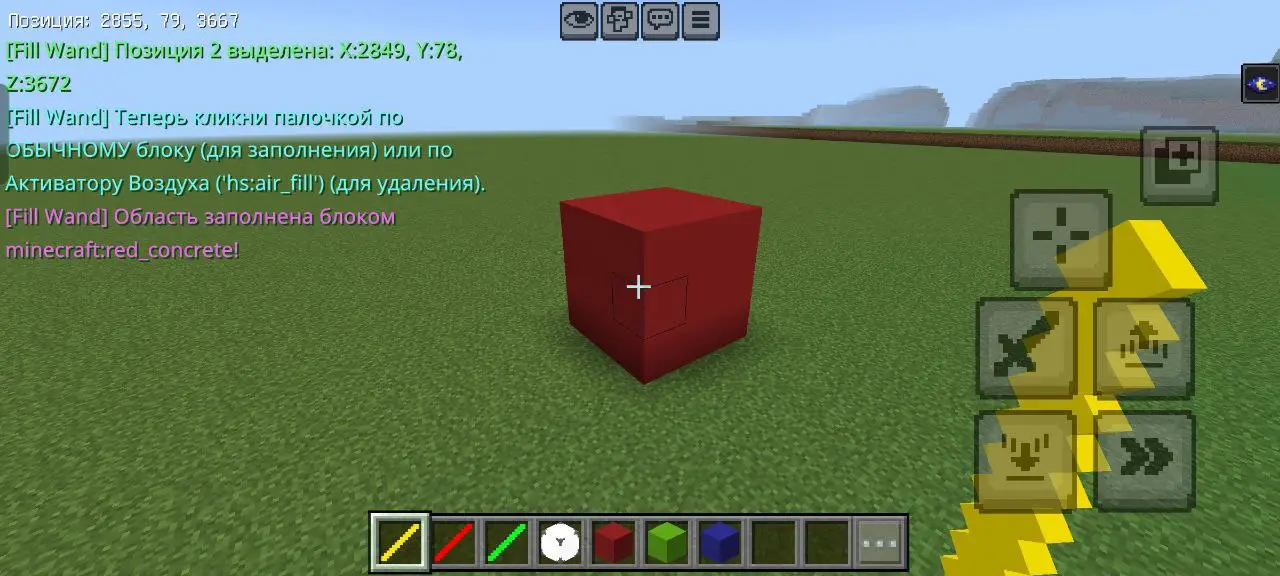
Let's create a 3x3 cube of red concrete.
- Take the Fill Wand.
- Click on a block to select the starting point.
- Click on another block to select the ending point of the area.
- Click on the material block (for example, red concrete) you want to fill the area with.
Replace Wand
With this wand, you can swap certain blocks for others in the selected area.
- Color: red
- ID: hs:replace_wand
Let's outline the cube in the middle with green concrete, and we need to replace the red concrete with blue, without touching the green.
- Take the Replace Wand.
- Select the starting point of the area.
- Select the ending point of the area.
- Click on the block you want to replace in this area.
- Click on the material block to replace it with.
Box Wand
Same concept as the fill wand, but the inside of the cube is empty.
Count Wand
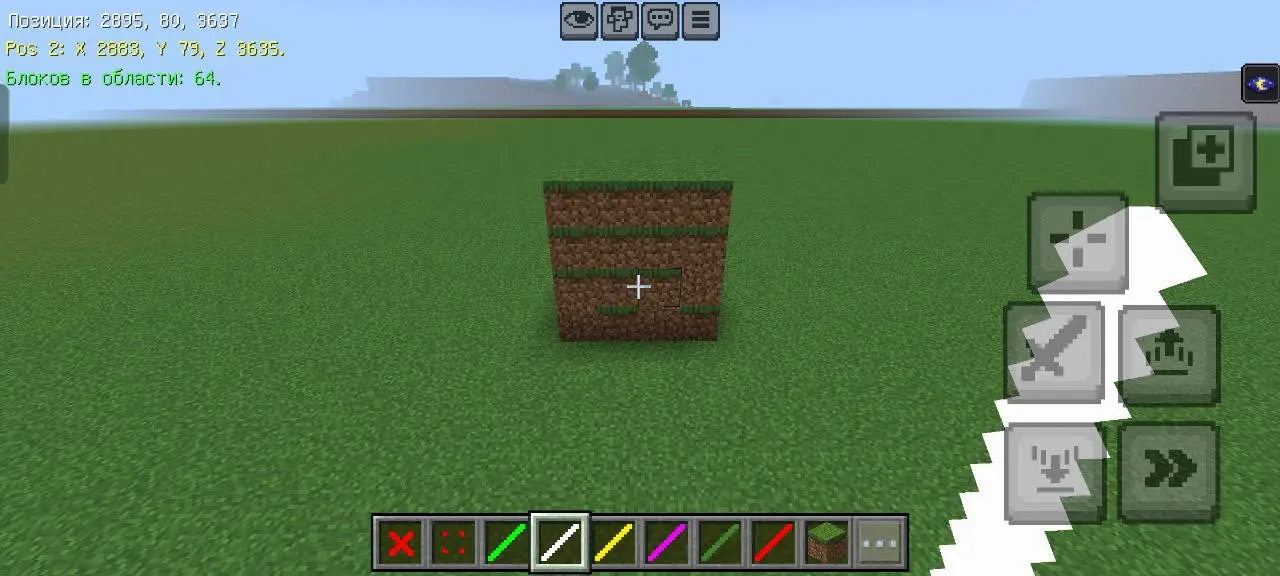
Displays how many blocks are in the selected area. I don't know about others, but I often need this.
Move Wand
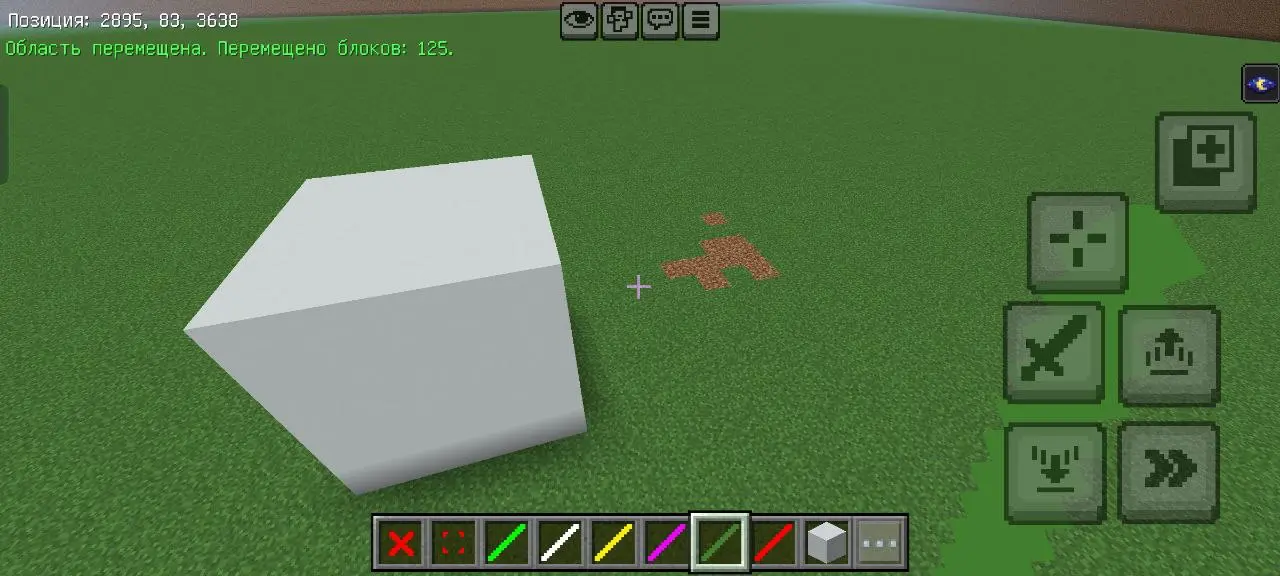
Color: green (ID: we:move_wand)
Like the clone wand, but doesn't clone—it moves something.
⚠️: don't move something so that it touches the current structure, because it gets deleted, otherwise it will literally "eat" part of your affected structure.
Cancel Activator
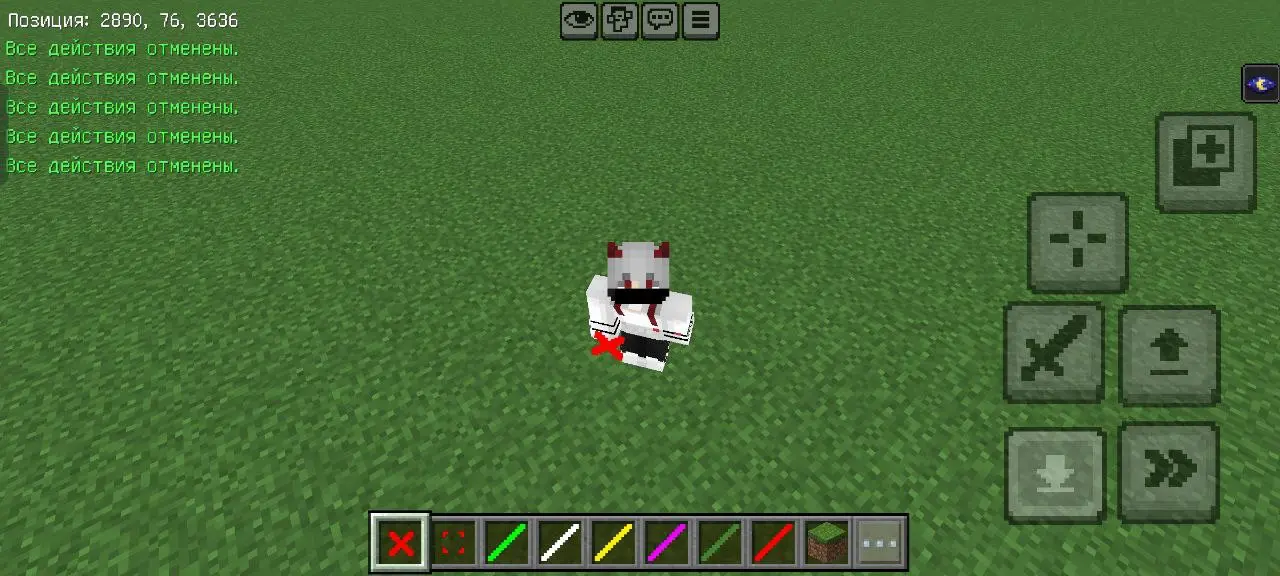
Red cross (ID: we:cancel)
Cancels all recent actions. For example, if you selected the wrong position or chose the wrong block with the replace wand. No need to call for help anymore.
⚠️: this is not "Undo". It doesn't undo the last successfully completed action. It cancels the process.
Clone Wand
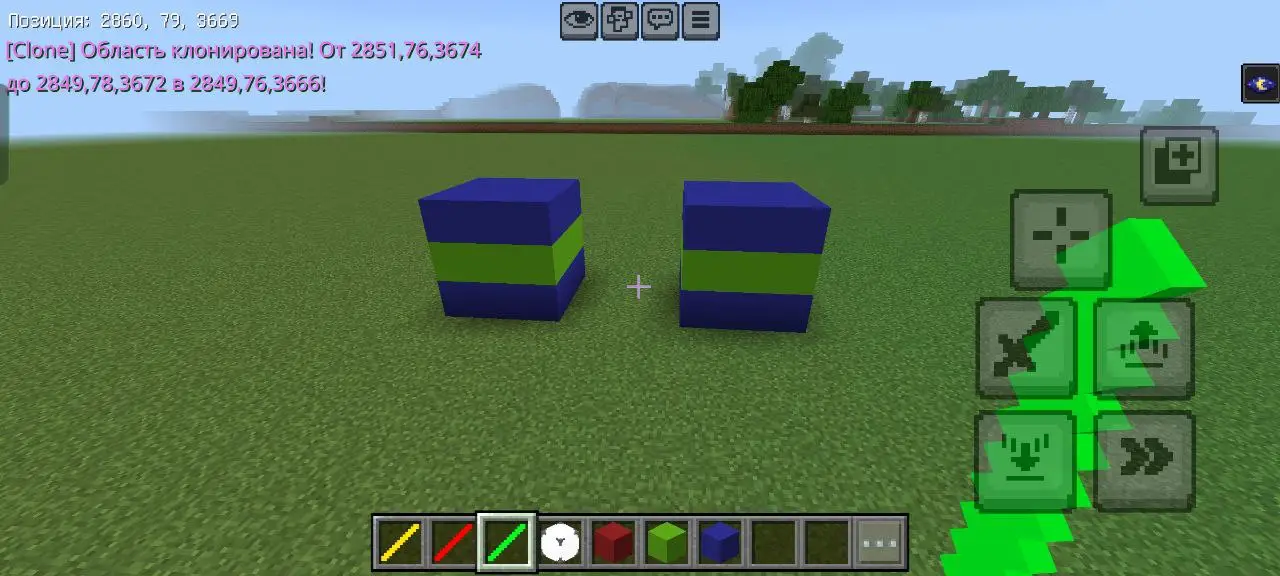
Color: green (ID: hs:clone_wand)
This wand allows you to copy and paste entire structures.
One cube isn't enough for us, let's make a second one.
- Take the Clone Wand.
- Select the starting point of the area to copy.
- Select the ending point of the area to copy.
- Click on a block to specify the destination point where the area will be copied.
"Delete" Block
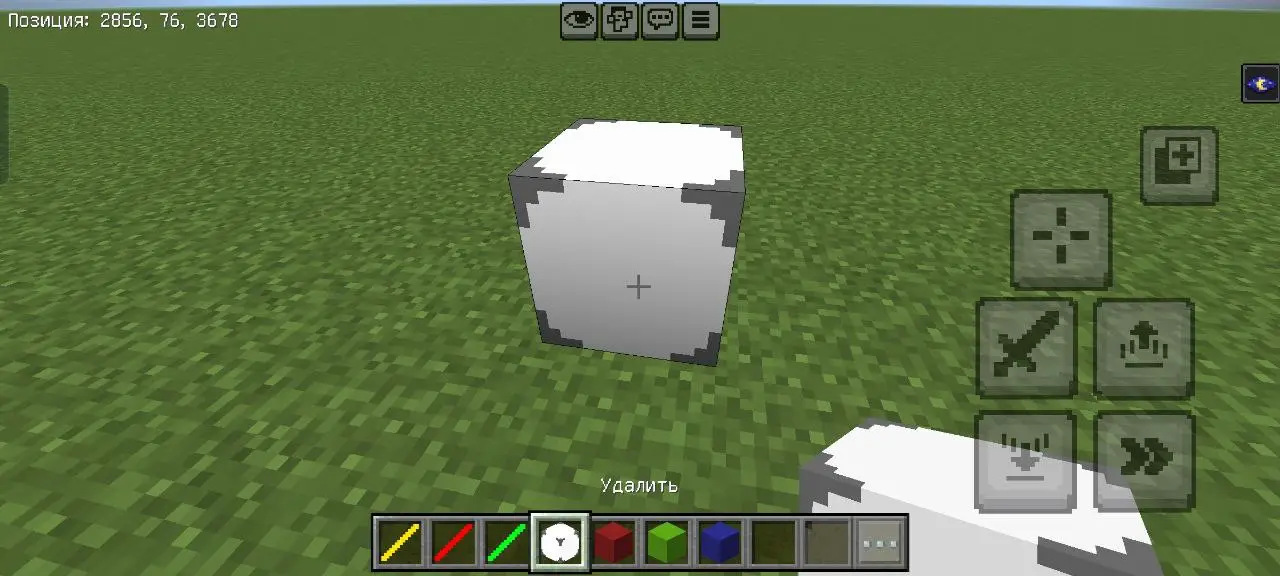
This block is used with the Fill Wand and Replace Wand to delete blocks. After selecting, click on this block to remove blocks from the selected area or delete selected blocks with the replace wand.
- ID: hs:air_fill
- Wands now have a 3D appearance.
- Removed the move wand due to poor functionality (try copying what you need, and remove the old area with the fill wand).
Previous versions
(28.02.2026)
- We added 3 new wands, as well as 1 new item, and updated the air activator texture to make it more noticeable in inventory.
- Box wand (we:hollow_wand, purple).
- Count wand (we:count_wand, white).
- Move wand (we:move_wand, green).
- Cancel activator (we:cancel, red cross).