Mod: Security Turret
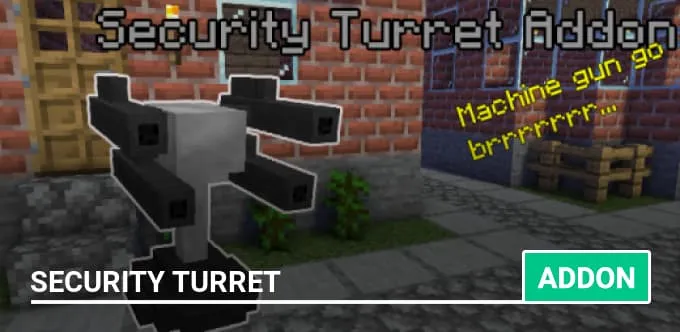
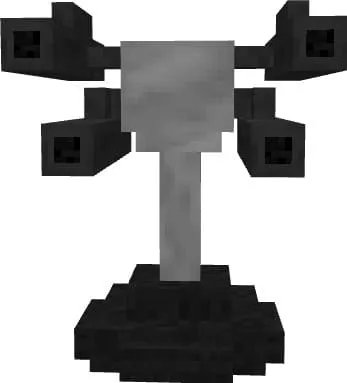
Mod Security Turret adds a new automatic turret with a machine gun that can shoot at monsters and other players. It can also heal nearby mobs and players. The turret has six operating modes, and you can even use it to fight bosses.
How to use the turret?
When you place the turret, you need to insert a Redstone block into it to activate the power. Do not attack the turret, or it will start shooting at you as well.
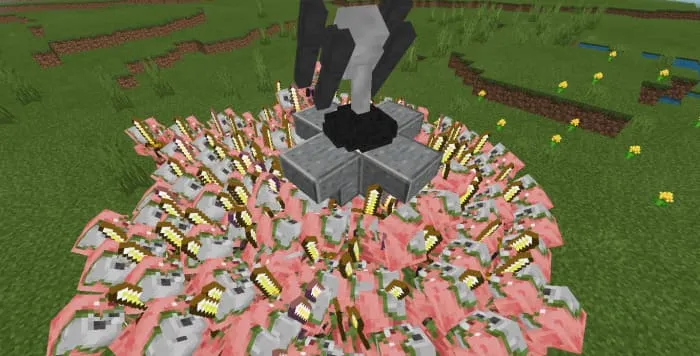
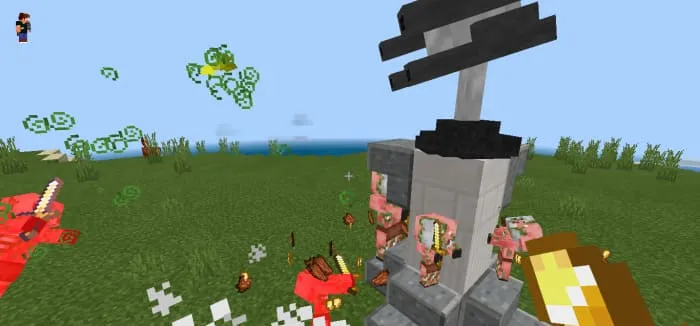
This is a highly effective weapon — it can eliminate 300 zombified piglins in just 10 seconds.
If you want the turret to target a specific player, enter the command /tag @p[name="Username"] add turret_foe in the chat.
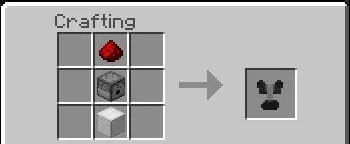
You can craft the turret using Redstone dust, a dispenser, and an iron block.
You can repair (heal) the turret by interacting with it while holding an iron ingot or Redstone dust.
Modes
The turret has six operating modes, each with its own special features:
- Normal Mode — the default mode; shoots regular arrows
- Slowness Mode — shoots slowness arrows; activate by using a slowness arrow
- Damage Mode — shoots arrows with instant damage; activate by using an instant damage arrow
- Wither Mode — shoots arrows with the Wither effect; activate by using a wither arrow
- Poison Mode — shoots poison arrows; activate by using a poison arrow
- Healing Mode — shoots healing arrows; activate by using a healing arrow
