Mod: Herobrine Addon 1.14+
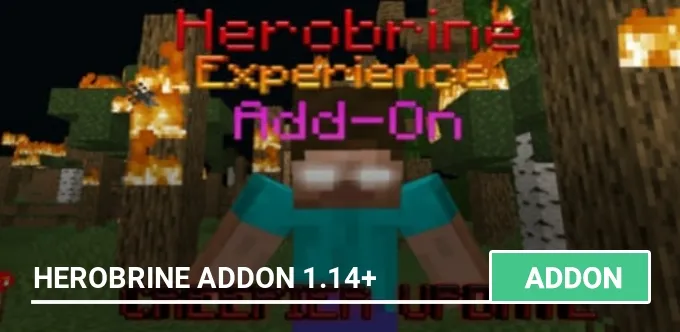
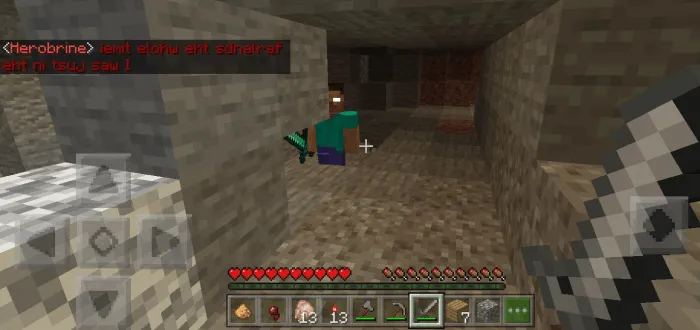
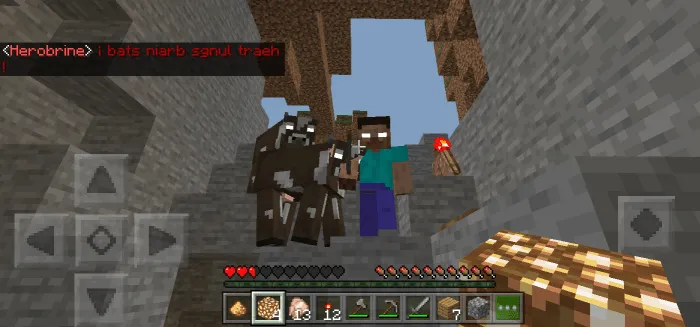
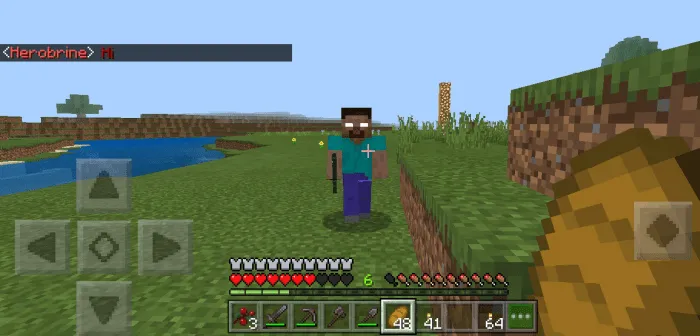
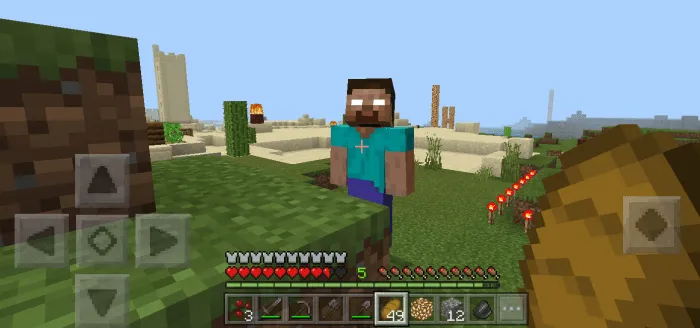
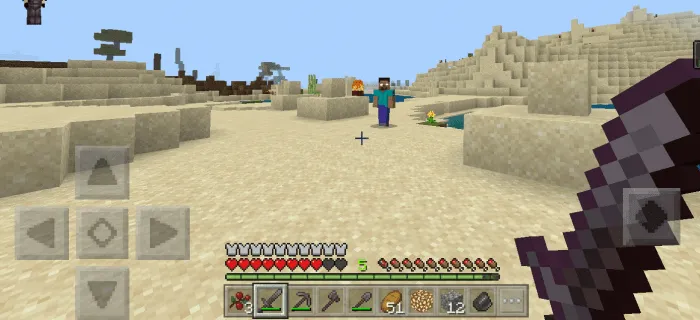
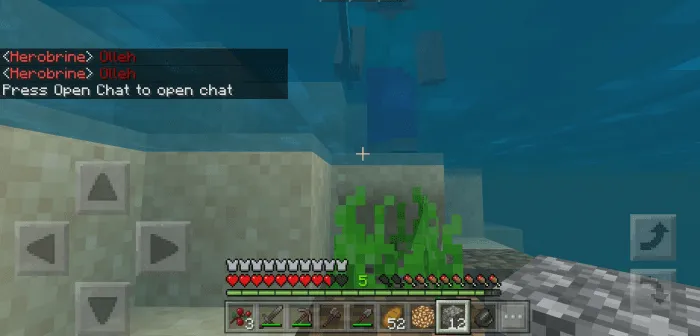
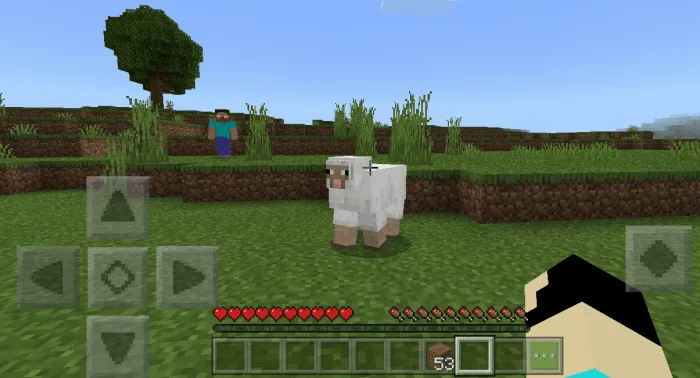
Herobrine is the most popular and oldest myth in Minecraft, some people think it's real, even though it's been proven to be fake. With this addon, you will find out what Herobrine would look like if it were real, will you be able to survive this challenge?
For the mod to work, you need to activate Experimental Gameplay in editing the world.
How to summon Herobrine?
First you need to create an activator, here is a crafting recipe:
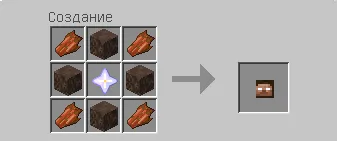
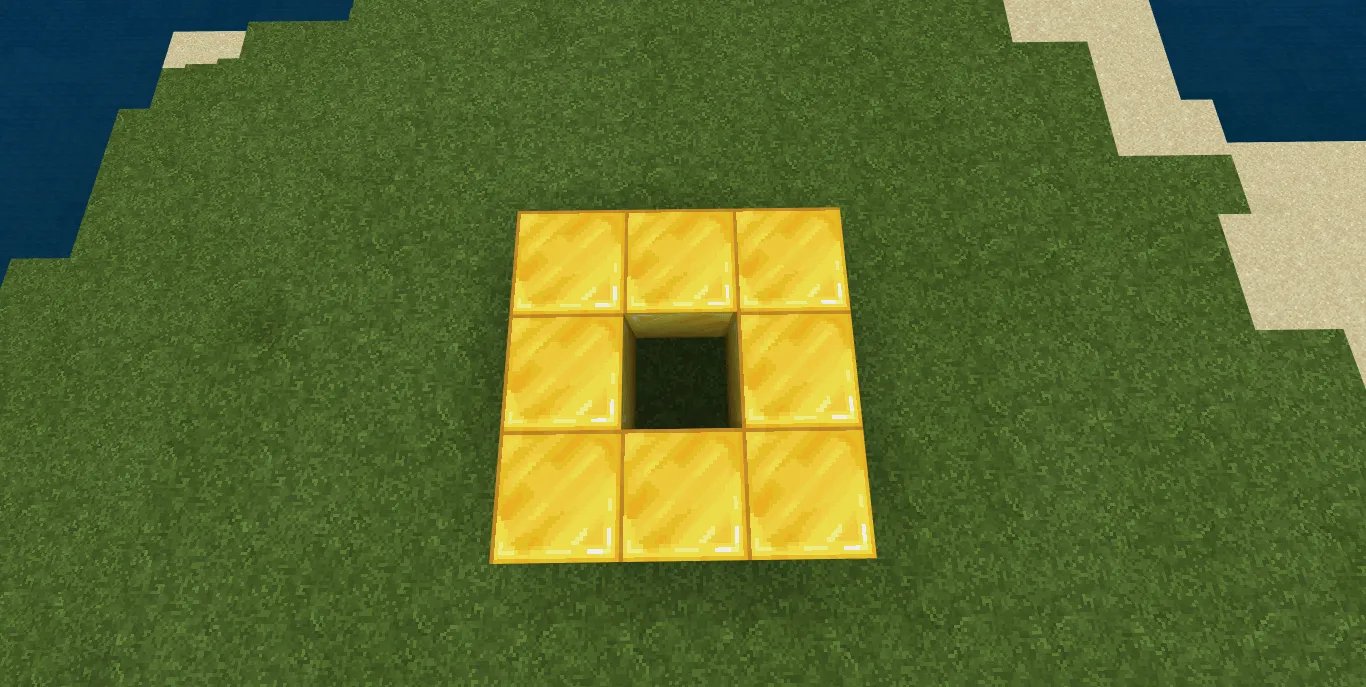
Now build a temple to summon Herobrine:
- Build a 3x3 contour from Gold Blocks
- Place a block of Mossy Cobblestone in the center
- Put the Stone of the Nether on the top of the structure.
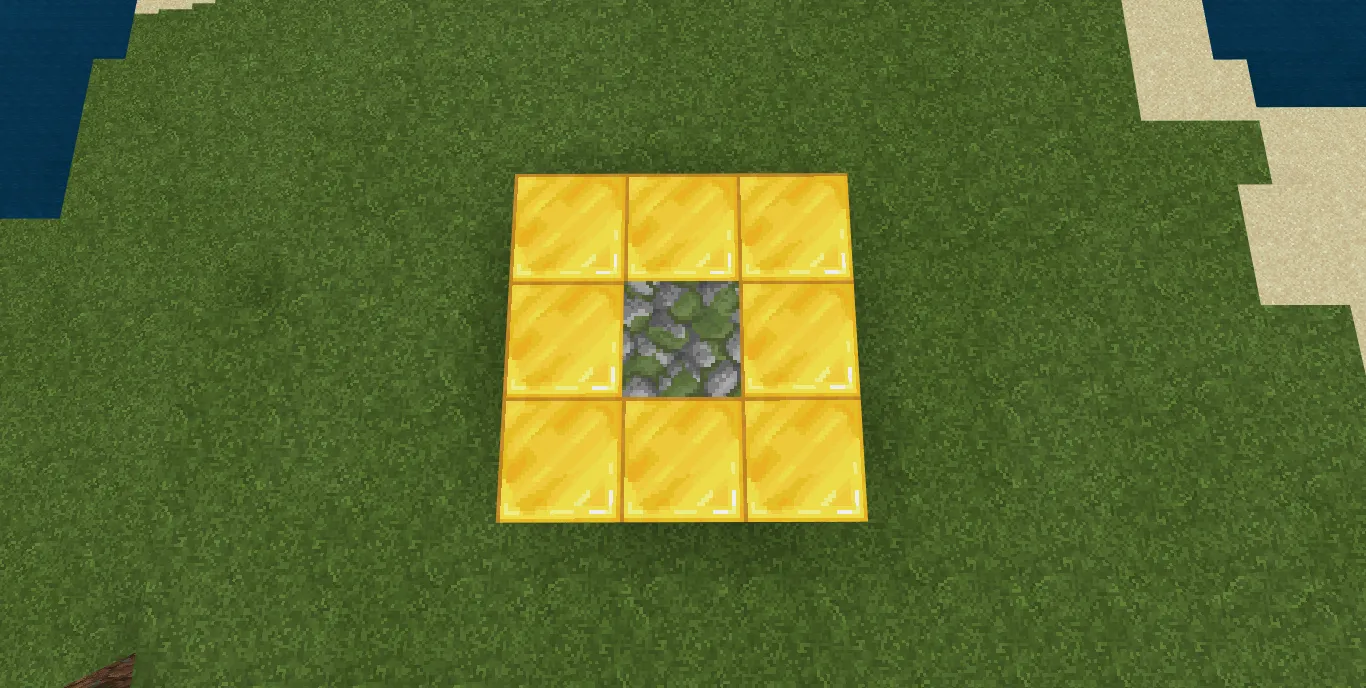
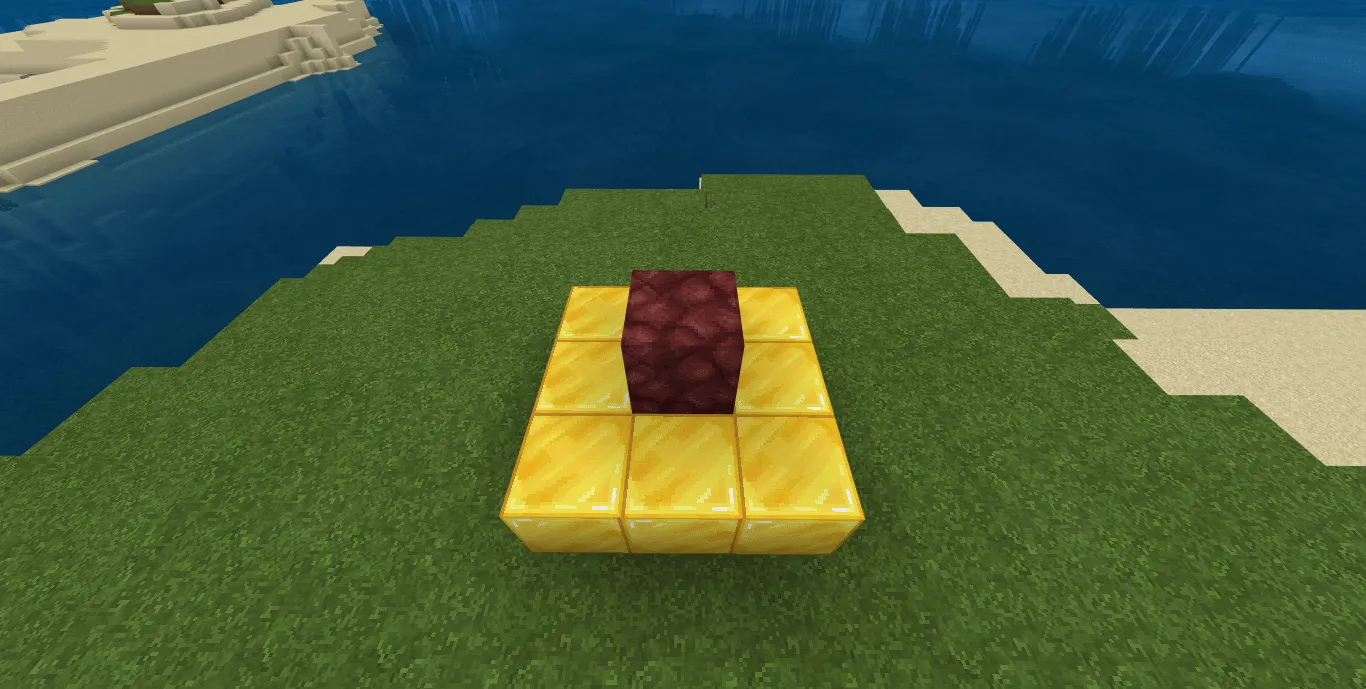
It remains to throw the activator into the center of the structure.
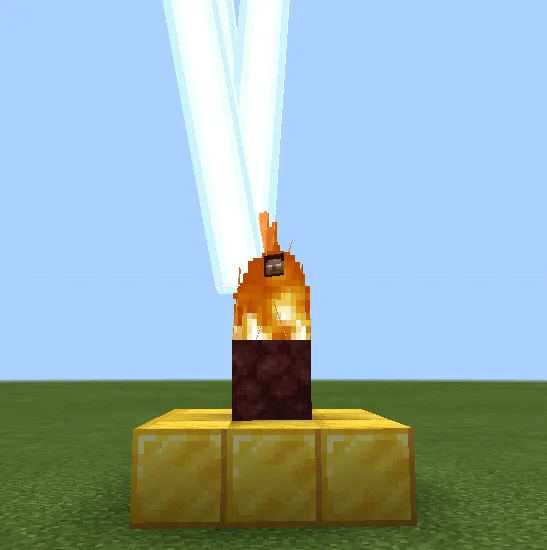
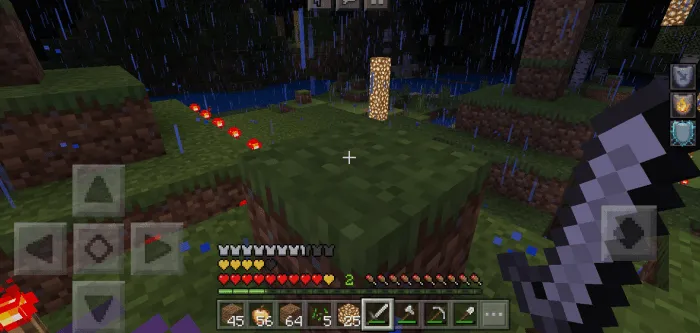
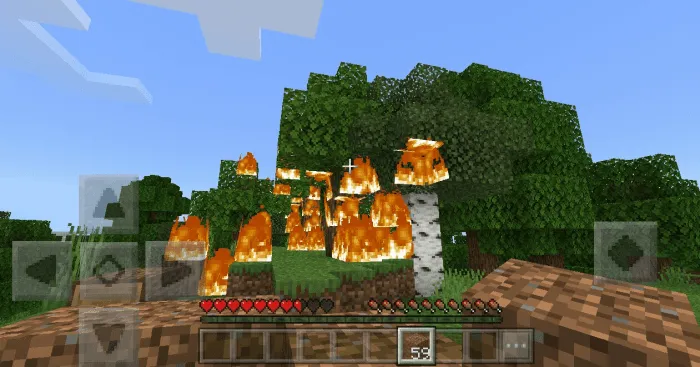
After activating the curse, very strange things will start happening in your world.
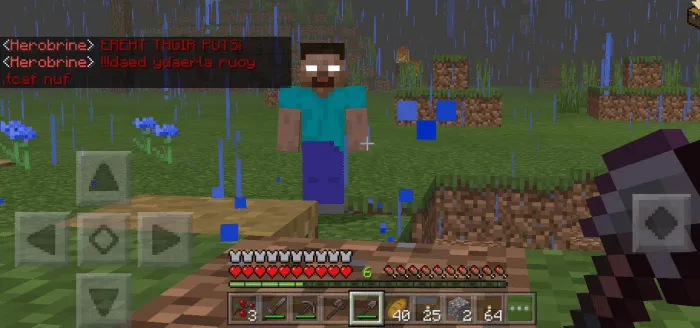
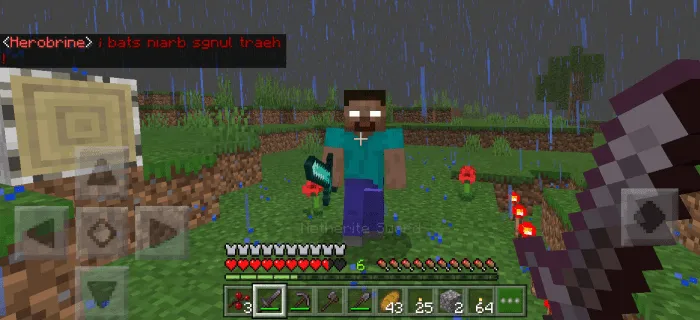
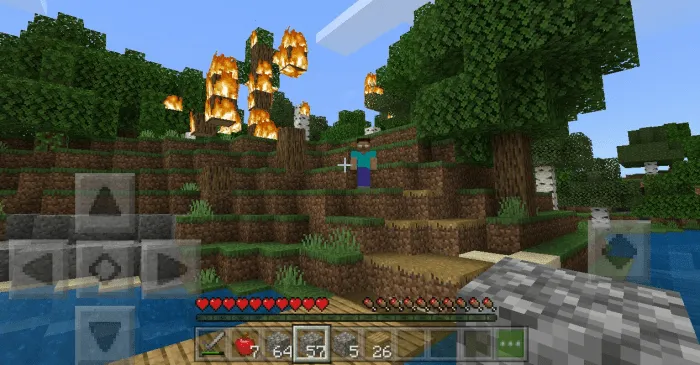
You will start hearing creepy noises and Herobrine will appear in 1 minute 15 seconds, so be prepared!
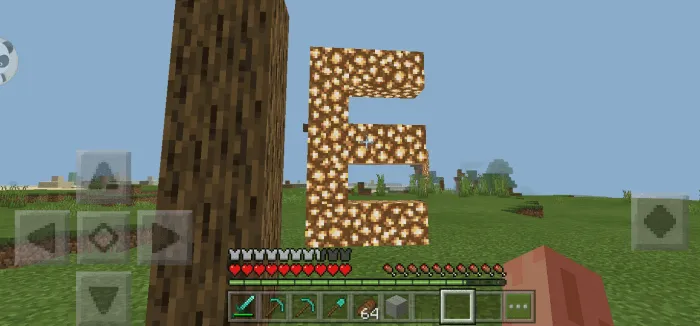
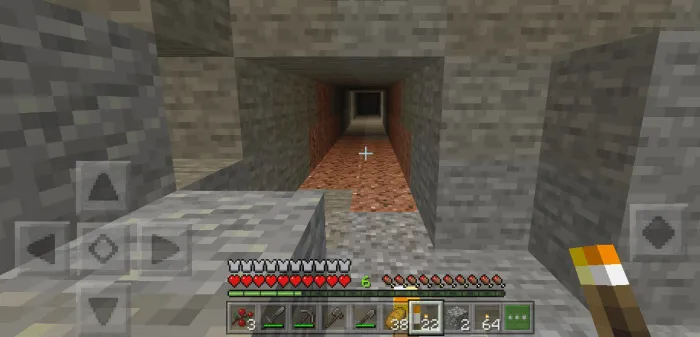
Strange structures will also appear in the world.
The curse lasts about 8 minutes, after which it will disappear from your world.
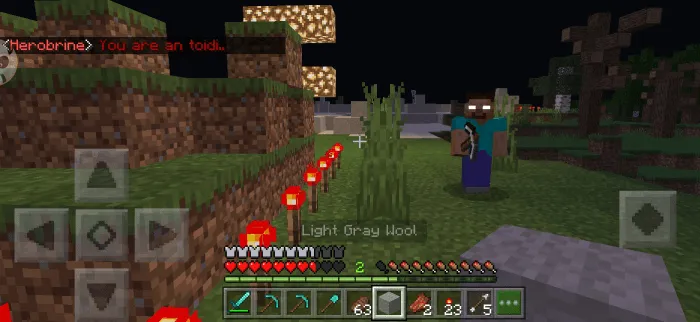
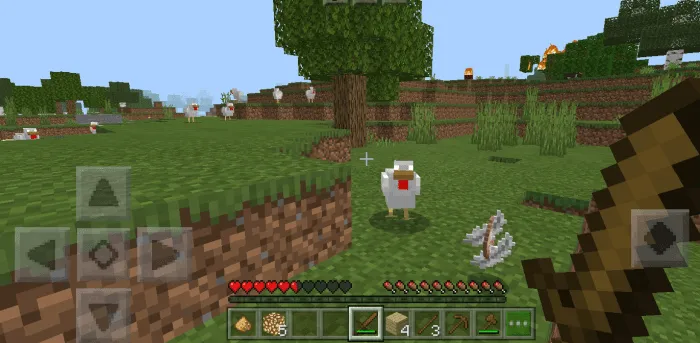
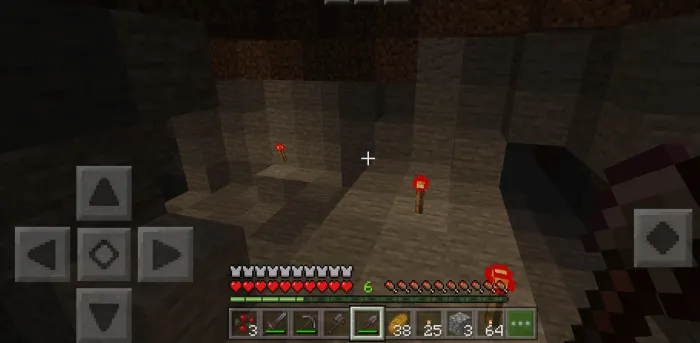
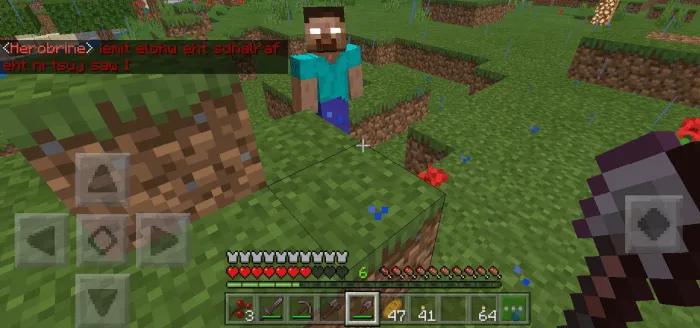
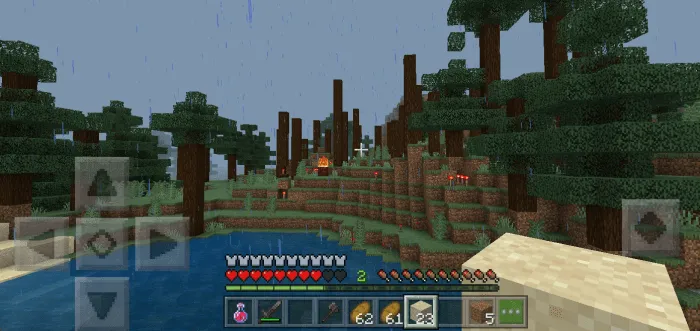
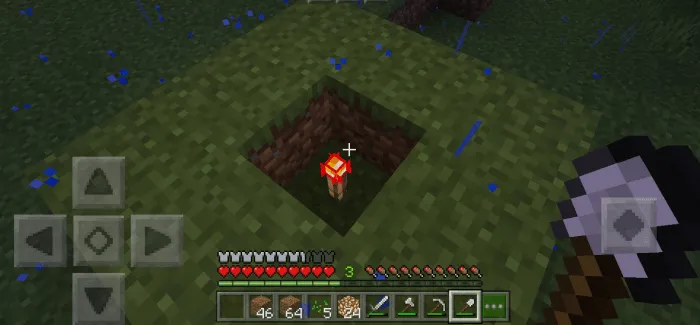
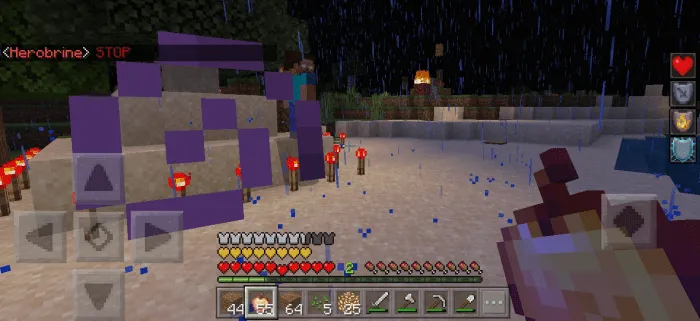
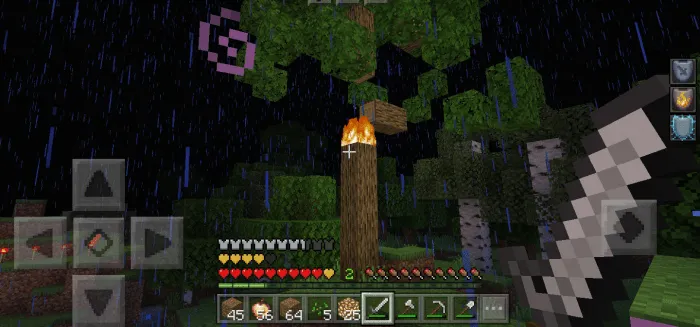
Screenshots:
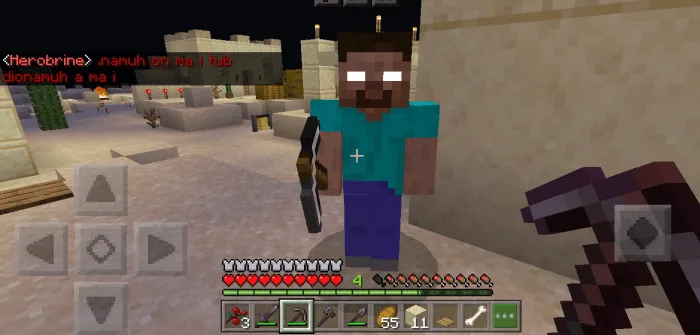
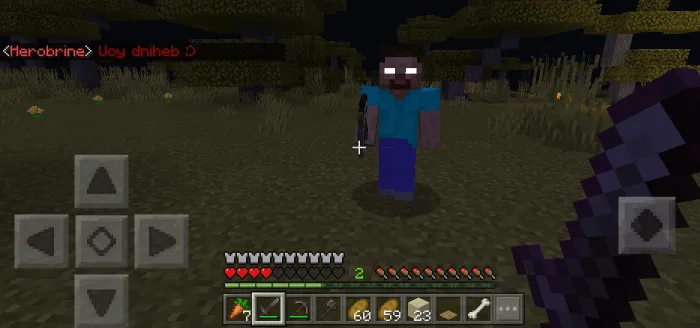
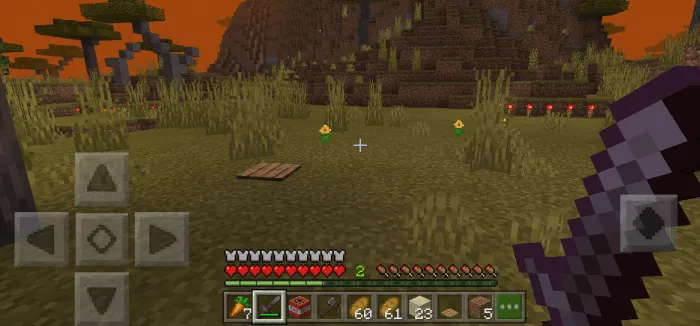
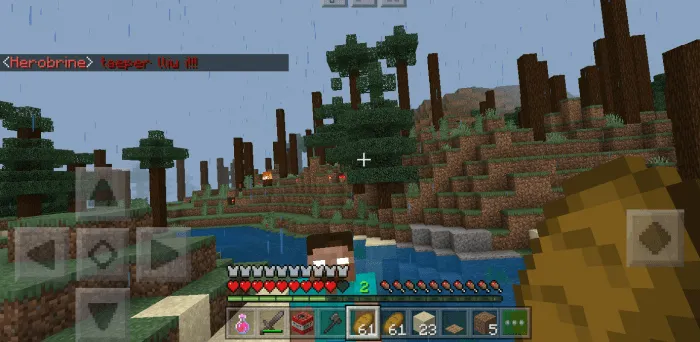
Settings
Skin options for Herobrine:
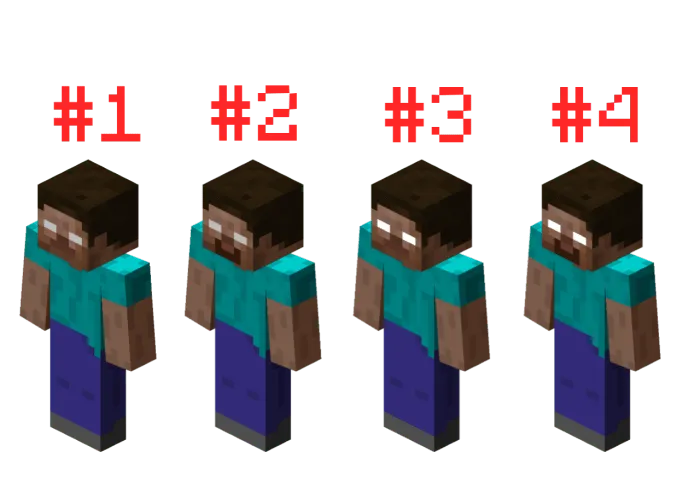
There are 4 skin options available in the addon:
- Herobrine (default) #1
- Herobrine with beard #2
- Herobrine (glowing eyes) #3
- Herobrine with beard (glowing eyes) #4.
The eyes of the cursed mobs will also glow if you use option 3 and 4.
How to change the version of the Herobrine skin?
If you want to use option 2, 3 or 4, you need to activate the resource set manually. If you want to use the default model, then just don't activate the other options.
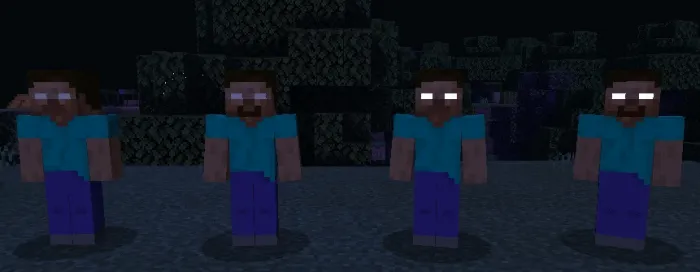
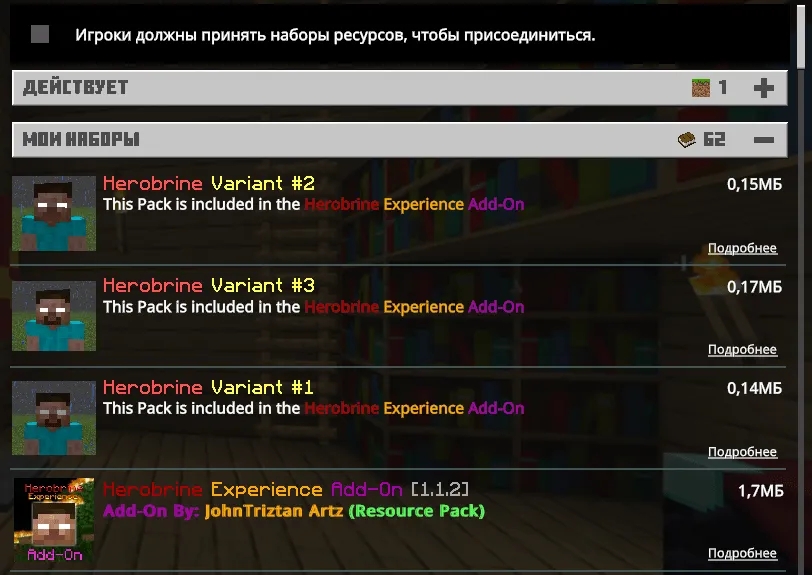
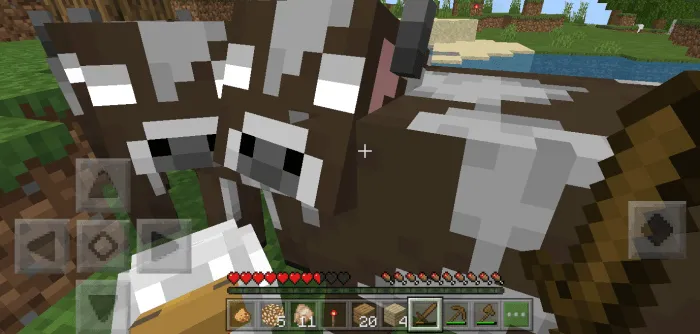
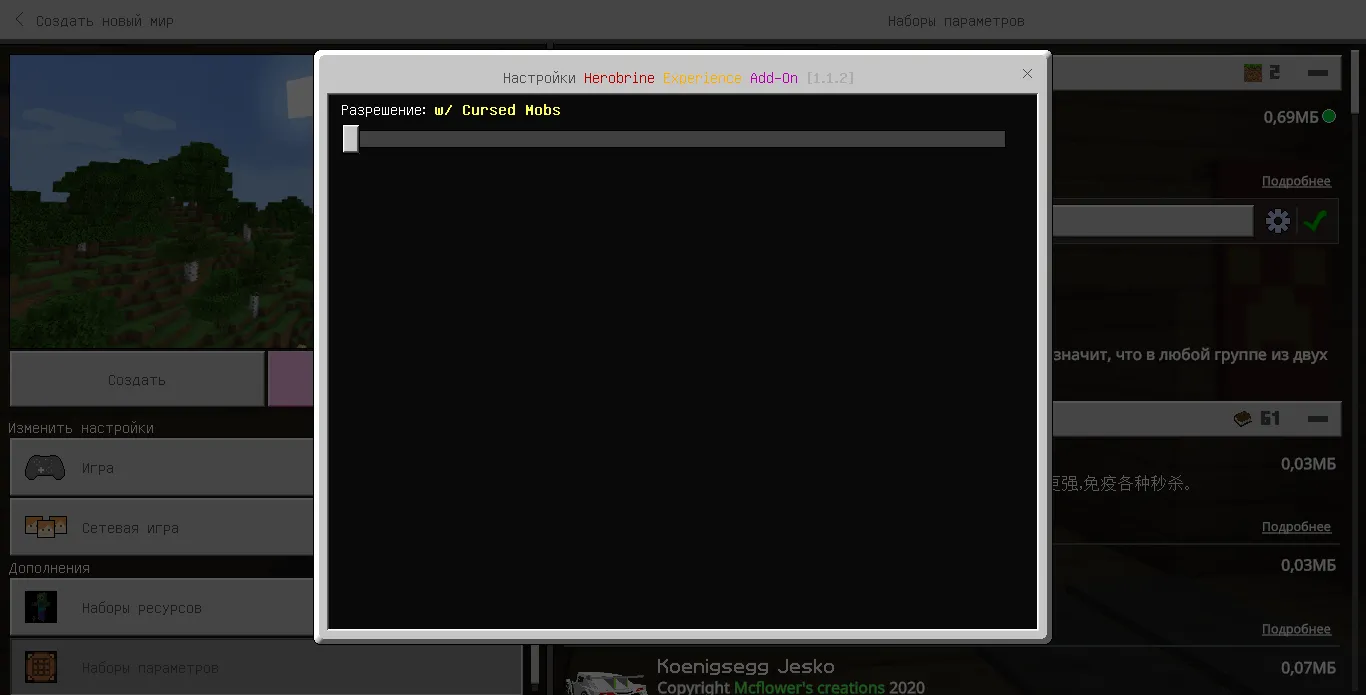
If you want cursed animals to appear in your world, select the Herobrine Experience mod in the behavior pack and click on the gear icon and move the slider to the left.
Installing the Herobrine Experience mod (.mcaddon):
- Download the mod .mcaddon from the link below.
- Just open the file (via ES Explorer on Android) and the game will install everything you need by itself.
- Launch Minecraft and go to edit the world.
- Select Resource Packs.
- Find the resource pack and activate it.
- Select Behavior Packs.
- Find the addon and activate it.
- The mod is installed, have a nice game!
