Mod: Reduce Player Gravity Addon
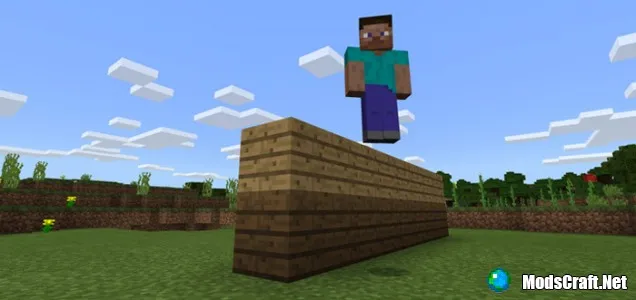
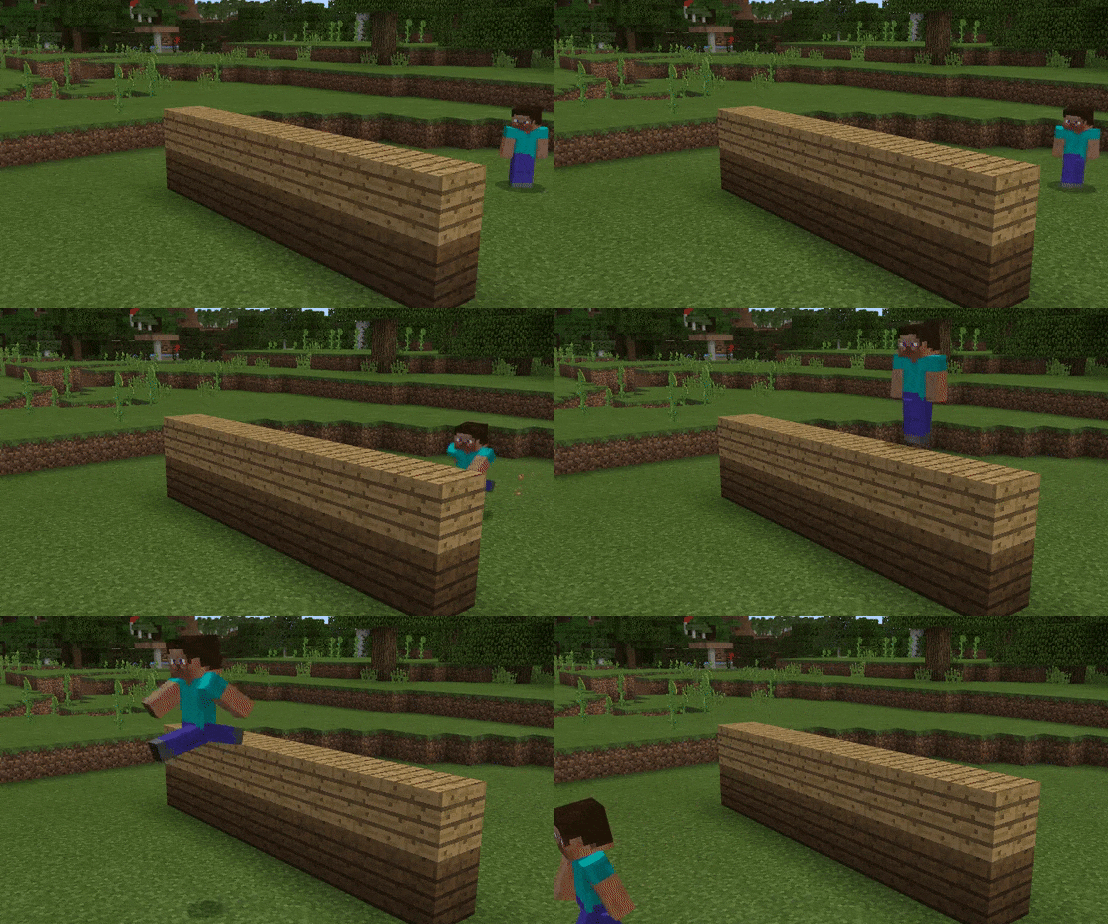
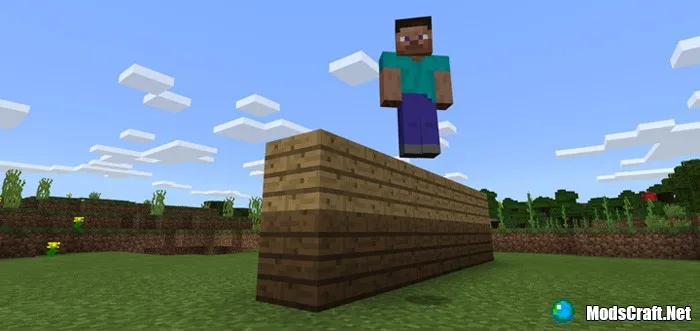
Want to feel lighter in the world of Minecraft? Then the Reduce Player Gravity Addon is exactly what you need. It lowers the gravity in the game world, allowing your character to jump about two blocks high instead of the usual one.
This effect creates the sensation that you’re playing in low gravity—like being on the Moon. Movement becomes smoother and “airier,” opening up new possibilities for parkour, cave exploration, and building. The mod is especially great for those who love unique experiences or maps with puzzle elements.
How to install the Reduce Player Gravity Addon (.mcpack):
- Download the mod file marked .mcpack from the link below.
- Simply open the file (using ES File Explorer on Android) and the game will automatically install all necessary files.
- Launch Minecraft Pocket Edition and go to world editing.
- Select Behavior Packs.
- Find the addon file, tap on it, and press "+" to activate.
- The mod is now installed—enjoy the game!
Files
Files in a new tab
Download Reduce Player Gravity Addon (.mcpack)
4
comments
Comments in a new tab
Loading…
Loading…
Loading…
