Map: One Night At Frankies [Horror!] [Mini-game]
![Map: One Night At Frankies [Horror!] [Mini-game]](https://img.modscraft.net/uploads/posts/2017-07/medium/1499453696_one-night-at-frankies-1.webp)
The map One Night At Frankies was created by a fan of the popular horror game Five Nights At Freddy's. The map uses some similar elements from that game. It features various custom sounds, many command blocks, and redstone to make the game even more interesting!
How to Play?
If you've played Five Nights At Freddy's, the gameplay mechanics on this map for Minecraft PE will feel familiar, but there are some differences.
- Wooden button = camera
- Stone button behind you = generator
- Stone buttons in front of you = room lights
- Levers = door locks
You'll need to defend yourself from Golden Frank using cameras (wooden button) and doors.
![Map: One Night At Frankies [Horror!] [Mini-game]](https://img.modscraft.net/uploads/posts/2017-07/1499448680_one-night-at-frankies-3.webp)
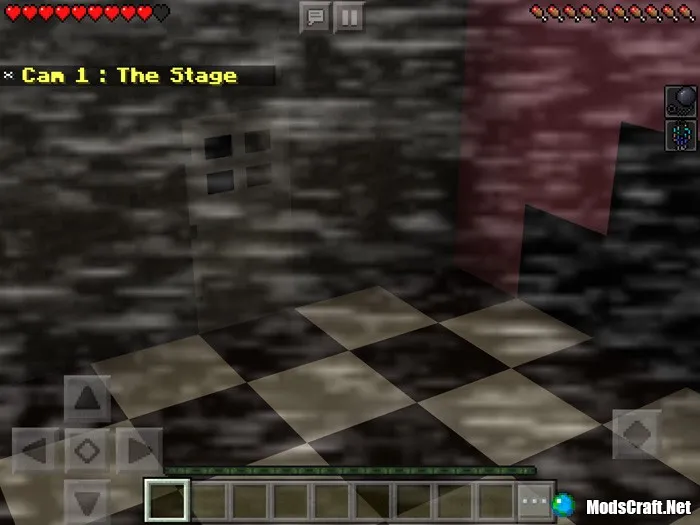
Note: Set brightness to 50% and field of view to 109. Make sure the texture pack is enabled in the world.
Installing the One Night At Frankies Map (.mctemplate):
- Download the .mctemplate map file from the link below.
- Simply open the file (via ES File Explorer on Android) and the game will install all necessary files automatically.
- Launch Minecraft Pocket Edition and go to the world creation screen.
- Select the One Night At Frankies template and create the world.
- Enjoy the game!
Files
Files in a new tab
Download One Night At Frankies map (.mctemplate)
16
comments
Comments in a new tab
Loading…
Loading…
Loading…
