Map: Lucky Block Challenge [PvP]
![Map: Lucky Block Challenge [PvP]](https://img.modscraft.net/uploads/posts/2017-04/1492517203_lucky-block-challenge-1.webp)
Tired of the same old PvP maps on Minecraft PE? Then we recommend trying the Lucky Block Challenge map, designed for two or more players with engaging gameplay for Minecraft PE!
How to Play?
Before starting the game, press the Before You Start button, and you'll receive 30 lucky blocks. If it doesn't work for some reason, enter the command /give @a spawn_egg 30 12. All players must place the lucky blocks, then break them to get items.
![Map: Lucky Block Challenge [PvP]](https://img.modscraft.net/uploads/posts/2017-04/1492516980_lucky-block-challenge-6-1.webp)
After all players have broken all blocks, you must go to the trading shop to exchange the obtained items for rabbit's feet.
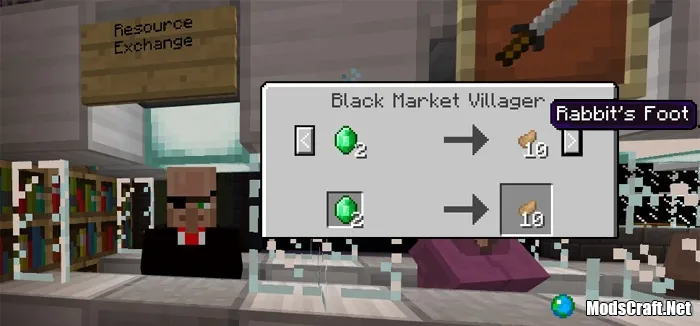
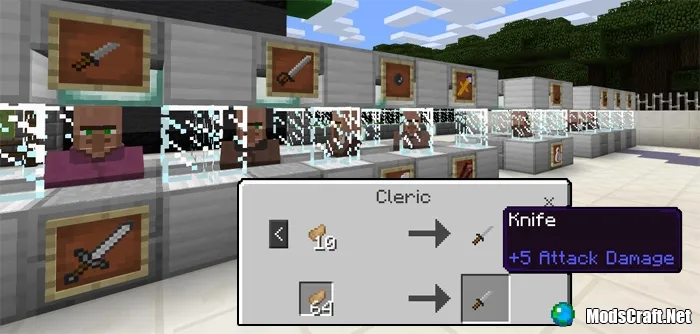
Then approach the traders and exchange rabbit's feet for weapons.
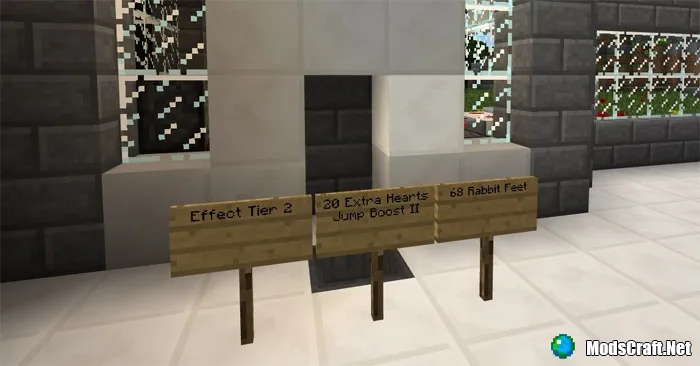
With rabbit's feet, you can get additional effects to help you in battle.
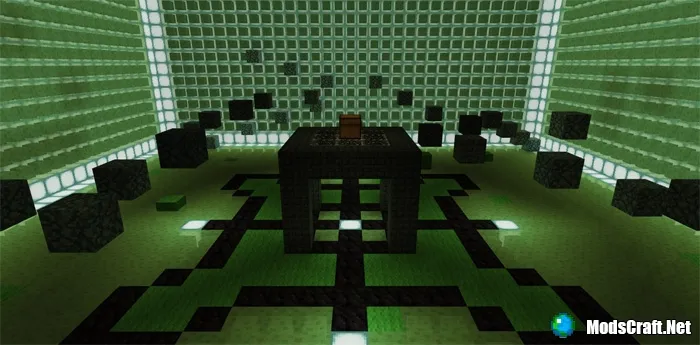
Now it's time to head to the arena! The map offers two arenas, but the map creator recommends Slime Arena!
The player who remains the last survivor on the arena wins!
Installing the Lucky Block Challenge Map (.mcworld):
- Download the .mcworld map file from the link below.
- Simply open the file (via ES File Explorer on Android) and the game will install all necessary files automatically.
- Launch Minecraft Pocket Edition and find the map in the world list.
- Start the map and enjoy!
