Super Sponges Mod 1.16.201+
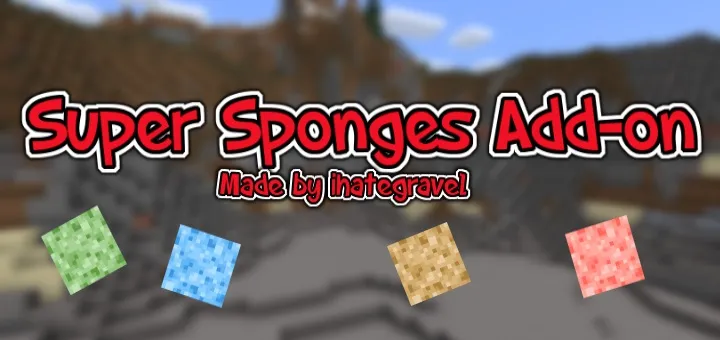
Would you like to be able to create huge areas of water or lava in Minecraft Bedrock? Then install the "Super Sponges" mod, which adds four new sponges: Super Water Sponge, Super Lava Sponge, Water Filling Sponge, and Lava Filling Sponge.
Enable experimental features in world settings.
We do not recommend using this mod in your worlds if you value your builds, as you might accidentally destroy them! We recommend making copies of your worlds before using the mod.
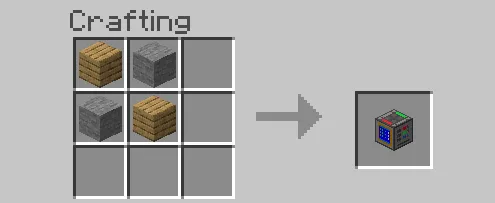
You will need the new Fabricator block to craft the new blocks.
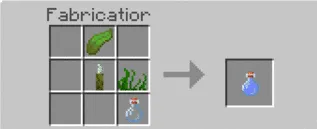
Super Water Sponge.
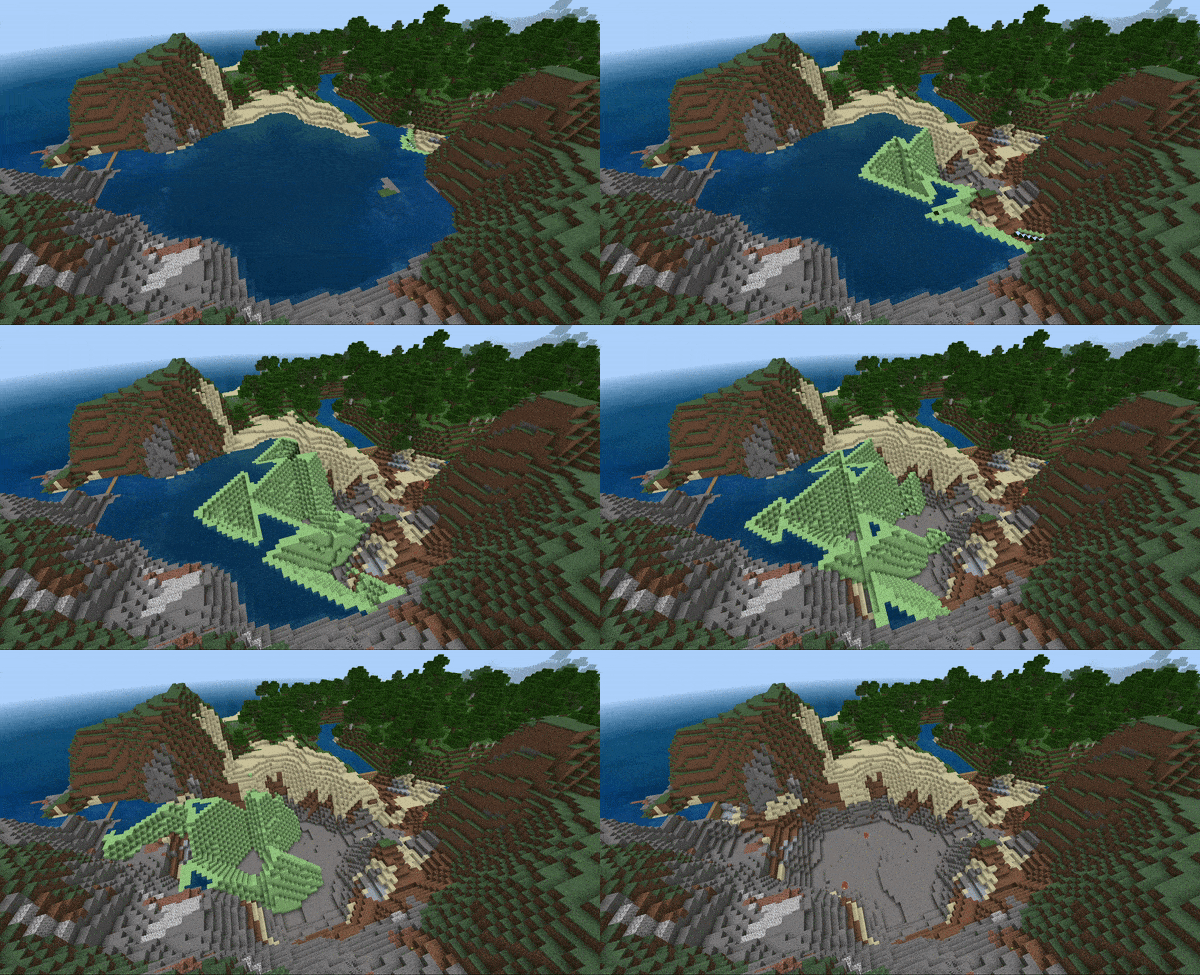
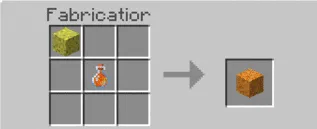
Crafting recipe for Super Water Sponge:
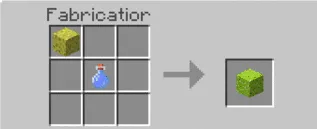
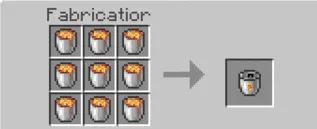
Super Lava Sponge.
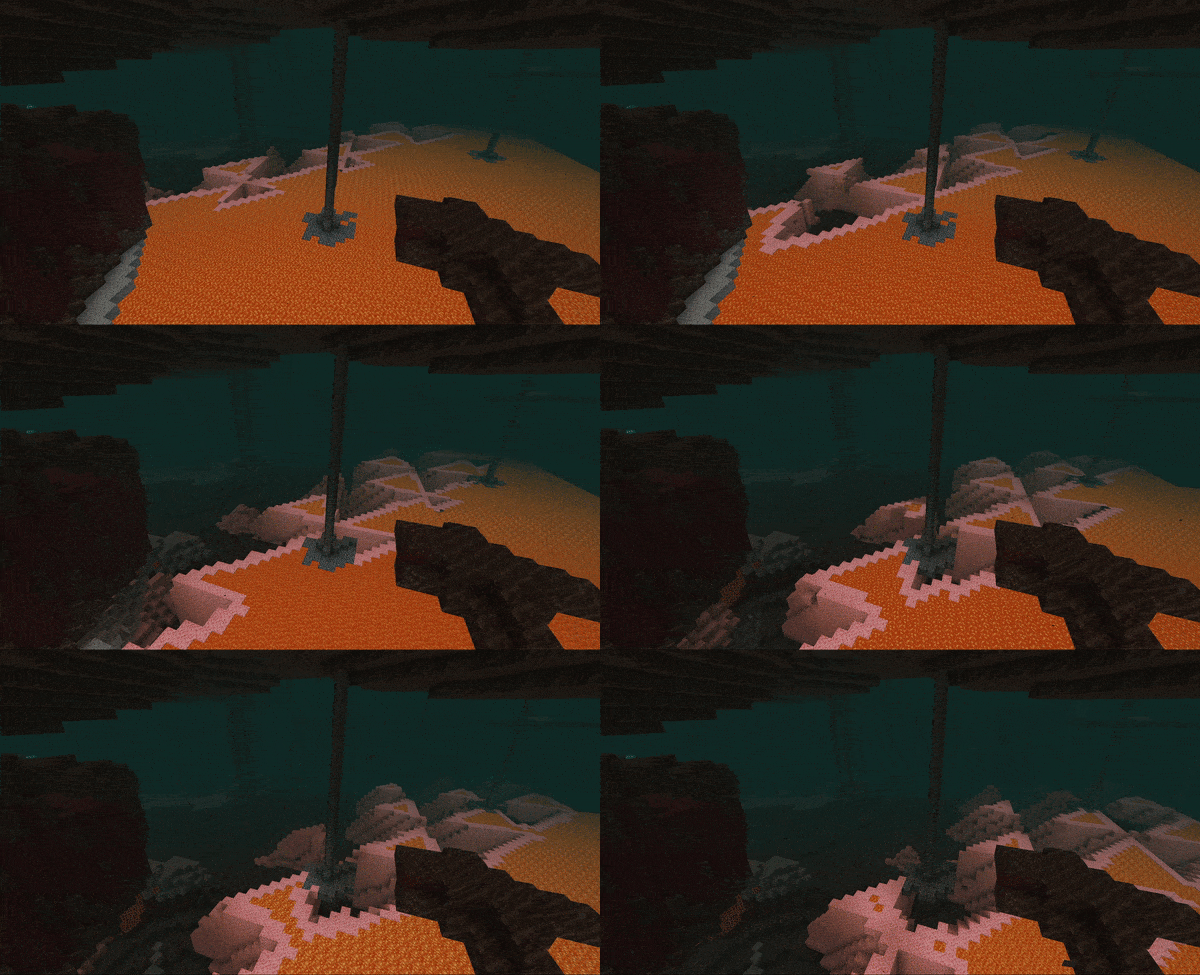
Crafting recipe for Super Lava Sponge:
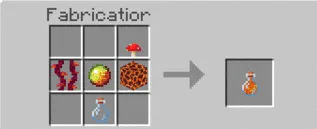
Water Filling Sponge.
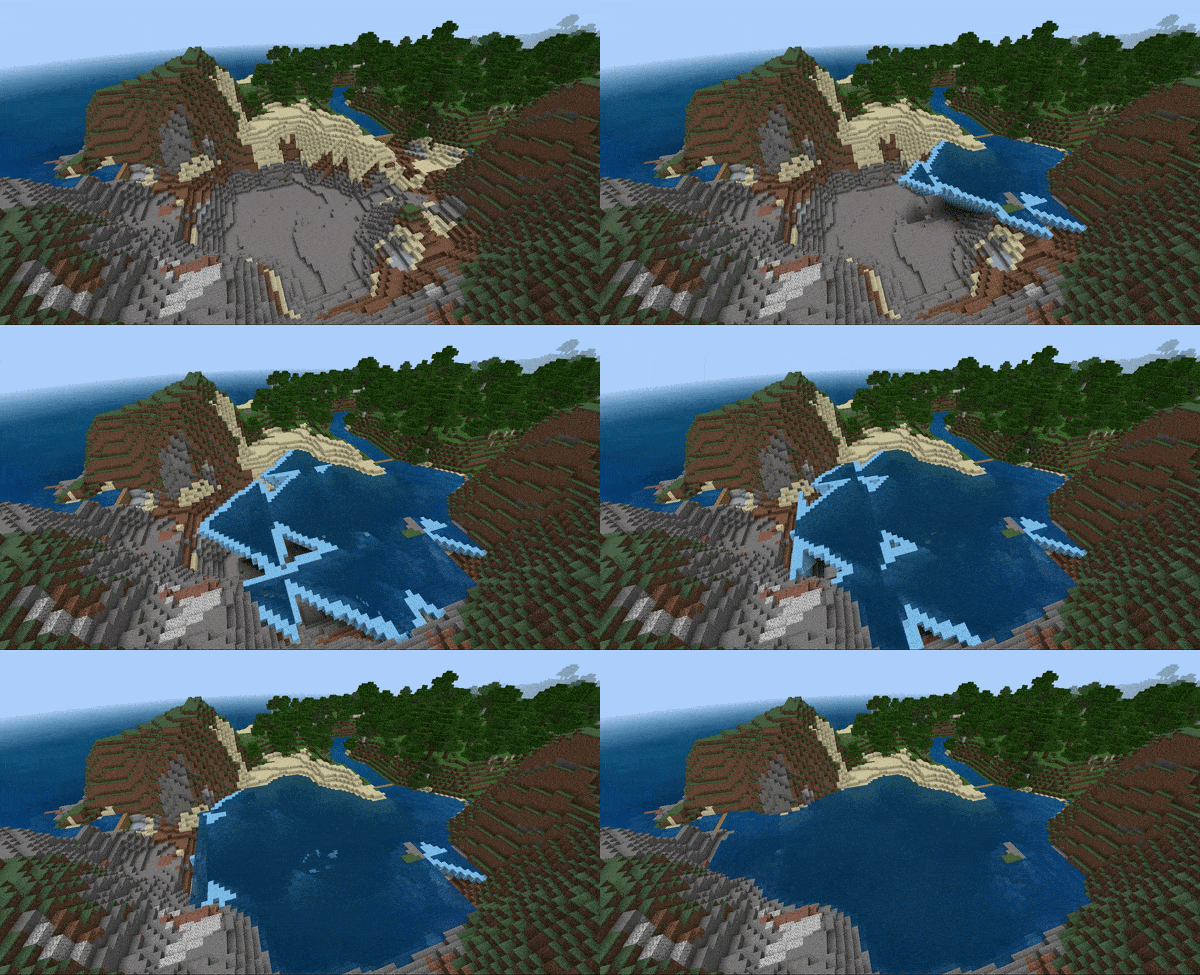
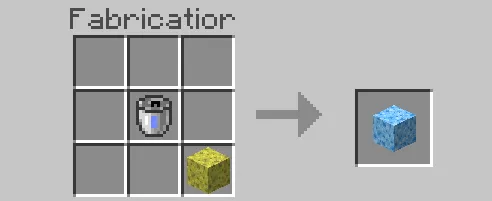
Crafting recipe for Water Filling Sponge:
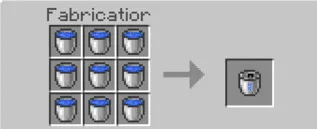
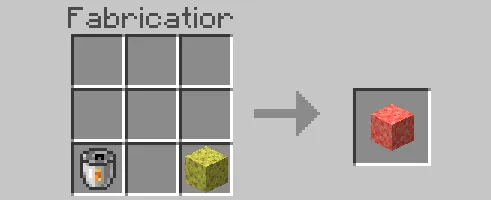
Lava Filling Sponge.
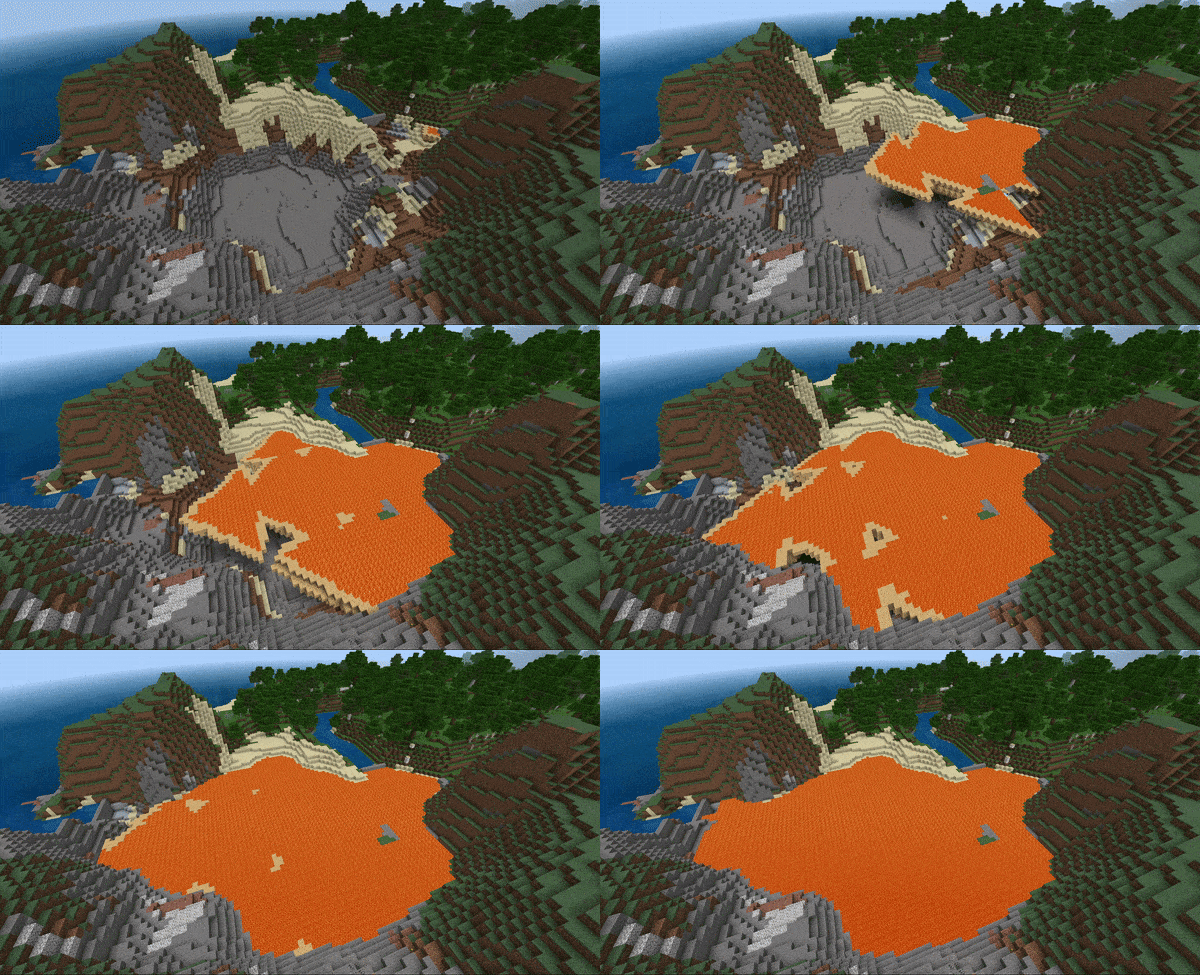
Crafting recipe for Lava Filling Sponge:
How to Install Super Sponges Mod (.mcaddon):
- Download the mod file with the .mcaddon extension from the link below.
- Simply open the file and the game will install everything automatically.
- Launch Minecraft and go to world settings.
- Select Resource Packs.
- Find the texture pack and activate it.
- Select Behavior Packs.
- Find the addon and activate it.
- The mod is installed. Enjoy the game!