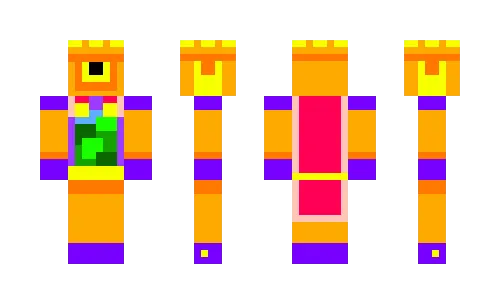
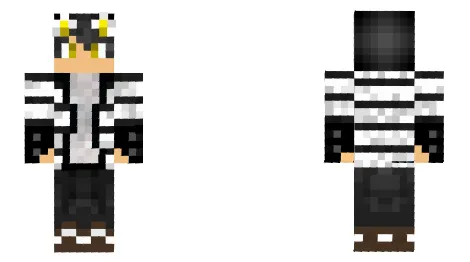
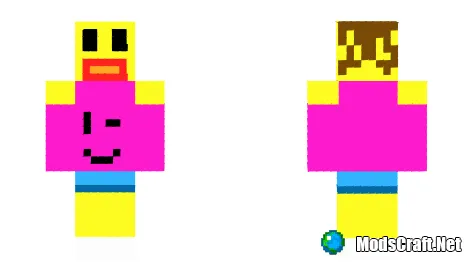
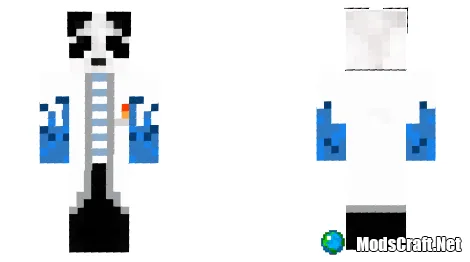
Skin Rico Brawl Stars

12-03-2020, 23:03
14 780

Rico Brawl Stars


Installing the skin:

  • Download the skin by the link below.
  • Extract the skin from the archive using ES Explorer or another file manager.
  • Launch Minecraft Pocket Edition.
  • Press Dressing room button.
  • Press Edit character or create new.
  • Go to the skins section.
  • Press Owned and select Owned skins doll.
  • Press Choose new skin and import.
  • Skin installed, enjoy!

  • Download skin Rico Brawl Stars .png
    [844 b] downloads: 3 623
    Leave a comment