IntoCMD – MineSweeper Map [Mini-Games]
![IntoCMD – MineSweeper Map [Mini-Games]](https://img.modscraft.net/uploads/posts/2019-07/1564141973_intocmd-minesweeper_3.webp)
The "IntoCMD – MineSweeper" map for Minecraft Bedrock (PE) brings the classic Minesweeper game with three difficulty levels!
Use the buttons on the platform to select a difficulty level and start the game. Three levels are available: Easy, Normal, and Hard.
![IntoCMD – MineSweeper Map [Mini-Games]](https://img.modscraft.net/uploads/posts/2019-07/1564141926_intocmd-minesweeper_2.webp)
Mine generation is random each round. You can mark or reveal a cell:
- Windows 10: Right-click to place a flag; Left-click to reveal a cell.
- Android: Hold on the screen to reveal a cell; Tap to place a flag.
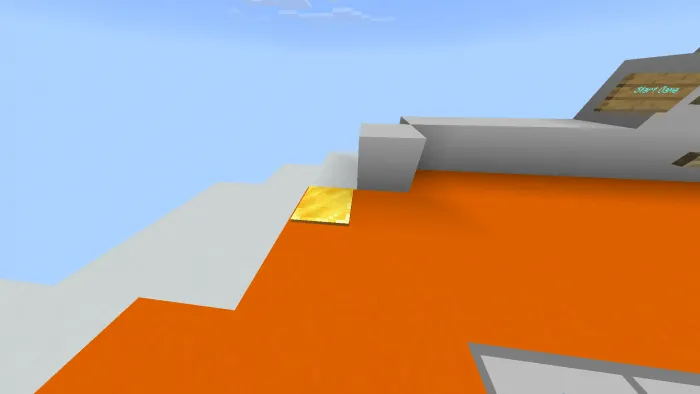
Stand on the pressure plate to enable flight.
Tips for those new to Minesweeper:
- Reveal the first cell. This cell will show a number. The number indicates how many mines are adjacent to that cell.
- If a cell is adjacent to another empty cell, it will automatically open.
- If you reveal a mine, you lose the game.
- To win, you must reveal all cells that do not contain mines.
Installing the IntoCMD – MineSweeper map (.mcworld):
- Download the .mcworld map file from the link below.
- Simply open the file, and the game will install everything automatically.
- Launch Minecraft and find the map in your world list.
- Start the map and enjoy!

Download IntoCMD – MineSweeper map (.mcworld)
Download IntoCMD – MineSweeper map (.zip)
1
comment
Loading…
