Map: The Transforming Room [Redstone]
![Map: The Transforming Room [Redstone]](https://img.modscraft.net/uploads/posts/2017-02/1486900568_transform-the-room-0.webp)
The map The Transforming Room is a fairly complex redstone mechanism that will help you hide your room underground. With just one button you can activate the mechanism and the room will appear before you!
How does it work?
The entire mechanism works with just one button. If you want to learn how to create something similar, watch the video at the end of this post.
This is what the room will look like when you spawn in the world.
![Map: The Transforming Room [Redstone]](https://img.modscraft.net/uploads/posts/2017-02/1486900072_the-transforming-room-1.webp)
Press the button on the gold block to start the room transformation.
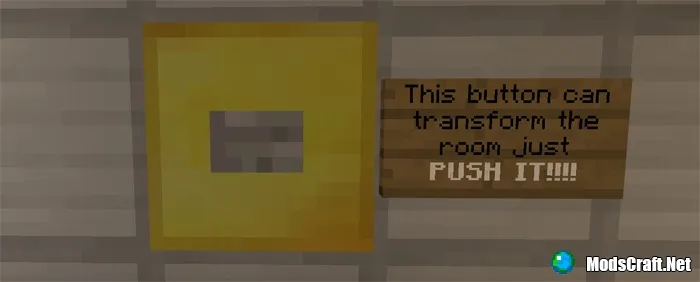
It will take 10 to 20 seconds for the process to complete. Immediately after, the room will look completely different.
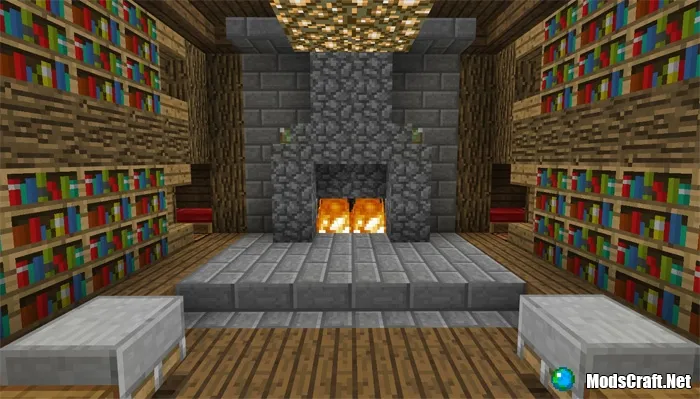
Below you can watch a video to learn how to create similar mechanisms.
Installing the The Transforming Room map (.mcworld):
- Download the map file .mcworld from the link below.
- Simply open the file (via ES File Explorer on Android) and the game will install all necessary files automatically.
- Launch Minecraft Pocket Edition and find the map in the world list.
- Start the map and enjoy playing it!
Installing the The Transforming Room map (.zip)
- Download the map archive from the link below.
- Extract the map from the archive to /games/com.mojang/MinecraftWorlds/.
- Launch Minecraft Pocket Edition and find the map in the world list.
- Start the map and enjoy playing it!
Download The Transforming Room map (.mcworld)
Download The Transforming Room map (.zip)
1
comment
Loading…
